
deamoy
AI website builderIdeas to websites with AI editing
Highlights
What you can do with it
- Personal blogs for writers and hobbyists
- Small business sites presenting products and services
- Event promotion pages built in an afternoon
How to use it
- 1 Register and choose a plan
- 2 Let the AI generate an initial design
- 3 Adjust layout and content in the visual editor
- 4 Publish and share the link
Who it is for
Pros
- Free version for hobby projects
- Visual editing without writing code
- Imports existing HTML and Figma work
Limitations
- Free plan keeps platform watermarking
- Storage limits depend on the plan
- Custom domains and collaboration need payment
What deamoy is
Deamoy is an AI website building tool. You describe the site you want, the AI produces a first design, and you refine it in a visual editor where elements can be dragged and changes previewed in real time. There is no need to write code to get a presentable result. Existing work is not wasted: HTML and Figma import plugins let you bring a design in and continue from there. Team collaboration supports several people editing the same project, and paid plans add a custom domain, more storage, and removal of the platform watermark. A free version is offered for enthusiasts, with paid plans for professional and larger business use.
What you can do with it
- Generate an initial website design from a description
- Adjust layout and content in a visual editor
- Import existing HTML or Figma designs
- Collaborate with teammates and publish a link
Who it is for
- Individuals building a first personal site or blog
- Small business owners who need a web presence fast
- Event organizers who need a promotional page quickly
- Designers who already work in Figma
What to watch out for
The free version is a hobby tier. Watermark removal, custom domains, larger storage, and team features sit behind paid plans, so a business site will end up costing money. AI generated layouts are a starting point and usually need manual cleanup to look considered rather than templated. Imported designs may not map cleanly onto the builder's structure, so budget time for fixes. Check storage limits before you build an image heavy site, since media is what fills space first. For team use, agree on naming and editing conventions in advance to avoid version conflicts or duplicated work.
FAQ
Is there a free version?
Yes, aimed at enthusiasts and hobby projects.
Can I import existing designs?
Yes, through HTML and Figma plugins.
Can I use my own domain?
Custom domains are available on paid plans.
Why it is free
What the official page says: free version
Free limits, trial length and features are decided by the official site and can change at any time.
Product preview
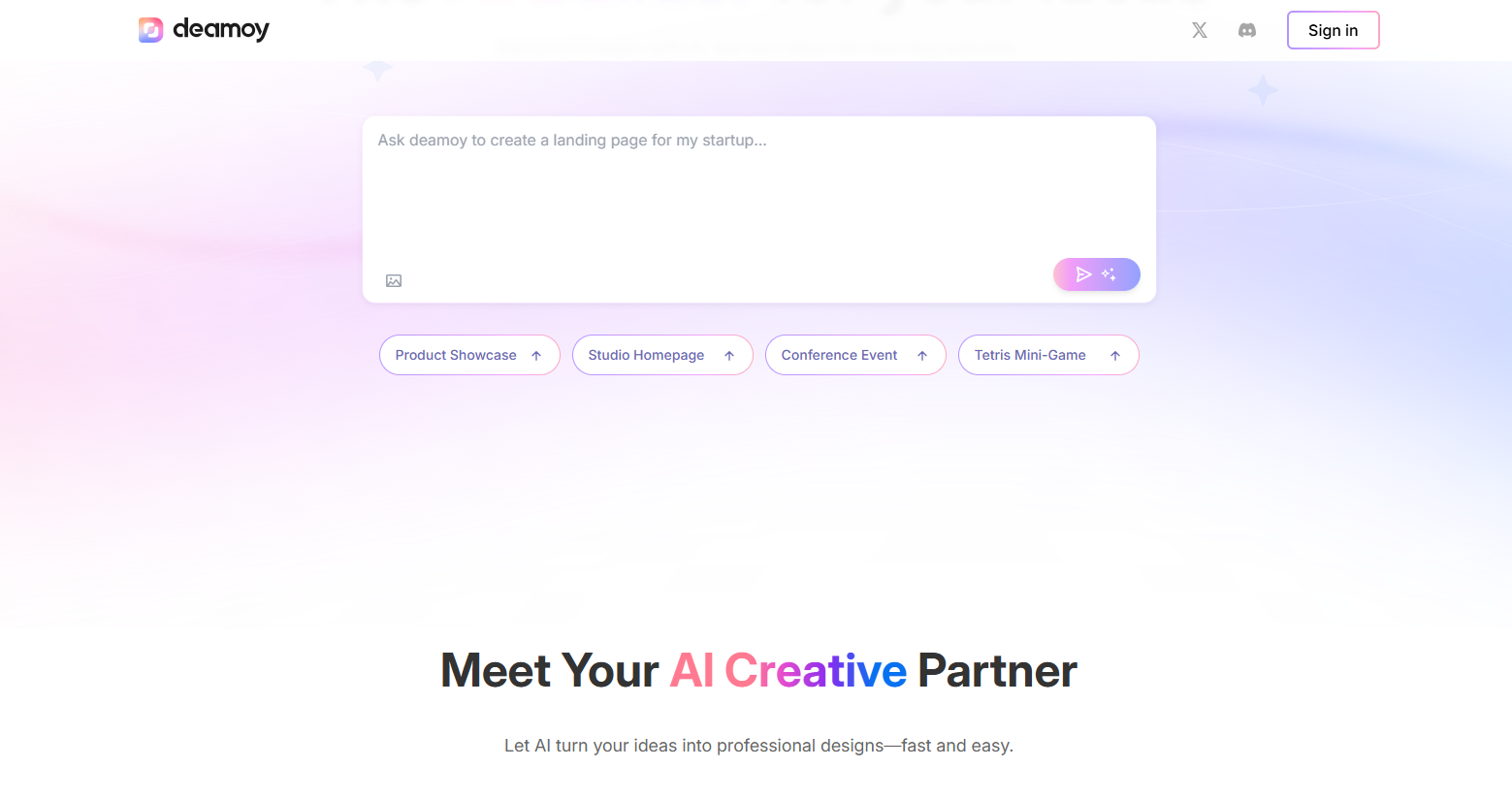
Screenshot archived from the listing page, for preview only.











