
Describe Image
Turn images and videos into text with AIDescriptions, alt text, OCR, and prompts from images
Highlights
What you can do with it
- A creator turns a landscape photo into a detailed blog description
- An e-commerce seller writes SEO descriptions for product images
- A researcher uploads a chart and gets a fast summary of its key points
How to use it
- 1 Open https://describeimage.io in your browser
- 2 Upload an image by drag, paste, or file picker, up to 10MB
- 3 Choose an output mode such as alt text, OCR, or SEO description
- 4 Copy, tweak, or regenerate the text for your workflow
Who it is for
Pros
- Try the basic tools for free twice before any signup
- One upload can feed many text outputs for different needs
- OCR covers 32 languages and keeps the text layout
- Alt text and SEO modes support accessibility and search goals
Limitations
- The free trial is only two tries; more use needs login and points
- Points cost varies by model, so heavy use can add up
- Uploads are capped at 10MB and limited to common image formats
- AI text can be imperfect, so review OCR and descriptions before publishing
What Describe Image is
Describe Image is an AI-driven workspace that converts images and videos into text. Upload a JPG, PNG, WebP, or GIF up to 10MB and choose an output mode: a detailed or simple description, screen-reader alt text, SEO copy, OCR text in 32 languages, a social caption, a product list, an image-to-prompt, or a chart summary. Visitors can try the basic tools for free twice, and after that you log in and spend points, with different models costing different amounts. It is built for content creators, e-commerce sellers, accessibility helpers, researchers, and social media managers who need to turn visual material into usable words quickly and at volume.
What you can do with it
- Generate a detailed or simple description of any uploaded image
- Write alt text for screen readers to improve accessibility
- Extract visible text in 32 languages with OCR
- Produce SEO copy, social captions, product lists, or image-to-prompt text
- Summarize charts and documents to pull out key information
Who it is for
- Content creators who need descriptions and prompts from images
- E-commerce sellers optimizing listings with SEO-friendly text
- Accessibility helpers adding alt text for visually impaired readers
- Researchers and social media managers who summarize visuals fast
What to watch out for
The free trial is only two tries, so real use means logging in and spending points, and points cost varies by model, which can add up quickly for heavy or high-quality work. Uploads are capped at 10MB and limited to common image formats, so large files must be shrunk first. Because the text is AI-generated, OCR and descriptions can contain mistakes, awkward phrasing, or missed detail, so review anything before you publish it, especially for accessibility or product listings where accuracy matters. Regeneration spends more points, so refine your prompts to avoid waste.
FAQ
Can I try Describe Image for free?
Visitors can try the basic tools for free twice. After that you log in and spend points.
What formats and sizes can I upload?
JPG, PNG, WebP, and GIF are supported, with a file size limit of 10MB.
How many languages can OCR read?
OCR can extract visible text in 32 languages and keeps the layout as much as possible.
What outputs can I get from one image?
Detailed or simple descriptions, alt text, SEO copy, OCR, social captions, product lists, image-to-prompt, and chart summaries.
Why it is free
What the official page says: for freefree trial
Free limits, trial length and features are decided by the official site and can change at any time.
Product preview
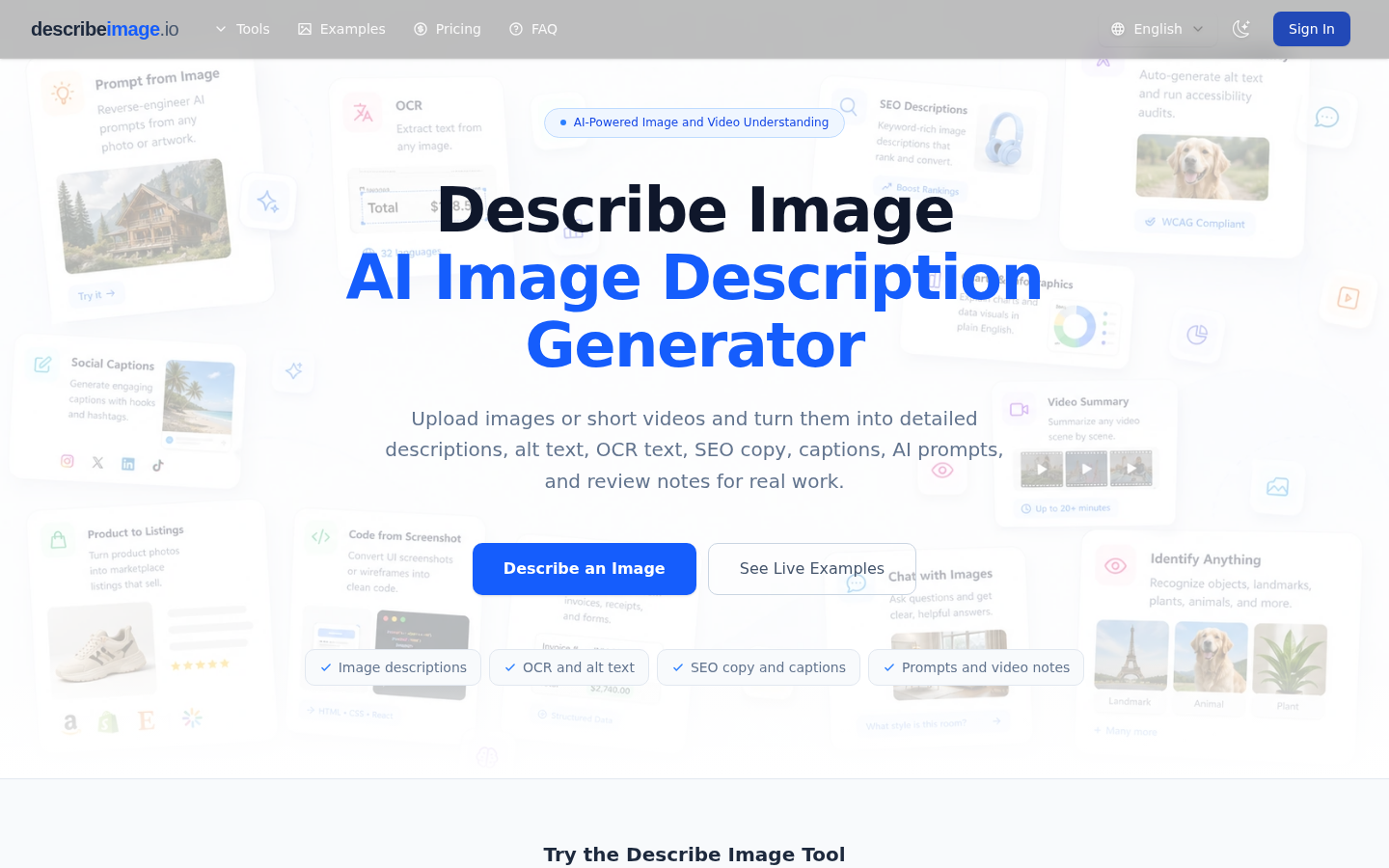
Screenshot archived from the listing page, for preview only.











