
Design.com AI Presentation Maker
AI presentation makerProfessional slides from a few keywords
Highlights
What you can do with it
- Building a sales report deck before a business meeting
- Creating a pitch deck for a startup funding round
- Making an academic or class report presentation quickly
How to use it
- 1 Visit the AI Presentation Maker page on Design.com
- 2 Pick a free template or start from AI generation
- 3 Enter keywords or your company name
- 4 Edit fonts, colors, and elements in the visual editor
- 5 Export the deck for presentation
Who it is for
Pros
- Free templates and a free AI design experience
- Large template library to start from
- Editor suits people with no design background
Limitations
- Advanced features sit behind paid plans
- AI generated slides still need content review
- Listing shows the page returning an error at review time
What Design.com AI Presentation Maker is
Design.com AI Presentation Maker is an AI tool for building presentations. The core action is generation: you enter keywords or a company name, and the AI produces a professional slide set you can refine. That matters because most decks are delayed by layout decisions rather than content, and the generator handles the starting structure for you. Around that sit a large template library, high impact visual design, and an intuitive visual editor where fonts, colors, and elements change through simple drag and drop. The listing also describes intelligent layout suggestions that propose the best visual structure when you are stuck. Free templates and a free AI design experience are offered, with paid plans unlocking advanced features.
What you can do with it
- Generate a slide deck from keywords or a company name
- Start from a large library of professional templates
- Edit fonts, colors, and elements in a drag and drop editor
- Accept layout suggestions when a slide is not working
Who it is for
- Business people preparing decks for clients and partners
- Entrepreneurs building presentations for funding conversations
- Students who need a clean report deck without design training
What to watch out for
Advanced features sit behind paid plans, so the free experience covers the basics rather than everything. Generated slides carry structure, not truth: numbers, claims, and wording still need your review before an audience sees them. The listing shows the page returning an error at review time, which suggests access or pricing may have moved, so confirm current details on the official site. Export options and template counts also change over time, so verify what your plan includes before you depend on a specific format.
FAQ
Is there a free option?
Yes, the listing mentions free templates and a free AI design experience, with paid advanced features.
How do I start a deck?
Enter keywords or a company name and the AI generates a slide set.
Do I need design skills?
No, the visual editor is described as intuitive enough for non professional designers.
What does it help with beyond generation?
Intelligent layout suggestions propose the best visual structure for your content.
Why it is free
What the official page says: for free
Free limits, trial length and features are decided by the official site and can change at any time.
Product preview
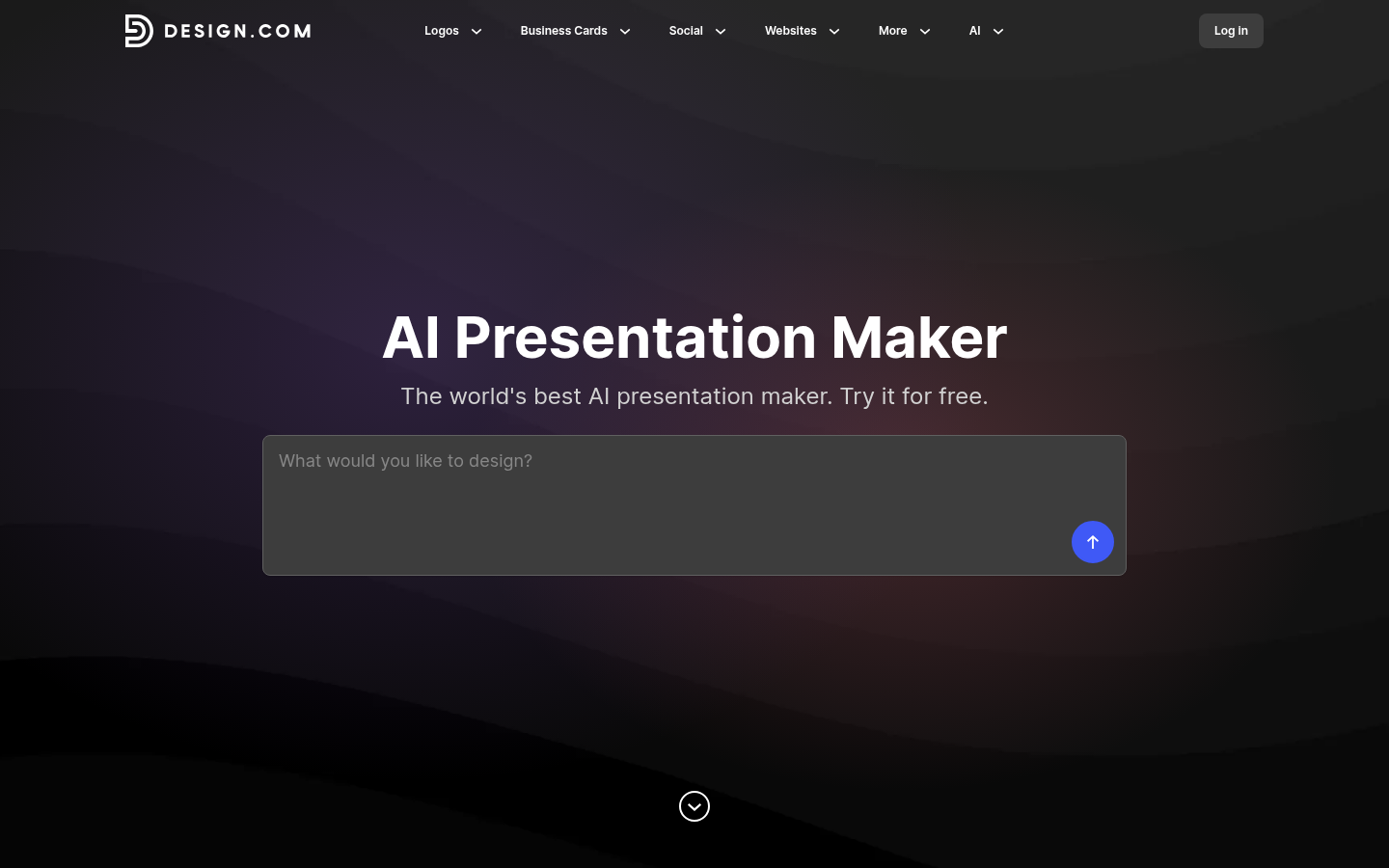
Screenshot archived from the listing page, for preview only.











