
Design In The Browser
AI visual front-end codingPick an element, let AI write the code
Highlights
What you can do with it
- Individual developers build website prototypes fast
- Design teams turn drafts into interactive pages
- Students learn front-end work with visual help
How to use it
- 1 Download the app for macOS 13 or Windows 10
- 2 Open it and select an element in the browser
- 3 Choose Claude, Cursor, or Gemini CLI to write code
- 4 Use multi-element editing, terminal, and responsive tests
Who it is for
Pros
- Free to use
- Speeds up visual design to code
- Integrates with common AI coding tools and editors
Limitations
- Requires macOS 13 or Windows 10 to install
- AI-generated code still needs review
- Free status and features may change over time
What Design In The Browser is
Design In The Browser is a free visual front-end development tool that connects visual design with AI-assisted coding. You click any element in the browser, and the system sends it to an AI tool such as Claude, Cursor, or Gemini CLI to generate the matching code. This lets you move from a visual idea to working front-end code without writing everything by hand. The tool links each UI element to its source code in your editor so you can view, change, and debug it directly, and it supports selecting multiple elements at once for batch editing. It also includes an integrated terminal, a responsive viewport switcher for testing breakpoints, and the option to add reference images to prompts for pixel-perfect results. It runs on macOS 13 and Windows 10.
What you can do with it
- Select any browser element and let AI write the code
- Jump from a UI element straight to its source code
- Edit multiple elements at once through a to-do list
- Test responsiveness and refine with reference images
Who it is for
- Front-end developers who want to build faster
- UI/UX designers turning concepts into real code
- Beginners learning front-end development with help
What to watch out for
The tool is free now, but that status and its features may change over time, and it requires macOS 13 or Windows 10 to install. AI-generated code is a starting point and still needs review, since it may not follow your project standards or handle edge cases. Because it sends element context to external AI tools, be mindful of what code or content you share. It speeds up visual work, but you still need to understand the output to maintain and debug the site later.
FAQ
Is Design In The Browser free?
Yes, the product is described as free.
What systems does it support?
It supports macOS 13 and Windows 10.
Which AI tools can write the code?
You can use Claude, Cursor, or Gemini CLI.
Why it is free
What the official page says: 免费
Free limits, trial length and features are decided by the official site and can change at any time.
Product preview
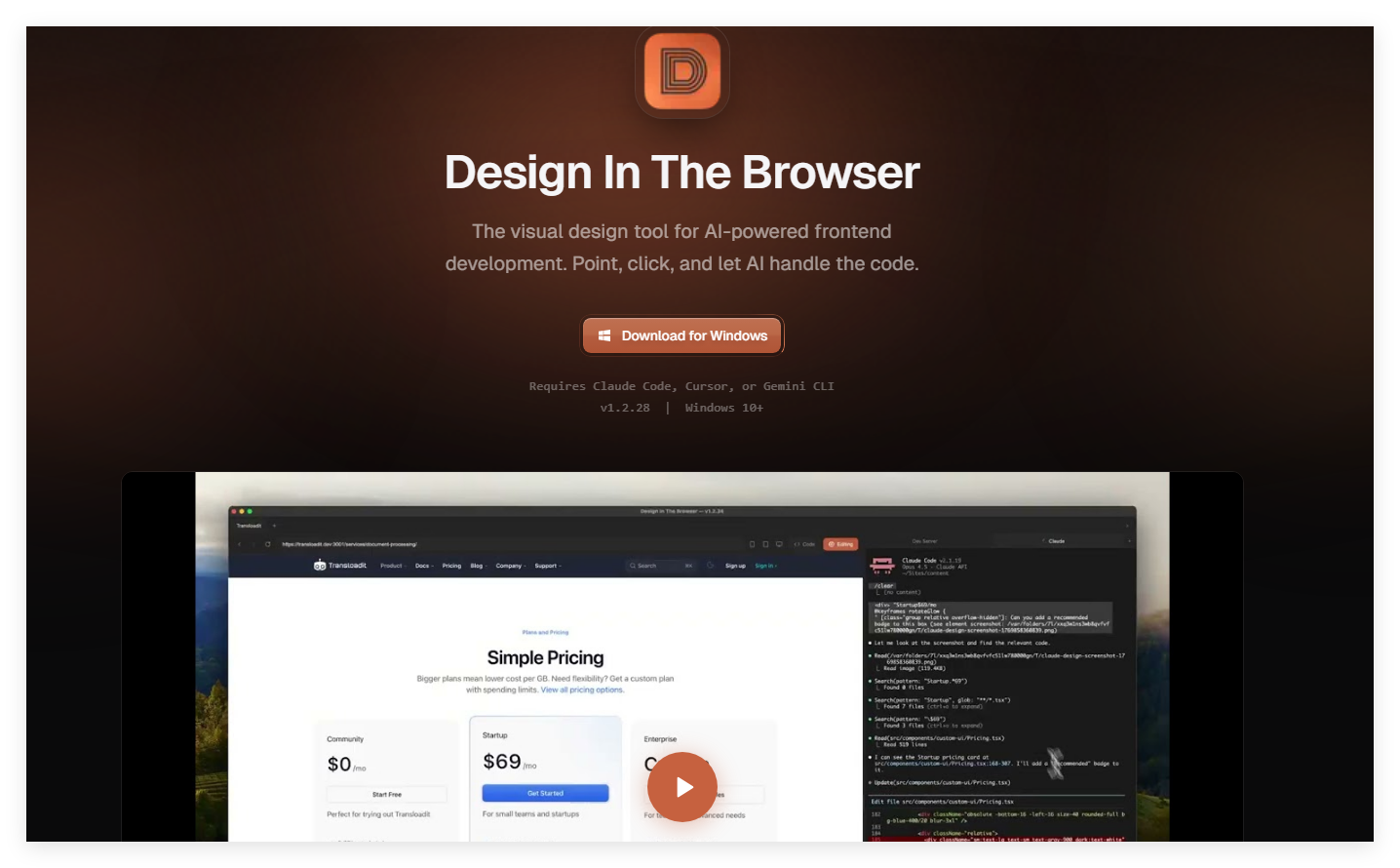
Screenshot archived from the listing page, for preview only.











