
DevAssistant.AI
AI co-programmer with access to your development workstation.An AI teammate that can read, write, and configure your code.
Highlights
What you can do with it
- Set up a new project environment without manual steps.
- Scan a codebase and get answers about how it works.
- Collaborate with teammates while the AI makes edits.
How to use it
- 1 Start the free trial on devassistant.ai.
- 2 Connect or open your project in the cloud VS Code IDE.
- 3 Ask the AI to configure the environment or analyze the code.
- 4 Review the changes it proposes, then accept or adjust them.
Who it is for
Pros
- Hands-on access to a real development workstation.
- Familiar cloud VS Code environment.
- Can read and explain private codebases.
- Free trial with no credit card.
Limitations
- A free trial only, so continued use likely needs a paid plan.
- Pricing and trial terms can change at any time.
- Giving an AI access to your code raises privacy and security questions.
- Generated code still needs review before you trust it.
What DevAssistant.AI is
DevAssistant.AI is an AI co-programmer with real access to a development workstation. It can help configure your development environment, add or update code, analyze any public or private codebase, and answer questions about it. It is integrated with a cloud-based VS Code IDE, so the changes it makes show up in a familiar editor and your workflow stays smooth. It also supports real-time collaboration with teammates. A free trial is available, and no credit card is required to start. The goal is to hand routine setup and coding work to the AI so developers can move faster and focus on harder problems.
What you can do with it
- Let the AI configure your environment and automate DevOps tasks.
- Ask it to scan a codebase and make additions or updates in cloud VS Code.
- Get plain-language answers about how a public or private codebase works.
- Collaborate with teammates in real time inside the same workspace.
Who it is for
- Developers who want help setting up environments quickly.
- Teams that need to understand an unfamiliar codebase fast.
- Programmers who want to automate repetitive coding tasks.
What to watch out for
The service runs on a free trial, so ongoing use will likely require a paid plan, and the trial terms and pricing can change at any time since they are set by the provider. Because the AI has real access to your workstation and code, you should think carefully about privacy and security before connecting sensitive or private repositories, and review the provider's data handling. Generated code is not guaranteed to be correct or safe, so always review and test any changes before you rely on them. Treat it as a helper that speeds up work, not a replacement for careful engineering.
FAQ
What is DevAssistant.AI?
It is an AI co-programmer that can configure environments, edit code, and analyze codebases.
Is there a free trial?
Yes, a free trial is available and no credit card is required.
Can it work with private code?
It is designed to analyze public or private codebases, so check the privacy terms before sharing sensitive code.
Why it is free
What the official page says: free trialno credit card
Free limits, trial length and features are decided by the official site and can change at any time.
Product preview
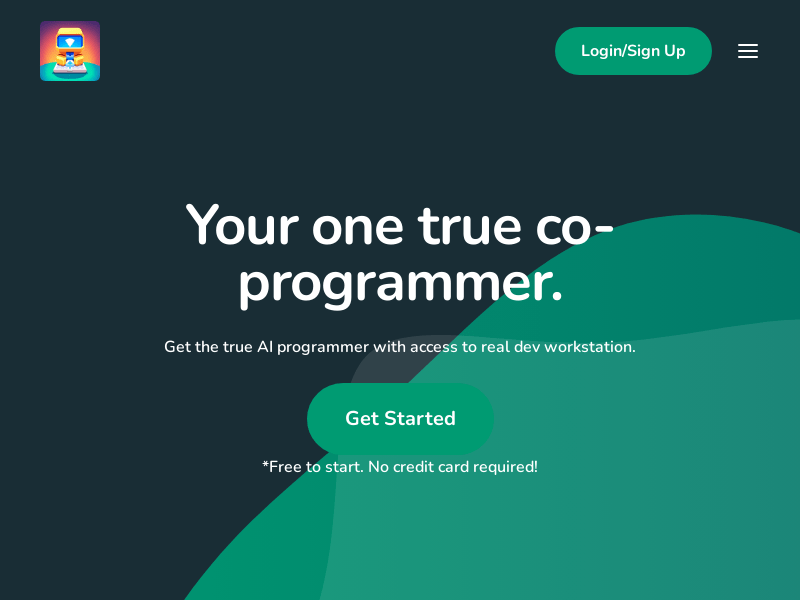
Screenshot archived from the listing page, for preview only.











