dioptify
Free AI image processing for cleanup and styleDenoise, upscale, and restyle in one place
Highlights
What you can do with it
- Cleaning up a noisy low-light photo
- Upscaling a small image for print
- Restyling a photo with a transferred artistic look
How to use it
- 1 Open the dioptify website.
- 2 Upload the image you want to process.
- 3 Choose the function you need, such as denoise or super-resolution.
- 4 Run it and save the result.
Who it is for
Pros
- Several processing functions in one tool
- Described as automatic, so no manual sliders
- Listed as free
- Useful for quick fixes before sharing
Limitations
- The site returned a connection error at review time
- Automatic processing gives you little manual control
- Upscaling cannot invent detail that was never captured
- Free access and limits can change without notice
What dioptify is
dioptify is an AI image processing tool. It offers four functions: noise reduction to clean grainy shots, super-resolution to enlarge an image, neural style transfer to give a photo a different artistic look, and HDR processing for tone. The listing describes these as automatic and free, aimed at improving image quality and giving people a quick way to explore creative options without a full editor. You upload an image, pick a function, and get a processed file back.
What you can do with it
- Reduce noise on a grainy or low-light photo
- Upscale a small image to a larger size
- Apply a neural style transfer for a new look
- Run HDR processing on a flat or uneven photo
Who it is for
- Photographers cleaning up imperfect shots before sharing
- Anyone who needs a larger version of a small image
- Hobbyists experimenting with artistic styles on their own photos
What to watch out for
Automatic means automatic. There are no manual controls described, so if the result is not what you wanted your only option is to run it again. Upscaling cannot invent detail that was never captured: a heavily compressed small image will get bigger, not sharper. The site returned a connection error at review time, which means availability is not guaranteed. Free tools also change their limits, so check current terms before you rely on it for a batch of images. Start with a small sample to confirm the output meets your expectations before processing the full batch. Free tiers and usage limits can change, so check the current rules on the official page before relying on it long term.
FAQ
What does dioptify do?
It offers noise reduction, super-resolution, neural style transfer, and HDR processing on uploaded images.
Is it free?
The listing describes the functions as automatic and free.
Why did the site not load?
The site returned a connection error during review, so it may be down or unreachable from some networks. Try again later.
Why it is free
What the official page says: 免费
Free limits, trial length and features are decided by the official site and can change at any time.
Product preview
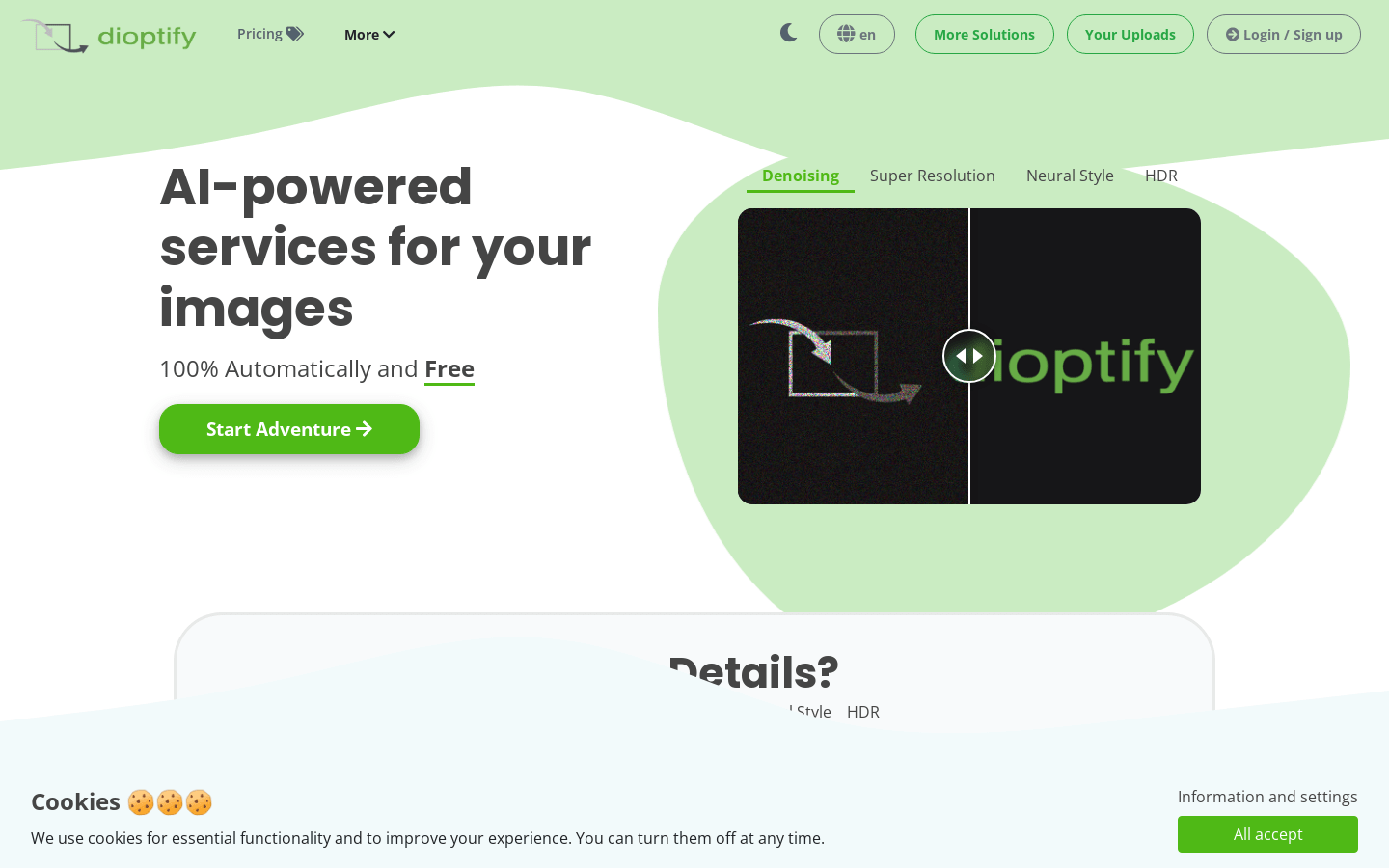
Screenshot archived from the listing page, for preview only.











