
DisVideo AI
AI video and image studioCreate with credits you control
Highlights
What you can do with it
- A creator produces promotional video for social channels
- A small business makes product advertising video with free credits
- An educational institution builds teaching video with subtitles and dubbing
How to use it
- 1 Claim free credits to unlock the media tools
- 2 Set your preferred style, tone, and format
- 3 Generate video from text or images in a few minutes
- 4 Share the result by link and collect feedback
- 5 Publish anywhere, then decide whether to add more credits
Who it is for
Pros
- Free credits can be claimed to start
- No automatic renewal or hidden purchase step
- Brand and style settings keep output consistent
- Covers video, image, music, and voice in one place
Limitations
- Free credits are limited, so sustained use means a paid upgrade
- Output quality varies between the different tools
- Voice model availability may differ from what is advertised
- Automation still needs review before anything is published
What DisVideo AI is
DisVideo AI is an AI video and image generation platform designed around control. Its stated aim is a safe, predictable creation environment where credit use is visible and there is no automatic checkout, renewal, or surprise charge. The toolset is broad: video generation from text with script, scene, and dubbing settings; image generation and editing including enlargement; music tools for extension, covers, adding instruments, vocal removal, and stem separation; and voice production for video narration. Automation handles resizing, content reuse, and subtitling. Brand and style settings for colour, font, tone, and style are set once and applied across output so a series looks like a series. Free credits can be claimed, and paid upgrades are optional rather than forced.
What you can do with it
- Generate video from text within a few minutes
- Generate and edit images, including enlargement
- Create music with extension, covers, instruments, vocal removal, and stem separation
- Add voice to video from the available voice models
- Automate resizing, content reuse, and subtitling
- Set brand style once and keep it consistent across assets
- Share by link, collect feedback, and read performance insights
Who it is for
Creators and influencers use it to produce video, posts, and announcements faster while keeping credit use visible. Small businesses and side projects use the free credits to build promotional and advertising content for e-commerce. Sales and product teams build demo video without a studio. Teaching and support content makers use it for training videos, tutorials, and guides with subtitles and multilingual dubbing. Anyone who wants several media types in one controlled workspace is the intended user.
What to watch out for
Free credits are a starting allowance, so sustained production means a paid upgrade, and the value of that upgrade depends on how much you create. Quality varies across the toolset: video, image, music, and voice features do not all perform identically, so test each one before you build a workflow on it. Voice model availability may differ from what is advertised, so confirm the current list before planning narration. Automation speeds up production but does not replace review; subtitles, resizing, and reused content all need a human check before publishing. As always, keep brand and style settings consistent with the rights you hold for any material you upload.
FAQ
How do free credits work?
You claim free credits to unlock the media tools and explore video and image generation without an automatic subscription or checkout step.
Is there an automatic charge?
The platform states there is no automatic purchase, renewal, or hidden checkout; you add credits when you choose to.
What can I create?
AI video, images, music, and voice tracks, plus automated resizing, content reuse, and subtitles.
Can I keep a consistent brand look?
Yes. You set colours, fonts, tone, and style once, and the platform applies them across your content.
Why it is free
What the official page says: free credits
Free limits, trial length and features are decided by the official site and can change at any time.
Product preview
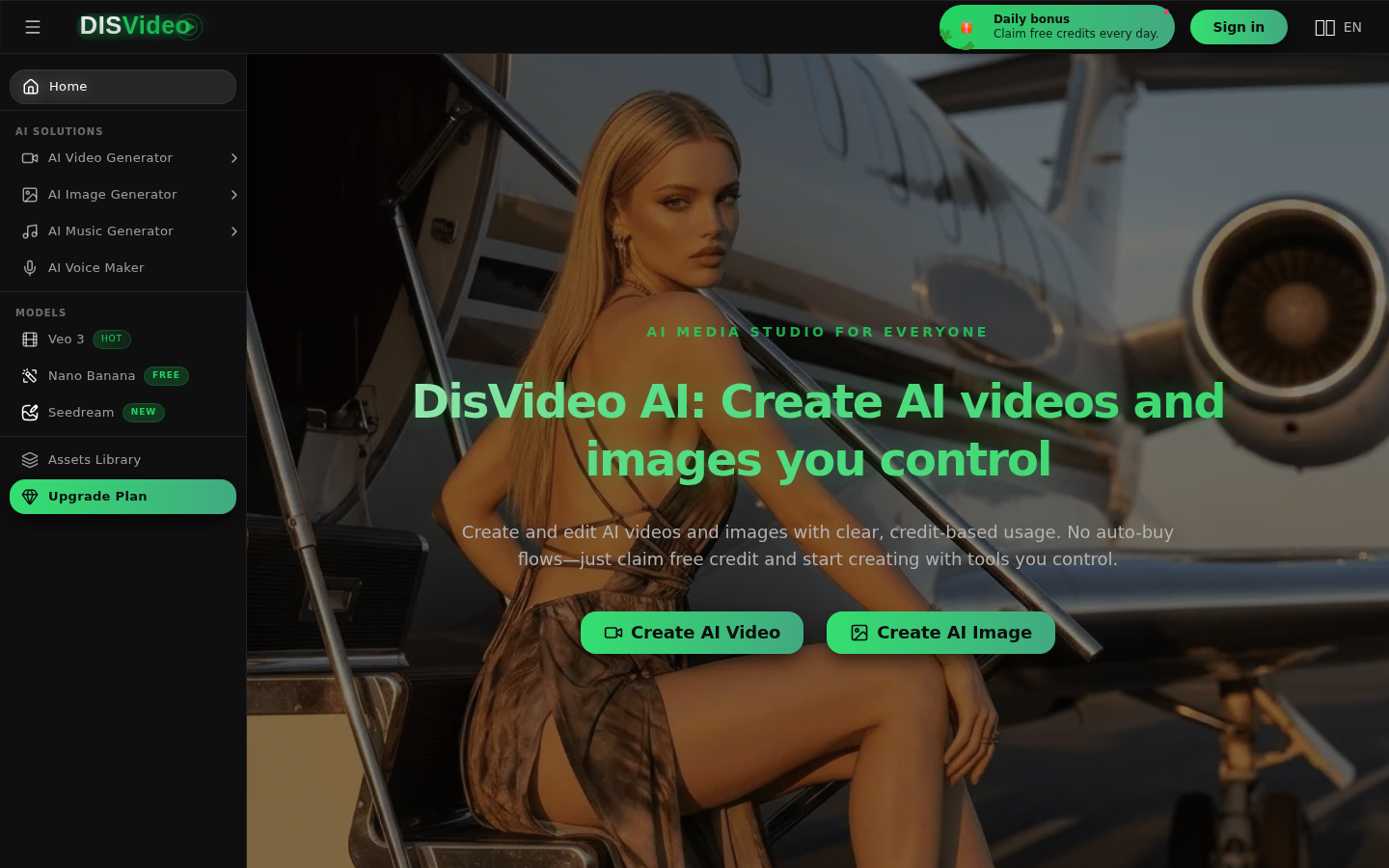
Screenshot archived from the listing page, for preview only.











