
DocTools Pro
Free browser file toolsEdit and convert files locally, free
Highlights
What you can do with it
- Merge several PDFs into one file for sharing.
- Compress a high-resolution JPG for the web.
- Password-protect an important Word document.
How to use it
- 1 Drag files onto the tool or click browse.
- 2 Choose the output format and settings.
- 3 Save the result to your device; nothing is uploaded.
Who it is for
Pros
- Files stay local, which helps privacy.
- Completely free with no registration.
- Handles many document and image tasks in one place.
Limitations
- Free terms may change; check the site for updates.
- Runs in the browser, so it needs a capable device.
- Very large batches may be slow since work is local.
What DocTools Pro is
DocTools Pro is a completely free, all-in-one workspace for documents and images that runs in your browser. Files are processed locally on your own device, so nothing is uploaded to a server. The site states there is no account registration, no file size limit, no data tracking, and support for offline use. You can merge and split PDFs and Word files, rearrange or rotate pages, add watermarks and page numbers, run OCR, and lock files with a password. On the image side it resizes, crops, compresses, converts formats, and removes backgrounds. It also converts across 20 file types. Developed by ConvertFlow Systems, it is built for everyday office and creative file work.
What you can do with it
- Merge and split PDF and Word documents.
- Edit pages, add watermarks, run OCR, and encrypt files.
- Resize, crop, compress, and convert images.
- Remove backgrounds and change aspect ratios.
- Convert across 20 different file types.
Who it is for
- Everyday users who merge or convert files at home.
- Office workers handling documents and images at work.
- Photographers and designers editing image files.
What to watch out for
The tool is free now, but terms can change, so check the site for updates before you depend on it. Because everything runs locally in the browser, you need a reasonably capable device, and very large batches may run slowly compared with a desktop app. Offline use is offered, but confirm which features work without a connection. Since files never leave your machine, keep your own backups, as there is no cloud copy. Test each conversion on one file before processing a full set to make sure the output looks right.
FAQ
Are my files uploaded?
No. All processing happens locally in your browser, and files are saved straight to your device.
Is DocTools Pro free?
Yes. It is completely free with no account registration and no file size limit, though terms can change.
What can it convert?
It handles cross-format conversion across 20 file types, including documents, images, and spreadsheets.
Why it is free
What the official page says: completely free
Free limits, trial length and features are decided by the official site and can change at any time.
Product preview
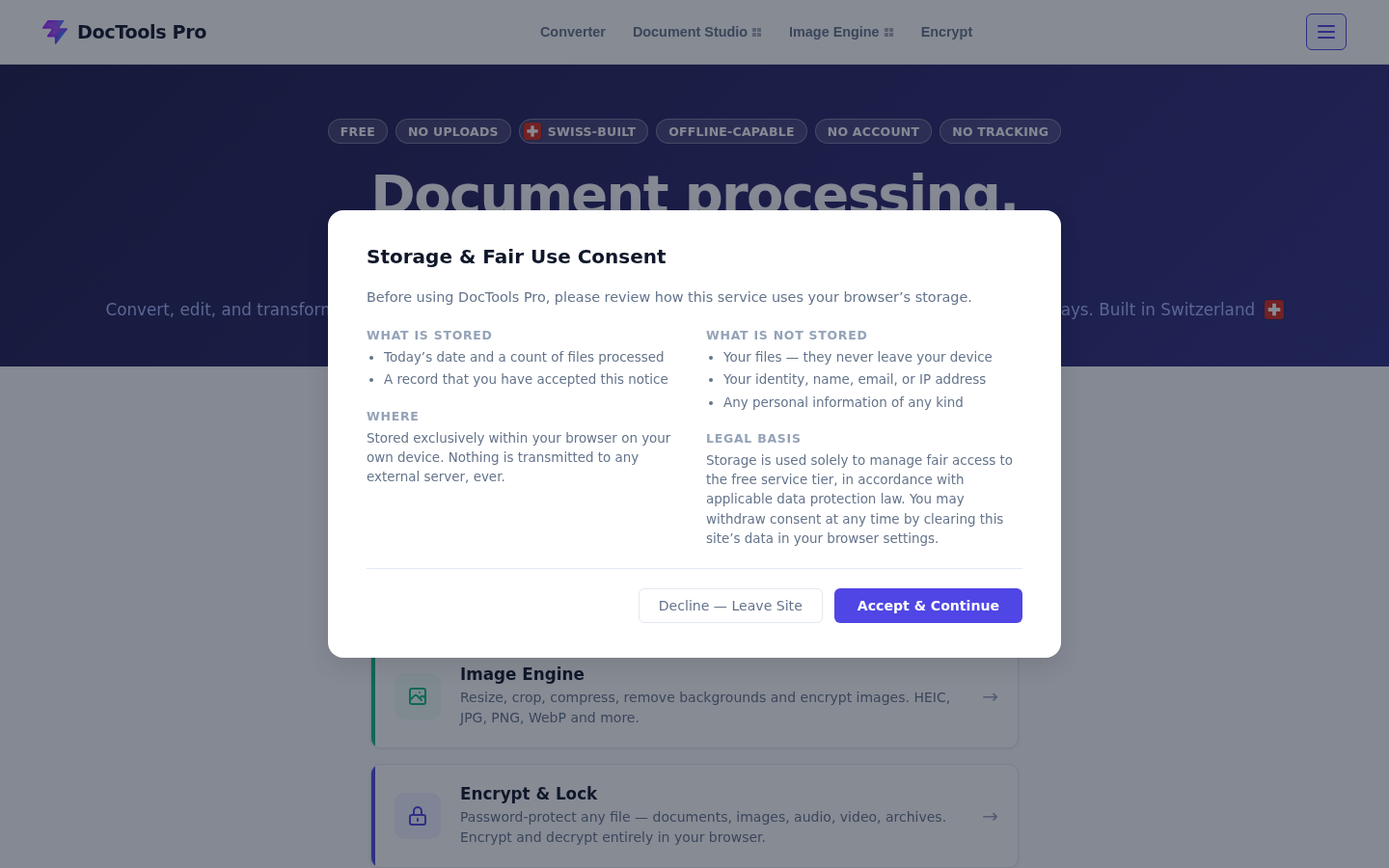
Screenshot archived from the listing page, for preview only.











