
Document360
Self-service knowledge base software for teamsBuild FAQs, guides and docs without a card
Highlights
What you can do with it
- Publishing a customer help centre and FAQ section
- Maintaining internal standard operating procedures
- Generating API documentation for developers
How to use it
- 1 Sign up on the Document360 site; no credit card is required to start
- 2 Create a project and choose a structure for your knowledge base
- 3 Write or import content and run it through the review workflow
- 4 Customise branding and embed widgets where you need them
- 5 Publish, then keep articles updated as the product changes
Who it is for
Pros
- Covers public help centres and internal SOPs in one tool
- The review workflow suits multi-writer documentation teams
- Starts without a credit card and can be cancelled anytime
Limitations
- Long-term pricing is not spelled out in the listing, so check current plans
- Free terms and limits can change as the product evolves
- A full knowledge base takes planning and ongoing maintenance
What Document360 is
Document360 is a scalable self-service knowledge base platform. It is built for publishing FAQs, user guides, product documentation and standard operating procedures, and it puts that content behind a hosted portal that customers or staff can search. The feature set covers a knowledge base portal, content editing and review, brand customisation, embeddable widgets and automatic API documentation generation. Signing up does not require a credit card, and the listing says you can cancel at any time.
What you can do with it
- Publish a customer help centre with FAQs and guides
- Keep internal SOPs and process documents in one searchable place
- Generate API documentation automatically for developer audiences
- Customise branding and embed widgets on your own site
Who it is for
- Customer support teams that want to deflect repeated tickets
- Technical writers who need a review workflow before publishing
- Product teams announcing launches and shipping release notes
What to watch out for
A knowledge base is a long-term commitment, not a one-off upload, so plan who owns each article and how often it gets reviewed. Content that drifts out of date is worse than no content at all, because customers trust it. The listing does not spell out long-term pricing, so check current plans before you migrate a large documentation set. Free terms and limits can also change as the product evolves, and heavy use across several projects will push you towards a paid tier. Processing speed depends on file size and network conditions, so retry later if a task stalls during peak hours. Run one full task end to end first, then expand once you are comfortable with the workflow and the result quality.
FAQ
Do I need a credit card to try Document360?
The listing says you can start with no credit card required and cancel anytime.
What can I publish with it?
FAQs, user guides, product documentation, standard operating procedures and more.
Does it generate API documentation?
Yes, API documentation auto-generation is listed as a feature.
Why it is free
What the official page says: no credit card
Free limits, trial length and features are decided by the official site and can change at any time.
Product preview
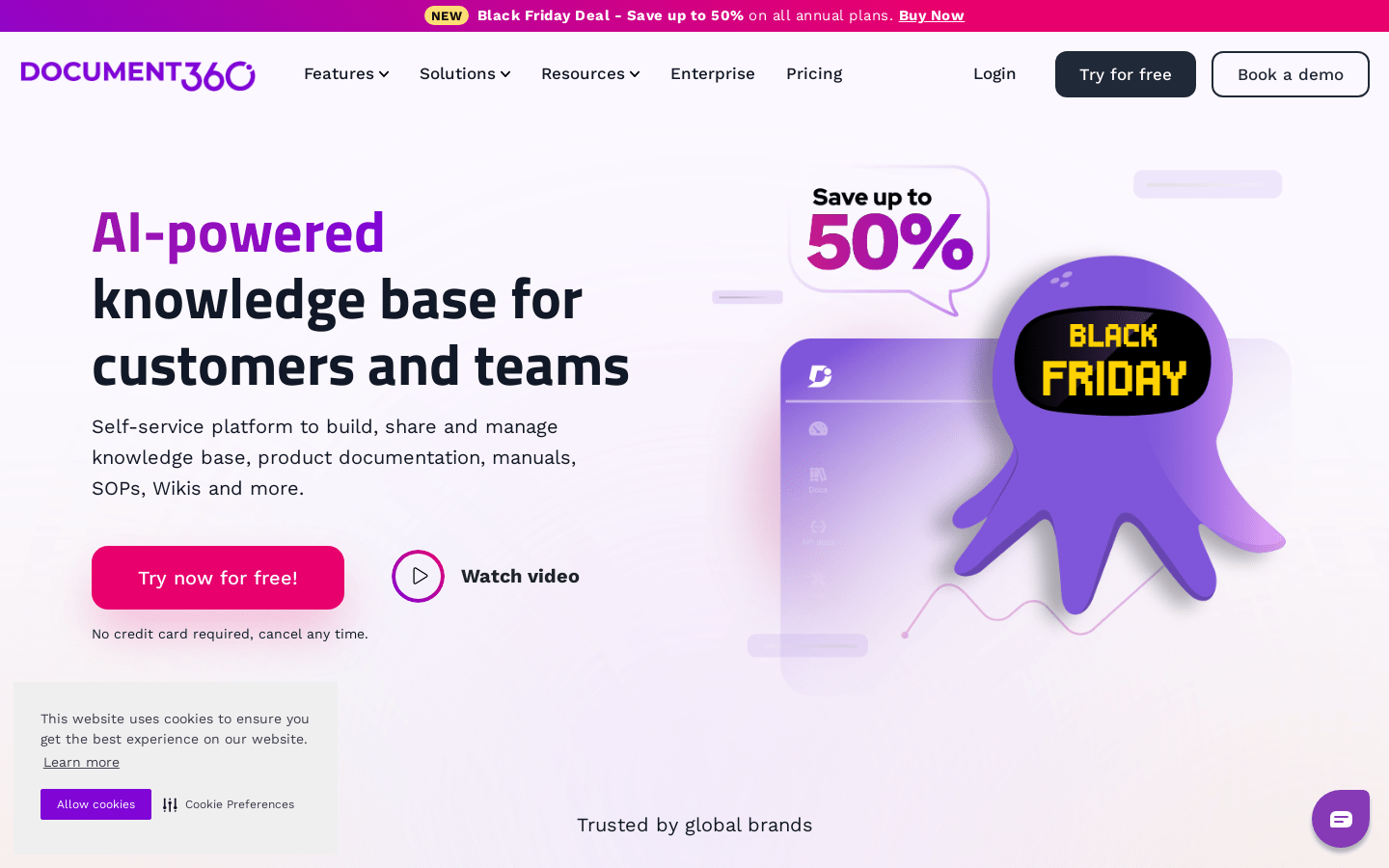
Screenshot archived from the listing page, for preview only.











