
Dreamhouse AI
AI interior design in about 10 secondsRedesign a room with AI in seconds
Highlights
What you can do with it
- Previewing a living room before buying furniture
- Staging an empty room for a real estate listing
- Testing styles for a home renovation
How to use it
- 1 Go to the Dreamhouse AI site and start the free try
- 2 Upload a photo of the room
- 3 Pick a style or theme you like
- 4 Use the virtual placement tool on empty rooms
- 5 Save the design options you want to keep
Who it is for
Pros
- Free try with no credit card
- Fast turnaround, about 10 seconds
- No design background needed
Limitations
- Free access rules can change without notice
- Output quality depends on the photo you upload
- Results are concept previews, not construction-ready plans
What Dreamhouse AI is
Dreamhouse AI is an AI-powered interior design tool that redesigns a home in under 10 seconds. You upload a photo of a room, and it generates design plans, including virtual furniture for empty spaces. The tool also lets you explore different styles and themes so you can compare looks before making a decision. It is offered as a free try with no credit card required. The site lists home renovation, real estate, and interior design as the main scenarios. The pitch is speed: a quick visual answer instead of a long manual design process, which helps people test ideas before they spend money on furniture or contractors.
What you can do with it
- Turn a room photo into a new design plan
- Try different styles and themes side by side
- Virtually furnish an empty room
- Use the results for renovation or listing discussions
Who it is for
- Homeowners who want a preview before spending
- Real estate agents who need quick staging ideas
- Interior designers exploring early concepts with clients
What to watch out for
The free try is advertised without a stated time limit, but free access and pricing can change, so check the current terms before you rely on them. Output quality depends on the source photo, so pick a clear, well-lit image. Results are concept previews rather than construction-ready plans, and the site has shown availability issues in the past, so it may not always respond when you open it. For best results, start with a small test file and review the output carefully before working on anything important. Free tiers can change over time, so it is worth checking the current limits on the official page before you rely on the tool daily.
FAQ
How long does a redesign take?
The tool claims a result in under 10 seconds.
Do I need a credit card?
No, the free try does not require one.
Can it furnish an empty room?
Yes, a virtual placement tool is included.
Why it is free
What the official page says: for freeno credit card
Free limits, trial length and features are decided by the official site and can change at any time.
Product preview
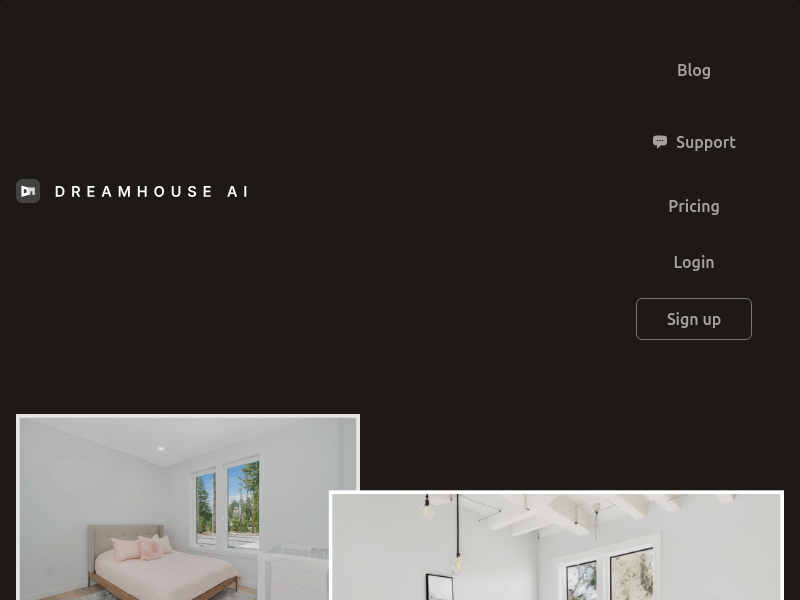
Screenshot archived from the listing page, for preview only.











