
Dreamina
AI creation tool for images, video and storiesTurn ideas into images and video on a smart canvas
Highlights
What you can do with it
- Designers build a series of commercial advertising images
- Content creators make a product introduction video
- Educators produce interactive 3D teaching models for class
How to use it
- 1 Visit the Dreamina official website
- 2 Register an account and log in
- 3 Select a creation function such as image generation or video generation
- 4 Upload or select materials such as images and text according to the prompts
- 5 Use the smart canvas for editing and adjust layout and style
- 6 Use story creation to combine images and text into story content
- 7 Preview the work, then export and download the final design
Who it is for
Pros
- Covers still images, video and story pages in one place
- 16K output and 3D art effects suit high detail work
- Templates lower the starting bar for non-professionals
Limitations
- Pricing beyond the free trial is not stated on the page and may change
- Large 16K files and video export need storage and a capable computer
- Result quality still depends on clear prompts and good source material
What Dreamina is
Dreamina is an online creation platform built by Shenzhen Lianmeng Technology Co., Ltd. It brings AI image generation, a smart canvas and video generation together in one browser tool, so a single idea can move from a text prompt to a still image and then to a short clip. The product is aimed at creative professionals, and the page also makes clear that people without a design background are welcome. A free trial is listed on the product page, while exact pricing is not stated there, so the practical first step is to open the site, register an account and see what the trial covers. The pitch is a shorter path from idea to finished visual, with the editing surface built in rather than bolted on.
What you can do with it
- Generate images from prompts, then keep editing them on an interactive smart canvas
- Turn still images into short videos for product intros and social posts
- Combine images and text into story pages using the story creation feature
- Start from style templates, add 3D art effects, and export at up to 16K
Who it is for
- Designers who want to turn a draft idea into a presentable visual quickly
- Marketing staff who need campaign images and short clips without a long production cycle
- Content creators producing thumbnails, promo videos and story content
- Educators building teaching aids and interactive 3D models for the classroom
- Amateurs with no formal design training who still want a personal, polished result
What to watch out for
Pricing beyond the free trial is not stated on the page, and trial limits can change over time, so check the current terms before you build a workflow around it. Output at 16K and video export produces large files that need storage and a reasonably capable computer to open and edit. Quality still depends on how clearly you describe what you want and on the material you upload, so leave time for review and rework rather than expecting a finished asset on the first pass. Some features, such as 3D art effects and the newest templates, may sit behind the paid side once a trial ends.
FAQ
Is Dreamina free to use?
The product page lists a free trial. Exact pricing is not stated there, so check the site for current terms before you rely on it.
Do I need an account?
Yes. The listed steps start with visiting the official website, registering an account and logging in.
What can I make with it?
Images, animated videos, story pages that combine images and text, and 3D art style work, with output up to 16K.
Why it is free
What the official page says: free trial
Free limits, trial length and features are decided by the official site and can change at any time.
Product preview
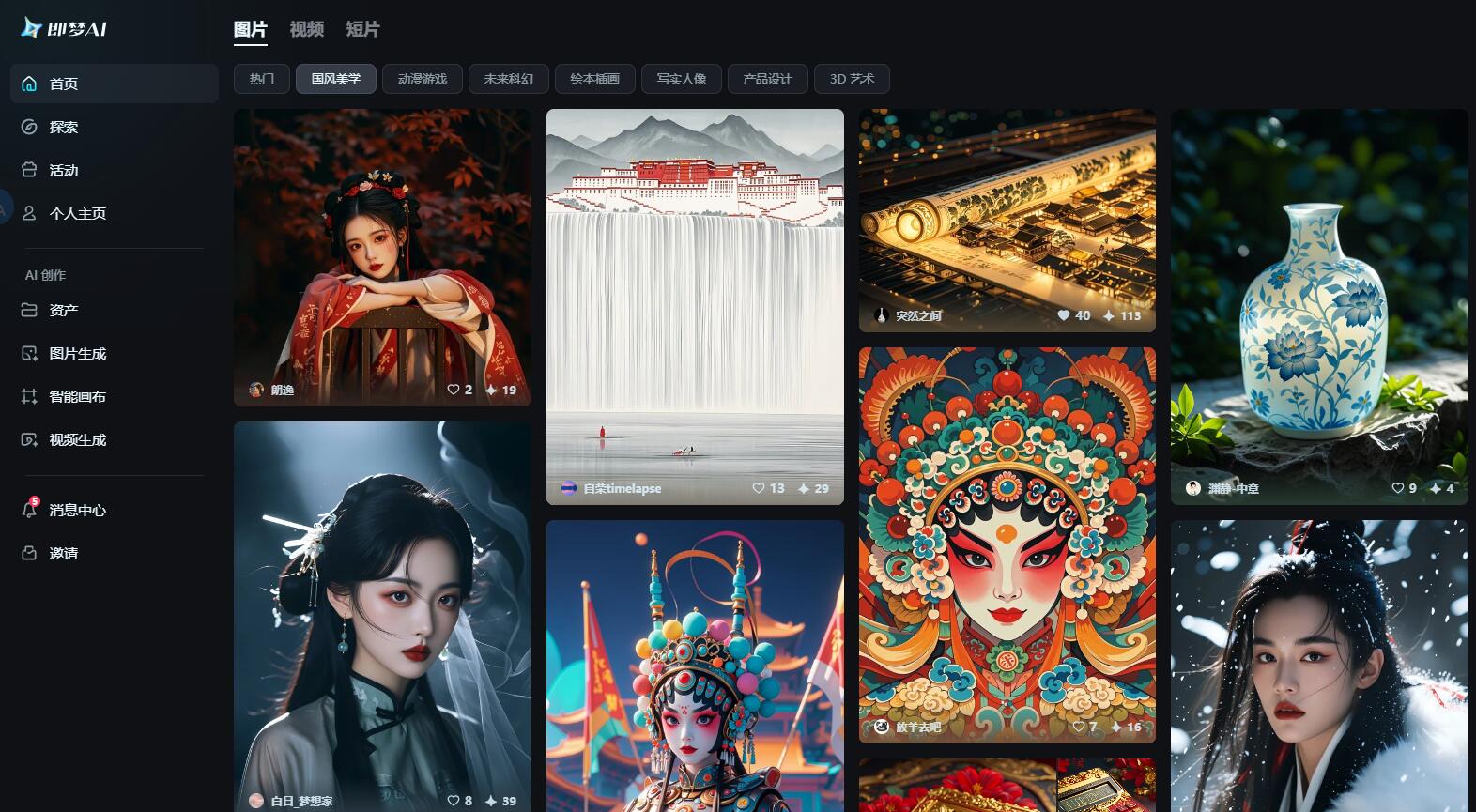
Screenshot archived from the listing page, for preview only.











