
Dumme
Turn long videos into short clipsAI finds highlights and makes short videos
Highlights
What you can do with it
- Turn a long podcast into several short clips
- Convert training videos into short, digestible pieces
- Share lecture highlights on social media
How to use it
- 1 Start the Dumme free trial
- 2 Upload your video
- 3 Let the AI find highlights and add subtitles
- 4 Review and export the short clips
Who it is for
Pros
- Automates highlight selection and subtitles
- Supports many languages
- Saves time repurposing long video
Limitations
- Free trial only, then paid plans
- Auto-selected highlights may not match your judgment
- Depends on the service staying available for uploads
What Dumme is
Dumme is an AI tool that turns long video content into high-impact short videos. You upload a video and it automatically finds highlights, adds subtitles and titles, and produces clips that are ready to post. It supports over 20 languages and works with content such as video podcasts, lectures, interviews, and webinars. A free trial is available, with paid plans for heavier use. It is aimed at creators and companies that want to repurpose existing video quickly instead of editing clips by hand, saving time on the tedious parts of short-form editing.
What you can do with it
- Turn a long video into multiple short clips
- Let the AI pick highlights automatically
- Add subtitles and titles to each clip
- Repurpose podcasts, lectures, and webinars for social media
Who it is for
- Content creators repurposing long video
- Companies turning training videos into shorts
- Educators sharing lecture highlights
- Teams that need short-form content fast
What to watch out for
Only a free trial is offered, after which you move to a paid plan, and that pricing can change. The AI picks highlights on its own, and its choices may not match your judgment, so review every clip before you publish. Because it is an online service that takes uploads, it depends on Dumme staying available, and you are sending your video to a third party, so be careful with confidential footage and keep your own copies of the originals. Name and archive exported files consistently so you can find and reuse them, and keep a backup copy of key data. When quality matters, export a small draft first to confirm the result before producing the final file.
FAQ
What does Dumme do?
It uses AI to turn long videos into short, high-impact clips with subtitles and titles.
How many languages does it support?
It supports over 20 languages.
Is there a free trial?
Yes. Dumme offers a free trial with paid plans for more use.
Why it is free
What the official page says: free trial
Free limits, trial length and features are decided by the official site and can change at any time.
Product preview
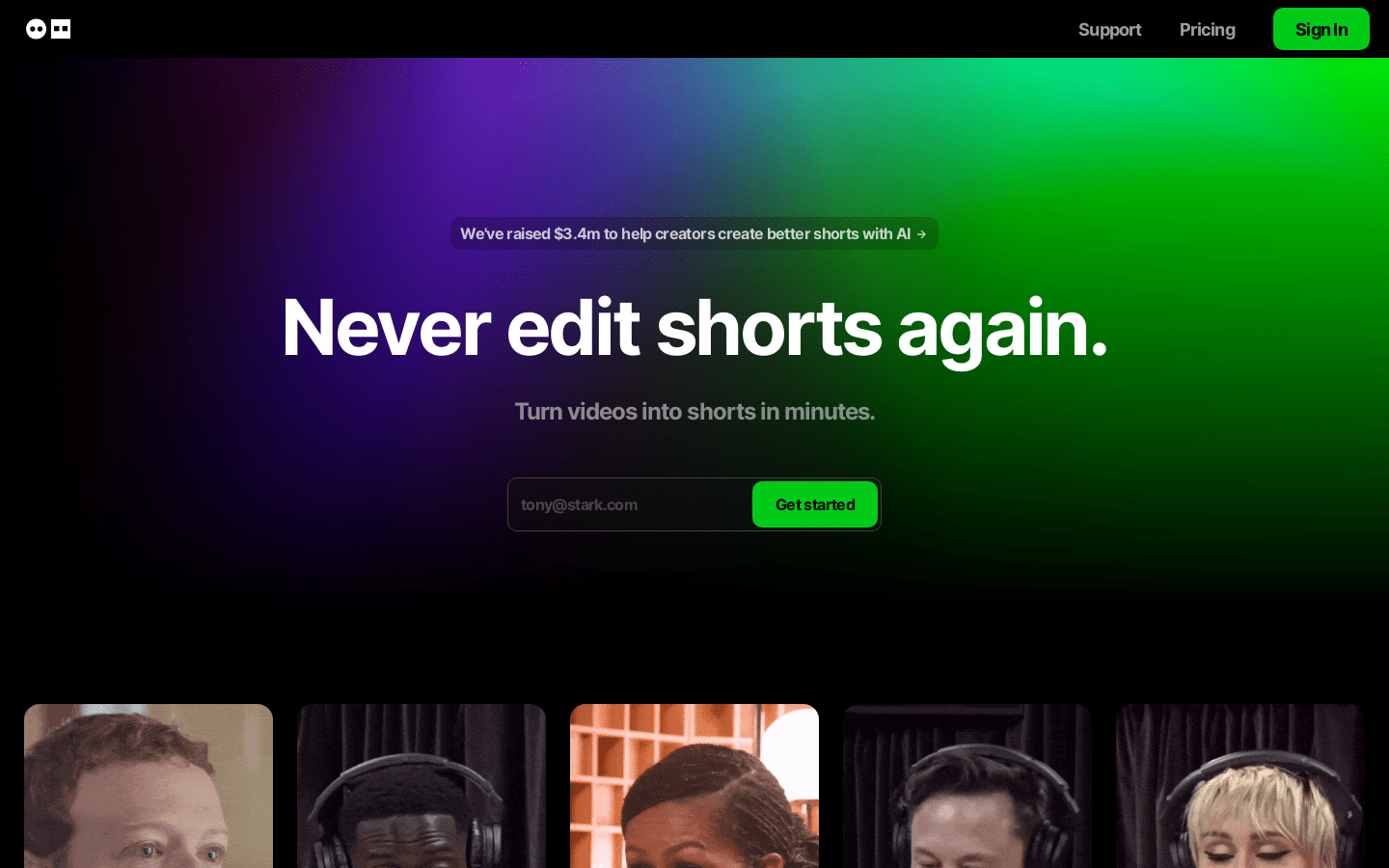
Screenshot archived from the listing page, for preview only.











