
DummyForms
Form builder with logicBuild forms, surveys and collect data
Highlights
What you can do with it
- Product feedback forms
- Market research surveys
- Complex research questionnaires with logic and calculations
How to use it
- 1 Register on the DummyForms site
- 2 Create a new form
- 3 Drag in the fields you need
- 4 Add conditional logic and pick a theme
- 5 Publish, share or embed it, then read the analytics and export responses
Who it is for
Pros
- No coding needed
- Analytics and export included
- Free plan for core form building
Limitations
- Free plan limits, paid plans for advanced logic and volume
- Form design options are bounded by the builder
- Terms and pricing can change
What DummyForms is
DummyForms is an online form building platform for professional forms and surveys, and it does not require coding knowledge. The centre of it is a drag and drop builder: you place the fields you want and the form assembles itself. Around that sit smart analytics that show form performance and user behaviour, conditional logic that changes questions based on earlier answers, custom themes that match your brand, and security measures on the data side. Finished forms can be shared as a link or embedded on a site, and responses can be exported as datasets. Core form building comes with free and paid plans.
What you can do with it
- Build forms and surveys by dragging fields into place.
- Add conditional logic so questions change based on answers.
- Match the form to your brand with custom themes.
- Share or embed the form, then read analytics and export responses.
Who it is for
- Product managers collecting user feedback.
- Marketers running market research surveys.
- Researchers who need logic and calculations in a questionnaire.
What to watch out for
Free plan limits apply, and advanced logic plus higher response volume sit on paid plans, so check the current tiers if you expect heavy use. Any builder sets boundaries on layout and styling, so very specific designs may not be possible. Terms and pricing can change, and if you are collecting personal data, review the security and privacy terms before you send the link out. Name and archive exported files consistently so you can find and reuse them, and keep a backup copy of key data. When quality matters, export a small draft first to confirm the result before producing the final file.
FAQ
Do I need to code?
No. The builder is drag and drop and designed for non coders.
Can I add logic to questions?
Yes, conditional logic is one of the listed features.
Is there a free plan?
Core form building functionality is offered with free and paid plans.
Why it is free
What the official page says: 免费
Free limits, trial length and features are decided by the official site and can change at any time.
Product preview
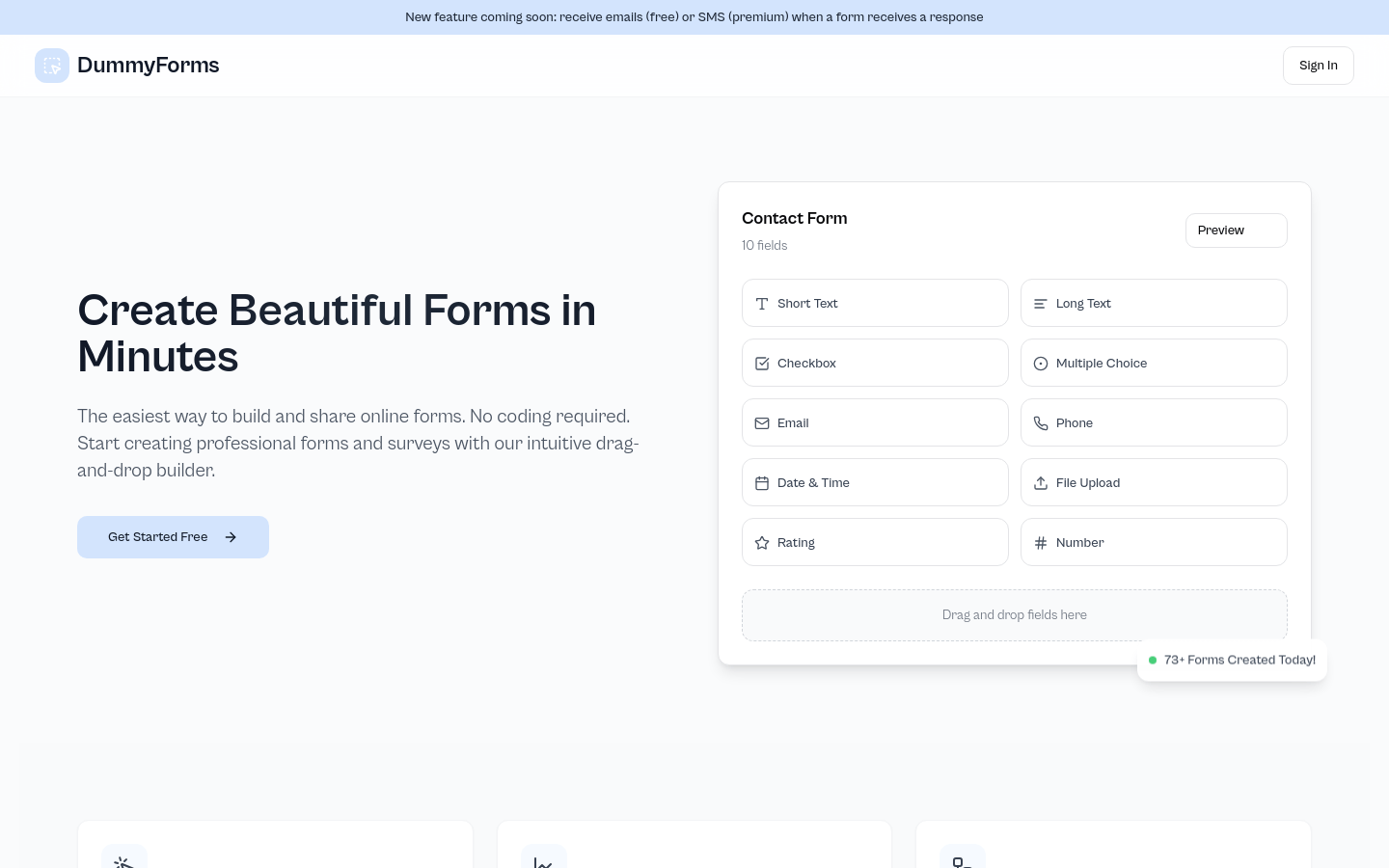
Screenshot archived from the listing page, for preview only.











