
Dynal.AI
AI writing assistant for LinkedInProfessional LinkedIn posts in one click
Highlights
What you can do with it
- Turn a blog post into a LinkedIn update
- Batch-generate promotional posts for clients
- Strengthen a personal brand with consistent posting
How to use it
- 1 Register on the Dynal.AI website
- 2 Choose a plan such as the free plan
- 3 Connect your LinkedIn account
- 4 Enter your idea or upload source material
- 5 Generate, edit, and publish the post
Who it is for
Pros
- Free plan to start
- Idea-to-post in one click
- Many input formats accepted
- Output tuned for LinkedIn
Limitations
- Paid packages cost more than basic writing tools
- Focused only on LinkedIn
- Generated posts need editing to sound human
- Plan pricing can change
What Dynal.AI is
Dynal.AI is an AI writing assistant built specifically for LinkedIn. It suggests post ideas, trending topics, and hooks tailored to your audience, then turns a single idea into a complete post with one click. The tool also polishes clarity and tone so the copy reads naturally and confidently. Beyond writing from scratch, it converts website content, files, videos, and posts from other platforms into LinkedIn-ready text. A free plan is available alongside paid packages for heavier use.
What you can do with it
- Get post ideas, hot topics, and opening hooks.
- Turn one idea into a complete shareable post.
- Improve the clarity and tone of existing copy.
- Convert websites, PDFs, documents, images, and videos into posts.
- Adapt content from Twitter and Instagram for LinkedIn.
Who it is for
- Individual creators building an audience on LinkedIn.
- Professionals managing a personal brand.
- Teams that need consistent output at volume.
What to watch out for
The tool covers LinkedIn only, so other networks still need their own workflow. Generated posts need editing before publishing, because generic phrasing is easy to spot and damages credibility on a professional network. Paid packages cost more than basic writing tools, and pricing can change. Connect your account deliberately, since posting access is involved. Free tiers and usage limits can change, so check the current rules on the official page before relying on it long term. Processing speed depends on file size and network conditions, so retry later if a task stalls during peak hours. Save a backup of the original file before large batch jobs, and keep an exported copy of key results in case the page or service becomes temporarily unavailable.
FAQ
Is there a free plan?
Yes, Dynal.AI offers a free plan along with paid packages.
What can it convert?
Website content, files, videos, and posts from other platforms.
Who is it for?
Individual creators, professionals, and teams posting on LinkedIn.
Why it is free
What the official page says: free plan
Free limits, trial length and features are decided by the official site and can change at any time.
Product preview
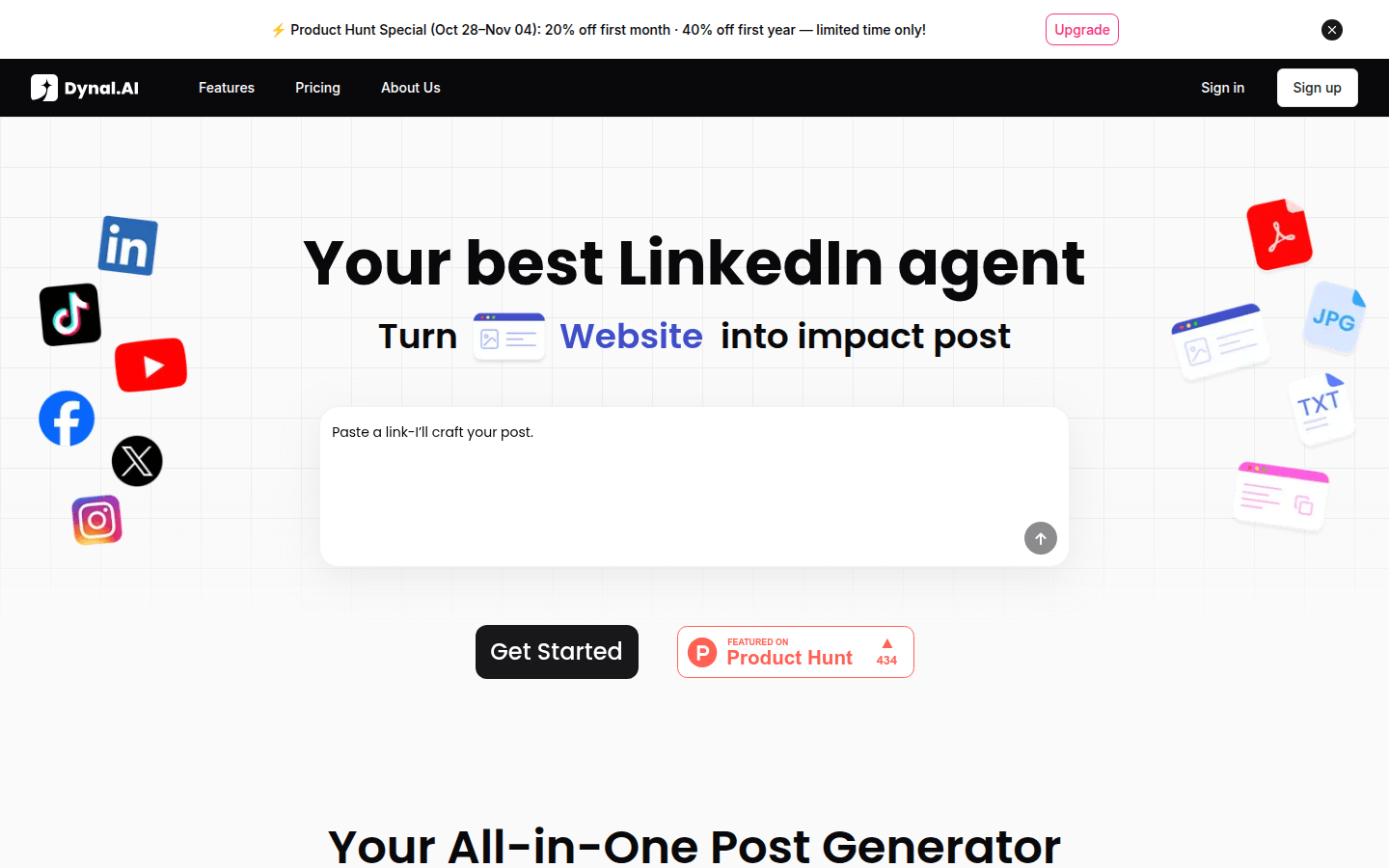
Screenshot archived from the listing page, for preview only.











