
EdgeOne Pages Functions AI OCR
AI OCR for image textTurn image text into editable text
Highlights
What you can do with it
- Convert printed books into digital text
- Extract text from case documents at a law firm
- Digitize old documents in a library archive
How to use it
- 1 Open the EdgeOne Pages Functions AI OCR page
- 2 Upload an image by clicking or dragging it into the upload area
- 3 Wait while the system processes the image
- 4 Review the recognized text and correct anything that is off
- 5 Copy or download the text, or check the API docs for integration
Who it is for
Pros
- Free to try and free to deploy on the platform
- Immediate results after upload
- Multilingual recognition plus integration options
Limitations
- Recognition accuracy depends on image quality and layout
- Pricing beyond the free tier is not detailed on the page
- Handwritten or heavily stylized text may need manual correction
What EdgeOne Pages Functions AI OCR is
EdgeOne Pages Functions: AI OCR is an AI-based image text recognition service. You upload an image file, the system identifies the text inside it, and the result comes back as editable text. The stated benefits are higher data entry efficiency and lower human error rates, with support for text in multiple languages. It is built on EdgeOne's free deployment platform with global CDN coverage, which the page presents as the reason responses are fast and stable worldwide. The listing says users can experience the service for free, and that the service can be integrated into other applications or systems, though it does not publish detailed pricing.
What you can do with it
- Upload an image by clicking or dragging it into the upload area
- Get the text inside the image recognized and converted automatically
- Handle text in multiple languages
- Review and manually correct the result before use
- Copy or download the text, or integrate the service through the API
Who it is for
The examples are publishers converting print books into digital versions, law firms extracting text from case documents, and libraries digitizing old documents. That makes it a fit for anyone sitting on a stack of scanned or photographed material that needs to become searchable text. Administrative and back-office teams processing forms and invoices are the obvious other group, and the integration option means developers can wire recognition into an existing system rather than using the web page by hand.
What to watch out for
Accuracy is a function of the input. Clean, straight, high-contrast scans read well; skewed photos, faded print, dense tables, and handwriting are where errors appear, and the listing itself tells you to review and correct the output. Pricing beyond the free experience is not detailed, so treat cost for sustained or high-volume use as an open question. Because the service runs on a hosted platform, anything you upload leaves your machine, which matters for confidential documents. Test on your own worst-case image before committing to a workflow.
FAQ
Is it free?
The page says users can experience the service for free and that deployment is free. Detailed pricing is not published.
What does it do?
It reads text inside an image and converts it into editable text.
Does it handle other languages?
Yes, multilingual text recognition is listed as a feature.
Can I plug it into my own app?
The listing says the service can be integrated into other applications or systems.
Why it is free
What the official page says: for free
Free limits, trial length and features are decided by the official site and can change at any time.
Product preview
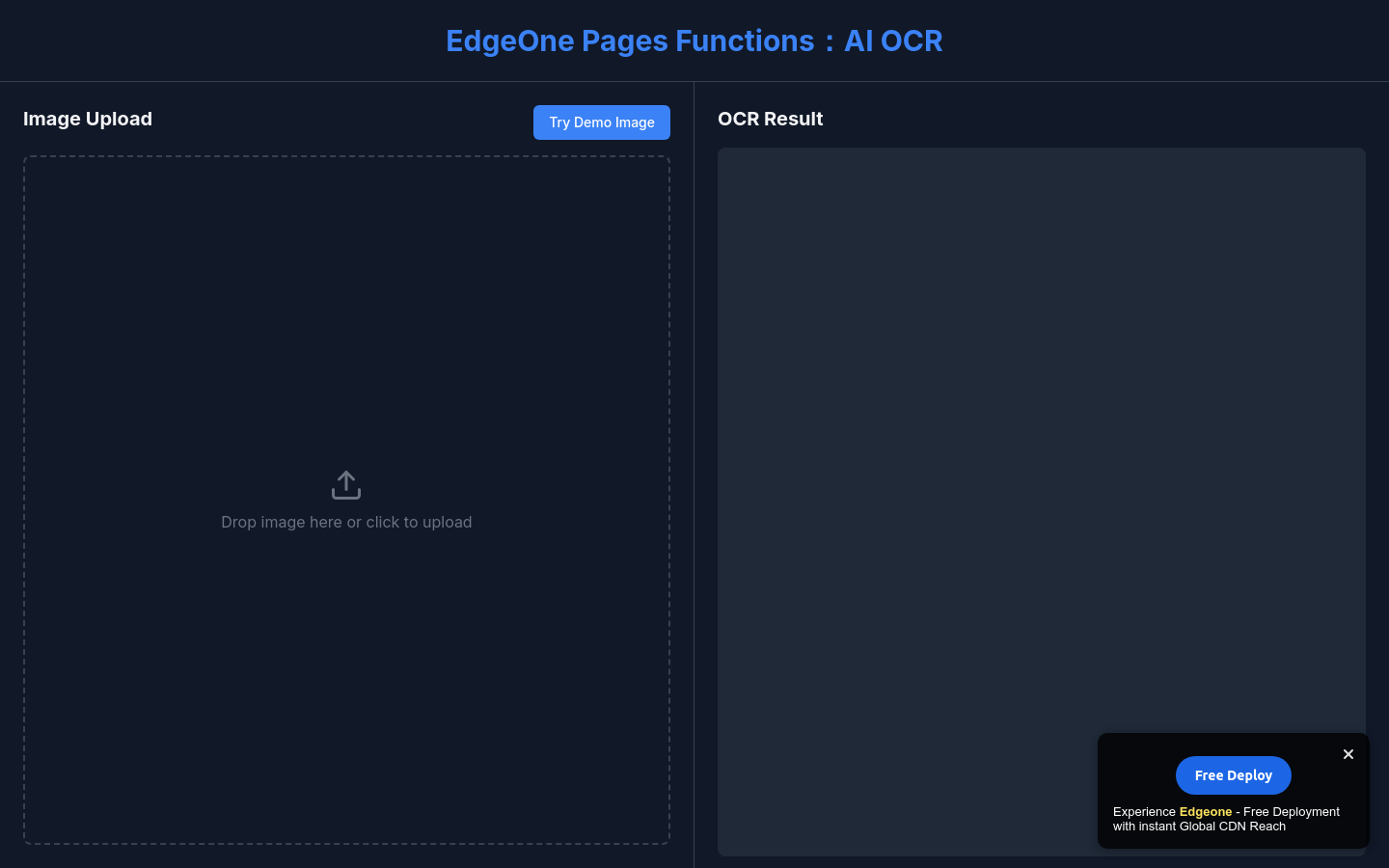
Screenshot archived from the listing page, for preview only.











