
EduBrain
Free AI homework assistant, no registrationHomework help you can start right away
Highlights
What you can do with it
- A student uploads a photo of a quadratic equation and follows the worked steps.
- A learner preparing for a history test uploads a text question and reads the answer with reasoning.
- A student uploads a PDF word problem about a store discount to see how the total is found.
- A self-learner uses the flashcard and quiz tools to review what they just studied.
How to use it
- 1 Open edubrain.ai in your browser; no account is needed.
- 2 Choose the input type, such as a picture, PDF, or audio recording.
- 3 Drag the file into the upload area or click the browse button.
- 4 Type at least five characters if entering the question as text, or make sure a scanned file is clear.
- 5 Click start solving and read the step-by-step solution.
- 6 Add follow-up questions if you want the steps explained further.
Who it is for
Pros
- Completely free for basic use and needs no registration.
- Handles many file types, including photos, PDFs, and audio.
- Breaks problems into clear steps rather than only giving results.
- Adds flashcards, notes, and quizzes to reinforce learning.
- States that uploaded files are deleted after a task finishes.
Limitations
- It is a study aid, so results should be checked and used within your school's academic rules.
- File size is capped, so very large uploads may need the paid expert path.
- Free access and expert pricing can change, so confirm current terms on the site.
- Answer quality depends on how clearly the question is written or scanned.
What EduBrain is
EduBrain is a free AI homework assistant that works in the browser and needs no registration. You open the site, upload a picture, PDF, scanned document, or audio clip, and it returns a step-by-step solution across many subjects, including mathematics, physics, and the humanities and social sciences. The basic homework help is free. Expert help is offered for more complex tasks or larger files, though the page does not state its price. The tool is meant to act like a private tutor, walking through the reasoning rather than dropping a single answer.
What you can do with it
- Get worked, step-by-step solutions instead of one final answer.
- Upload photos, PDFs, scans, or audio rather than retyping a problem.
- Choose how the answer comes back: quick answer, detailed solution, or with math formulas shown.
- Use built-in study tools such as flashcard makers, note recorders, content generators, and quiz generators.
- Ask follow-up questions to dig further into the steps.
Who it is for
- Students who want homework explained clearly, step by step.
- Teachers who want problem-solving approaches to reference in class.
- Self-learners studying alone who need quick, private answers.
What to watch out for
EduBrain is a learning aid, not a substitute for doing the work yourself. Check the answers and follow your school's academic rules when you use it, since how it is allowed can vary by class and institution. Uploads have size limits, about 32MB for most files and 25MB for audio, so very large files may be pushed toward the expert path. Answer quality depends on a clear question or a clean scan, so blurry images can give weaker results. Because free access and expert pricing can change at any time, confirm current terms on the site before you rely on it.
FAQ
Is EduBrain really free?
Basic AI homework help is free and needs no registration. Expert help for harder or larger tasks is offered separately, and its cost is not listed on the page.
Do I need to create an account?
No. You can upload a file and get a solution without registering.
What file types can I upload?
It supports text, PDF, DOC, PNG, JPEG, JPG, and audio, with size limits of 32MB for most files and 25MB for audio.
What happens to my uploaded files?
The platform says files are kept only while being processed and are deleted once the task is complete.
Why it is free
What the official page says: no registration
Free limits, trial length and features are decided by the official site and can change at any time.
Product preview
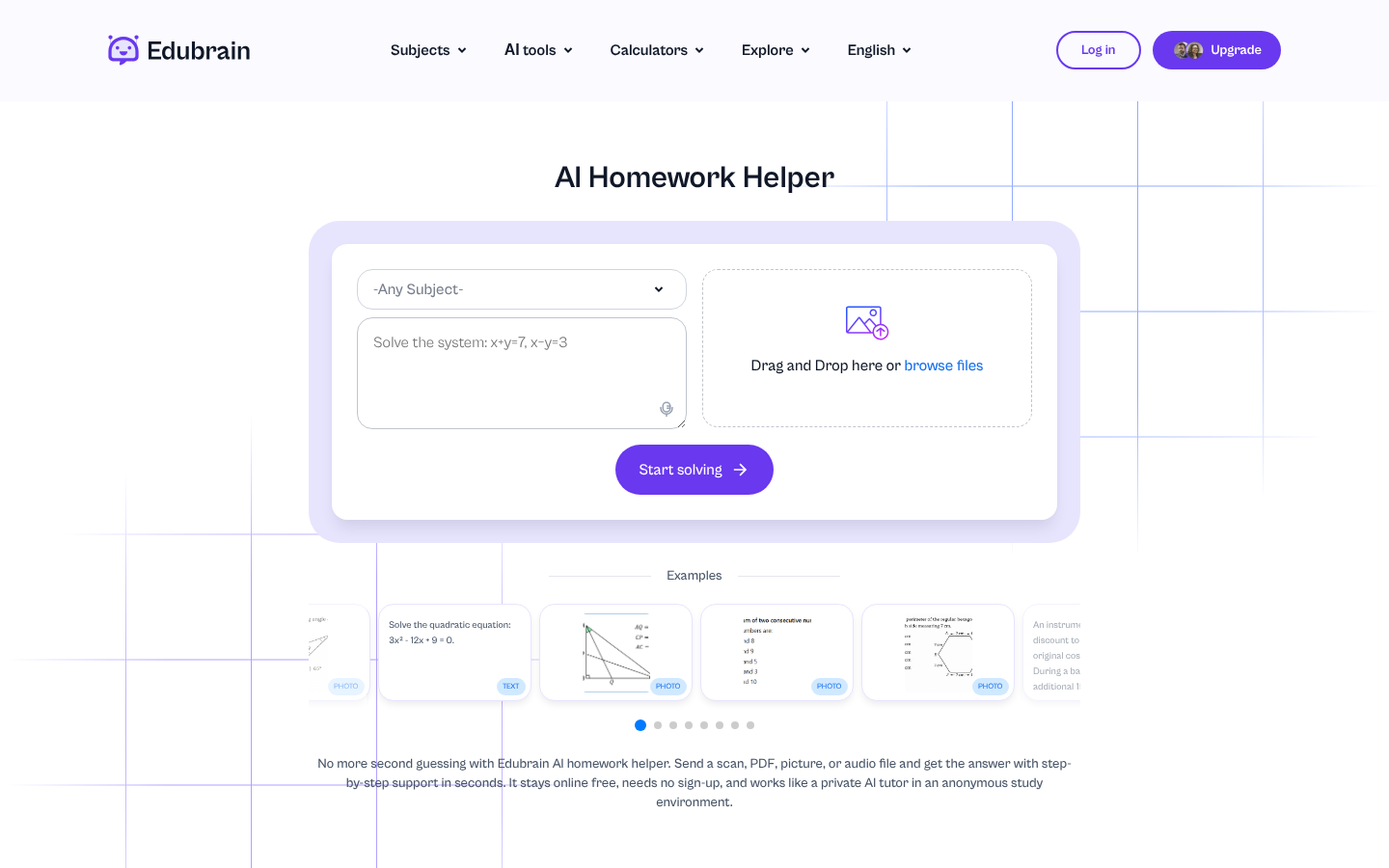
Screenshot archived from the listing page, for preview only.











