Elser AI
One-stop AI anime creation studioCharacters, art, storyboards, and video
Highlights
What you can do with it
- An anime fan turns a text idea into character art
- A creator builds a storyboard and animates it into a short video
- A studio speeds up early concept work before full production
How to use it
- 1 Visit elser.ai and start with the free plan
- 2 Enter text, upload an image, or describe a simple idea
- 3 Pick templates and tools to shape characters, art, or storyboards
- 4 Generate video from your scenes and review the output
Who it is for
Pros
- All-in-one workflow from idea to anime video
- Large template and tool library for beginners
- Free plan lets you test basic creation before paying
Limitations
- Free plan is limited to basic image and video creation
- Advanced models, speed, video length, and output quality sit behind paid plans
- AI output may not match a specific style without repeated adjustment
What Elser AI is
Elser AI is a studio-level, one-stop AI anime generation platform. It is built so that people without professional drawing, animation, or design skills can still create anime content from text, images, or simple ideas. The site lists more than 200 templates and over 40 creative tools, and says the platform supports complete anime projects. There is a free plan with basic image and video creation, while paid plans add advanced models, faster generation, longer videos, and higher quality output. The audience ranges from anime fans to professional studios.
What you can do with it
- Create anime characters and art from text or reference images
- Build storyboards for your scenes
- Turn scenes into anime videos
- Use templates and tools to keep a consistent style across a project
Who it is for
- Anime fans who want to create without professional skills
- Independent creators producing short anime projects
- Studios that need fast concept drafts before full production
What to watch out for
The free plan only covers basic image and video creation. If you need advanced models, longer videos, faster queues, or higher quality output, you will have to move to a paid plan, and those prices are not listed on the page. Style control can take trial and error, so plan time for adjusting prompts and references. As with any AI generator, review outputs before you publish them or use them in commercial work. For best results, start with a small test file and review the output carefully before working on anything important. Free tiers can change over time, so it is worth checking the current limits on the official page before you rely on the tool daily.
FAQ
Do I need drawing skills?
No. The platform is built for users without professional drawing, animation, or design skills.
What does the free plan include?
The site says the free plan covers basic image and video creation functions.
What do paid plans add?
They unlock advanced AI models, faster generation speeds, longer videos, and higher quality output.
Why it is free
What the official page says: 免费计划免费
Free limits, trial length and features are decided by the official site and can change at any time.
Product preview
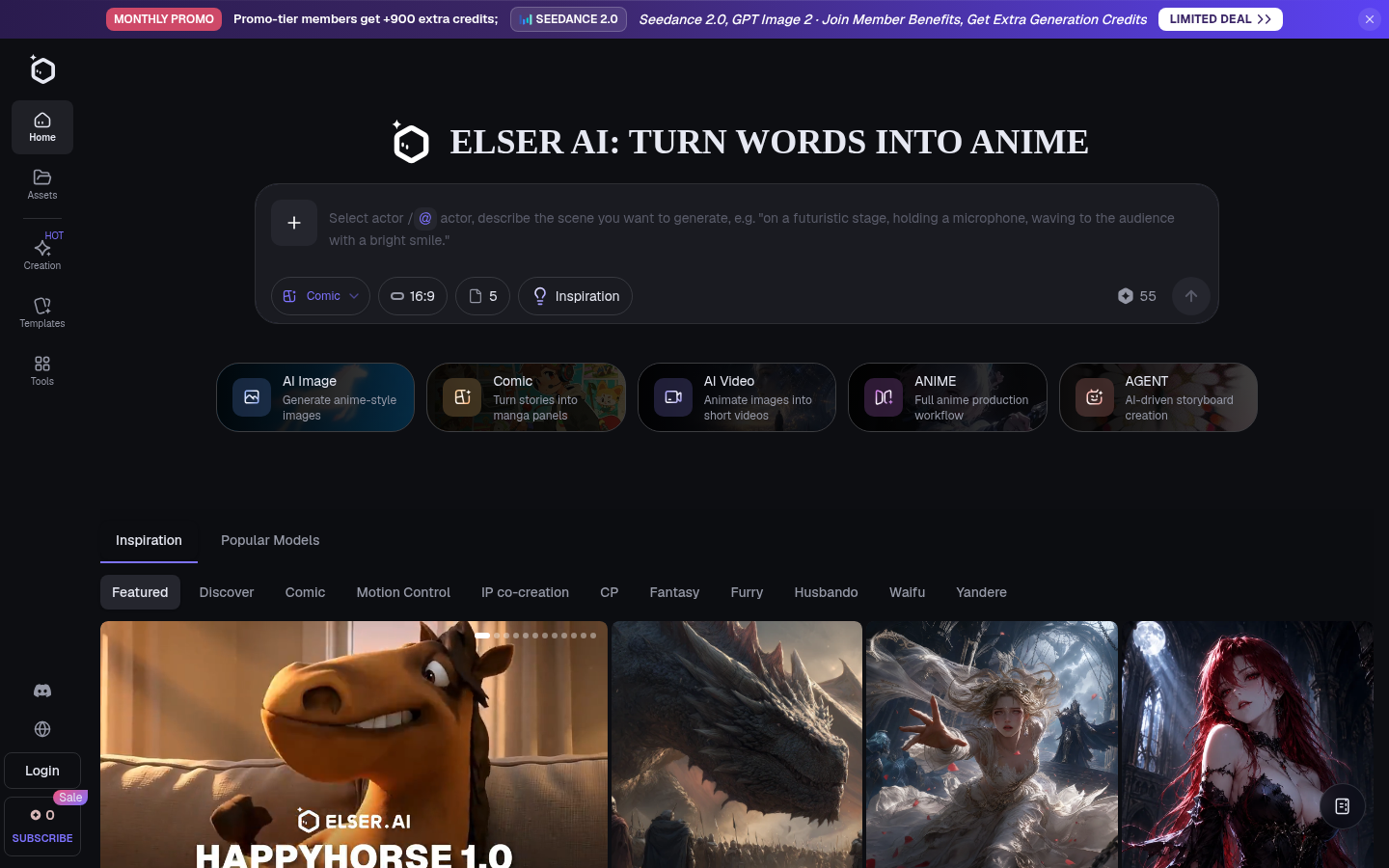
Screenshot archived from the listing page, for preview only.