
Emdash
Open source multi-agent coding environmentRun several coding agents in their own worktrees
Highlights
What you can do with it
- Split a large project so different agents handle different modules
- Connect to a remote GPU box for a machine learning project
- Pull issues from a tracker and hand them to the right coding agent
How to use it
- 1 Download the appropriate version of Emdash from the official site
- 2 Install it and open the application
- 3 Let it detect your installed agent command line tools, and add others if needed
- 4 Connect over SSH to your development server, cloud machine, or GPU box
- 5 Import issues from your tracker and start coding with the agents
Who it is for
Pros
- Free to use and open source
- Worktree isolation keeps parallel agent work from colliding
- Works with many agents and remote environments over SSH
Limitations
- You need to be comfortable with Git worktrees and the command line
- Agents still produce code that needs review before you merge it
- Open source projects can change or stall, so check activity before depending on it
What Emdash is
Emdash is an open source development environment built around coding agents. Instead of writing everything yourself, you orchestrate agents and each one runs inside its own Git worktree, so several tasks can progress at the same time without overwriting each other. The environment includes a file editor, an integrated diff view for reviewing changes, and automatic detection of agent command line tools you already have installed. It supports around 25 coding agents, can connect over SSH to a remote server, cloud machine, or GPU box, and can import issues from Linear, Jira, GitHub, or Asana. It is free to use.
What you can do with it
- Run several coding agents in parallel, each in an isolated worktree
- Edit files and review changes with the built in editor and diff view
- Mix and match from around 25 supported coding agents
- Connect over SSH so agents work on remote servers or GPU boxes
- Import issues from your tracker and pass them straight to an agent
Who it is for
- Developers who want to delegate parts of a codebase to agents
- Teams splitting a project across modules and reviewers
- Researchers who need remote compute alongside agent help
- Anyone comparing several coding agents on the same job
What to watch out for
This is a developer tool. You need working knowledge of Git worktrees, the command line, and your agents before it saves you time. Agent written code still needs a human review for correctness and security before you merge it. As an open source project, features and support can shift, so check the repository activity before you build a workflow around it.
FAQ
Is Emdash free?
Yes, the product is described as free to use and open source.
How does parallel work stay separate?
Each agent runs in its own Git worktree, so changes do not overwrite each other.
Can agents run on a remote machine?
Yes. You can connect over SSH to a development server, cloud virtual machine, or GPU box.
Why it is free
What the official page says: free to use
Free limits, trial length and features are decided by the official site and can change at any time.
Product preview
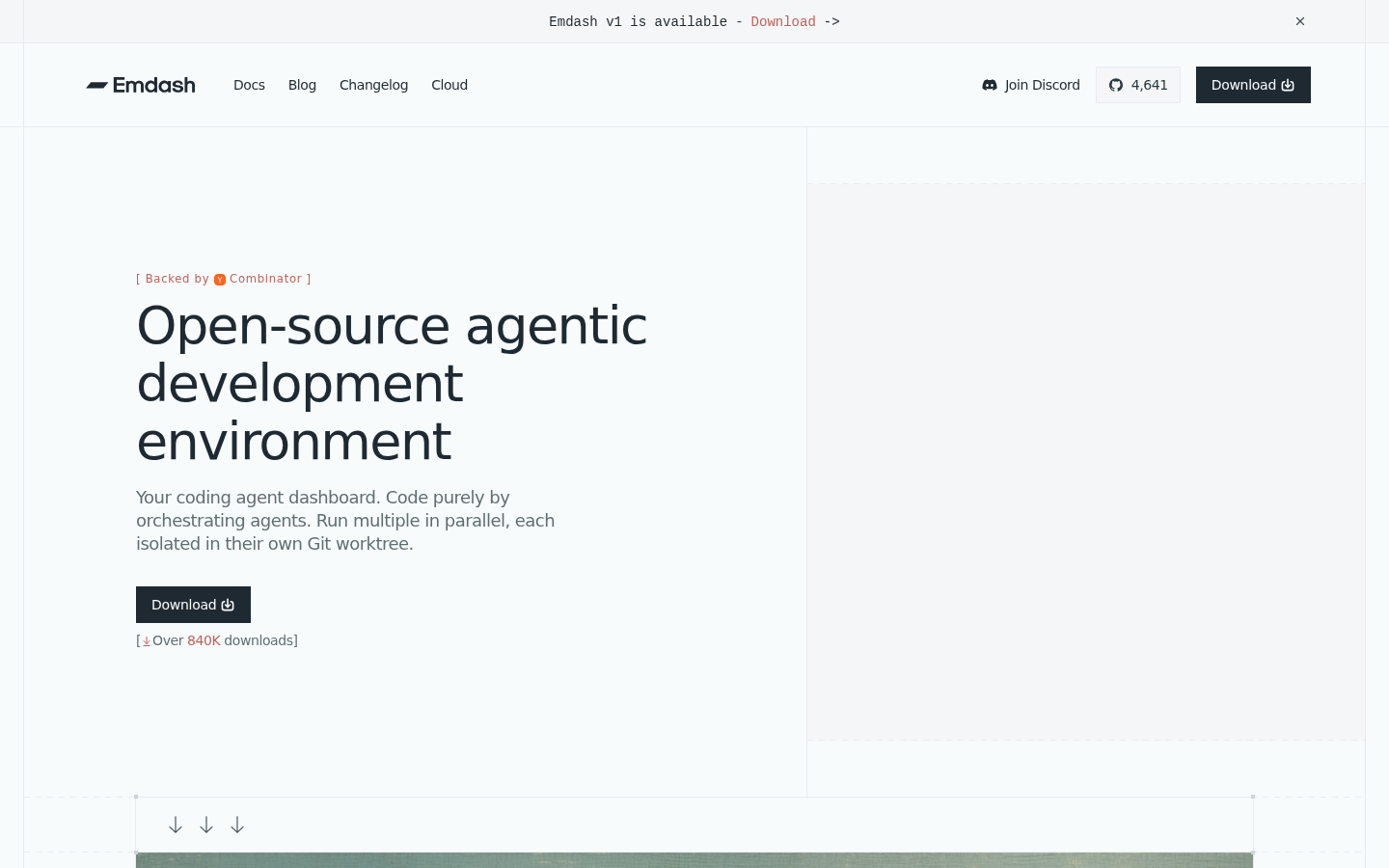
Screenshot archived from the listing page, for preview only.











