Enprompt 360
AI prompt generator for any taskGenerate a usable prompt in seconds
Highlights
What you can do with it
- Drafting a prompt for an article
- Getting a better starting prompt for code
- Exploring prompt options for a design brief
How to use it
- 1 Open Enprompt 360
- 2 Describe your task or topic
- 3 Generate the prompt
- 4 Copy it into your AI tool and refine it
Who it is for
Pros
- Very quick to use
- Works across different task types
- A free trial lets you evaluate it
Limitations
- Output still needs your own judgement and editing
- Free trial length and pricing can change
- It does not replace understanding the tool you are prompting
What Enprompt 360 is
Enprompt 360 is a prompt generator. You tell it the topic or the task you are working on and it returns a prompt written to get a better result out of an AI tool. The examples in the listing cover writing an article, programming and design work, which suggests it is meant as a general helper rather than something aimed at one model. The stated strengths are simplicity, speed and a free trial, and the mission is described as improving overall work efficiency.
What you can do with it
- Generate a prompt for any topic you name
- Use it across writing, coding and design tasks
- Get a starting point when you cannot phrase a request
- Compare several prompt options before choosing one
Who it is for
- Writers who want a stronger opening prompt
- Programmers testing variations on a request
- Designers exploring a brief with AI assistance
What to watch out for
A generated prompt is a draft, not an instruction manual. You still need to know what you actually want, because the tool cannot judge whether the result answers your question. Output quality varies with how specifically you describe the task, so a vague request gives a vague prompt. Free trial length and pricing can change, and no prompt generator removes the need to understand the AI tool you are using or to check its output. When quality matters, export a small draft first to confirm the result before producing the final file. Generated suggestions are for reference only, so verify anything that affects professional judgment or important data. Save a backup of the original file before large batch jobs, and keep an exported copy of key results in case the page or service becomes temporarily unavailable.
FAQ
What does Enprompt 360 do?
It generates prompts on any topic and for any task.
Is it free?
It offers a free trial, according to the listing.
What is it good for?
Writing, programming, design and other tasks where a better prompt improves the result.
Why it is free
What the official page says: free trial
Free limits, trial length and features are decided by the official site and can change at any time.
Product preview
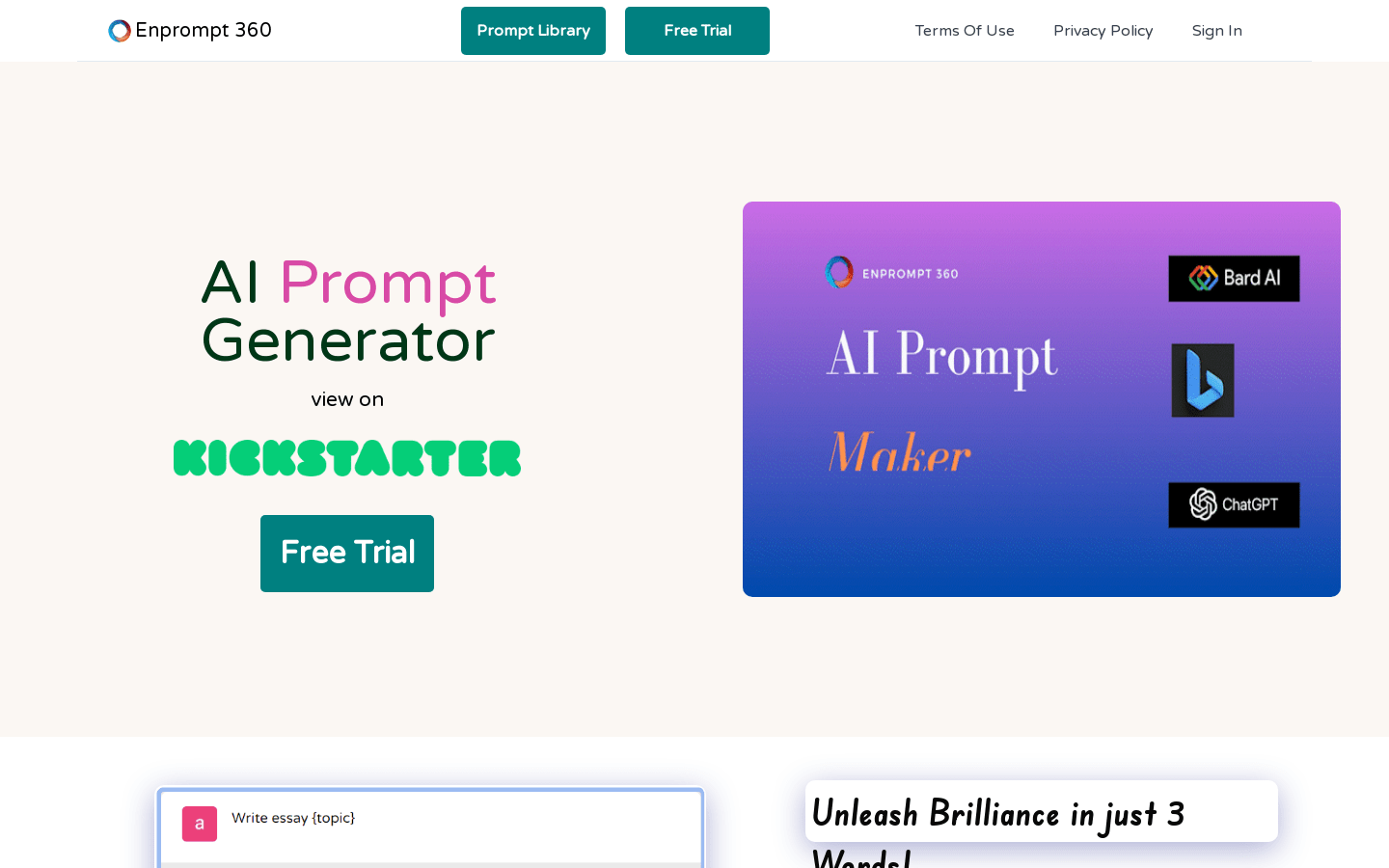
Screenshot archived from the listing page, for preview only.