
EraseVideo
Local watermark remover for AI videosStrip watermarks on your Mac, no upload
Highlights
What you can do with it
- Clean up your own AI-generated clips
- Prepare videos for personal archiving
- Process saved clips for private viewing
How to use it
- 1 Install the EraseVideo app on an Apple Silicon Mac
- 2 Drag the video into the application
- 3 Let the AI detect the platform automatically
- 4 Start processing and save the result locally
Who it is for
Pros
- No upload, processing stays local
- Free daily quota with no login
- Fast on Apple Silicon hardware
Limitations
- Mac only, and it requires Apple Silicon
- Free quota is two videos per day
- Removing watermarks from content you do not own may break platform rules or rights, and the user carries the risk
What EraseVideo is
EraseVideo is a Mac application that removes watermarks from videos generated on AI platforms. It currently supports seven of them, including Sora, Veo, Runway, Pika, KlingAI, TikTok, and Wan, and more are planned. The tool runs locally on an Apple Silicon Mac, so videos never leave your machine, and it automatically detects which platform a clip came from when you drag it in. The developer says a 15-second video takes about a minute on an M1 machine.
What you can do with it
- Remove watermarks from your own AI-generated videos
- Let the app detect the source platform automatically
- Process everything locally with no upload
- Handle two videos per day on the free version
- Save processed videos straight to your Mac
Who it is for
- AI video creators who need clean output
- Self-media producers publishing regularly
- Casual users with an occasional clip to tidy
- Privacy-minded users who avoid cloud uploads
What to watch out for
Removing watermarks from content you do not own can breach platform terms of service or the rights of the original creator, and that responsibility sits with you, not the tool. Use it on material you created or have permission to edit. The app is Mac only and requires Apple Silicon, so Windows and Intel Mac users are out of luck. The free quota of two videos per day is small, and paid plans at 19.9 dollars a year or 49.9 dollars lifetime are the route for volume. For team use, agree on naming and editing conventions in advance to avoid version conflicts or duplicated work. Name and archive exported files consistently so you can find and reuse them, and keep a backup copy of key data.
FAQ
Which platforms are supported?
Seven platforms including Sora, Veo, Runway, Pika, KlingAI, TikTok, and Wan.
Is processing local?
Yes, all processing happens on the local device without uploading video to a cloud server.
What does the free version include?
Two videos processed free every day, without creating an account or paying hidden fees.
Why it is free
What the official page says: free version
Free limits, trial length and features are decided by the official site and can change at any time.
Product preview
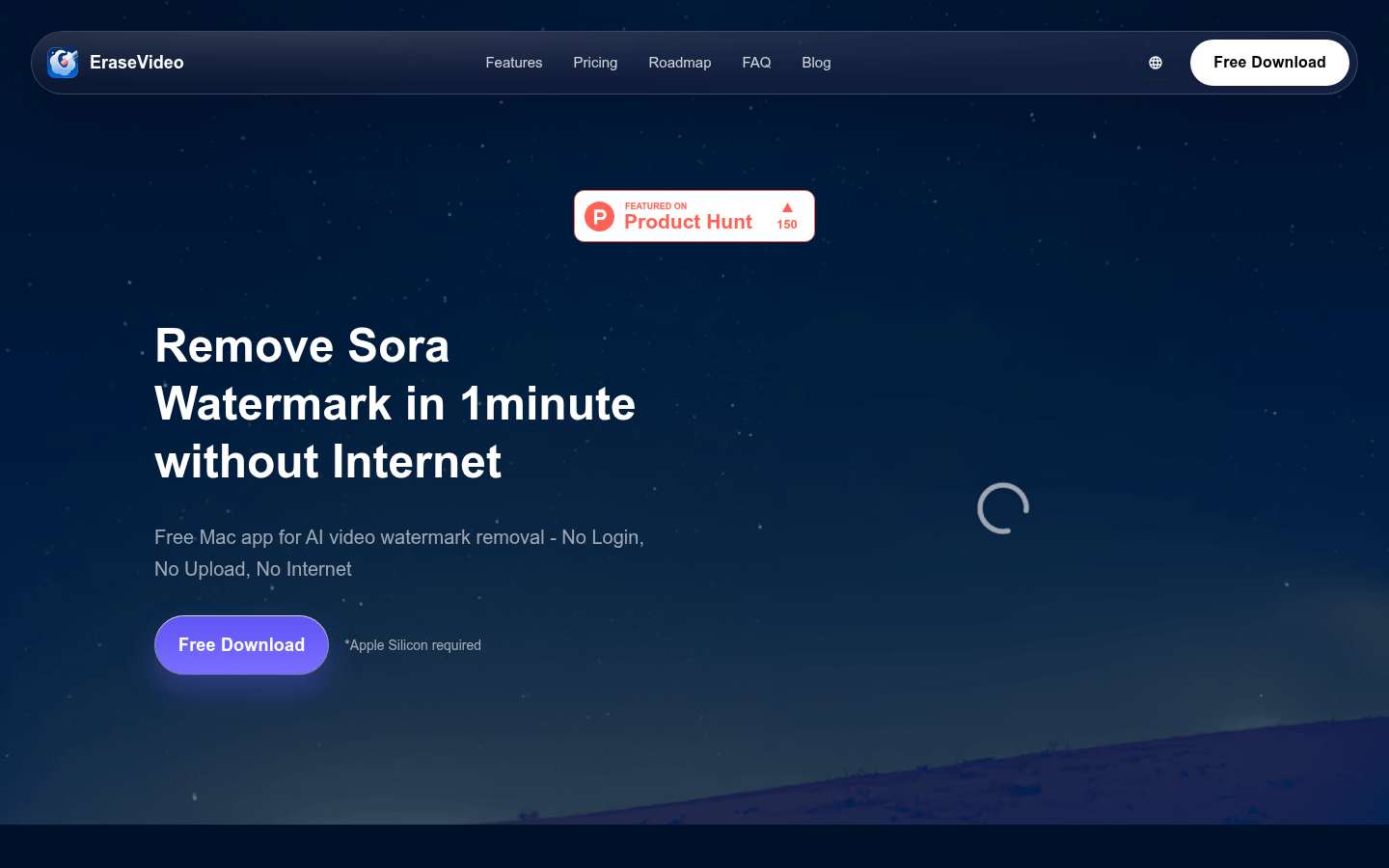
Screenshot archived from the listing page, for preview only.











