
Erasio
Free online AI watermark remover for images and video.Erase watermarks, logos, and text in seconds, no sign-up.
Highlights
What you can do with it
- Clean product photos before listing them on an online store
- Remove watermarks from sample images before showing a client
- Tidy up watermarks in social media screenshots for a cleaner post
How to use it
- 1 Open erasio.app in your browser and upload a JPG, PNG, or WebP image.
- 2 Let the AI detect the watermark, or brush over the area yourself.
- 3 Preview the result to confirm the mark is gone and quality holds.
- 4 Download the clean, watermark-free image.
Who it is for
Pros
- Free to use with no account or software install
- Fast automatic detection plus manual control when needed
- Keeps quality and offers high-resolution downloads
Limitations
- Large files over 25MB are not accepted
- Removal quality depends on how the watermark sits in the image
- Only remove watermarks from content you own or have rights to edit
What Erasio is
Erasio is a free, browser-based watermark remover for images and video. It uses AI to erase watermarks, logos, and overlaid text in a few seconds without any registration or app install. You upload a JPG, PNG, or WebP file up to 25MB, and the tool either detects the mark automatically or lets you brush over the area for precise control. Once processed, you can download a clean, high-resolution image with no watermark. It also supports removing watermarks from video in several formats. Uploaded files are deleted after processing to protect privacy. It is built for online sellers, designers, and bloggers who need tidy visuals for listings, presentations, and posts.
What you can do with it
- Remove watermarks, logos, and text from photos automatically
- Mark a specific area by hand for more precise removal
- Keep image quality intact and download in high resolution
- Strip watermarks from video files in common formats
- Use it on any device through the browser, no install needed
Who it is for
- Online sellers who want clean product images for their listings
- Designers presenting watermark-free samples to clients
- Bloggers and social media users tidying up screenshots and images
- Anyone who needs a quick, free way to clean up a marked picture
What to watch out for
Files larger than 25MB are not accepted, so big images need to be resized first. Removal quality depends on how the watermark sits over the picture, and busy or textured backgrounds can be harder to rebuild cleanly. Only remove watermarks from content you own or have the rights to edit, since stripping marks from protected material can raise legal and ethical issues. The free, no-registration model could change as the service develops.
FAQ
Is Erasio free?
Yes. It is completely free and needs no registration.
What files can I upload?
It accepts JPG, PNG, and WebP images up to 25MB, and it also supports video.
Can I control what gets removed?
Yes. You can let the AI auto-detect the watermark or mark the area manually for precision.
Why it is free
What the official page says: completely free
Free limits, trial length and features are decided by the official site and can change at any time.
Product preview
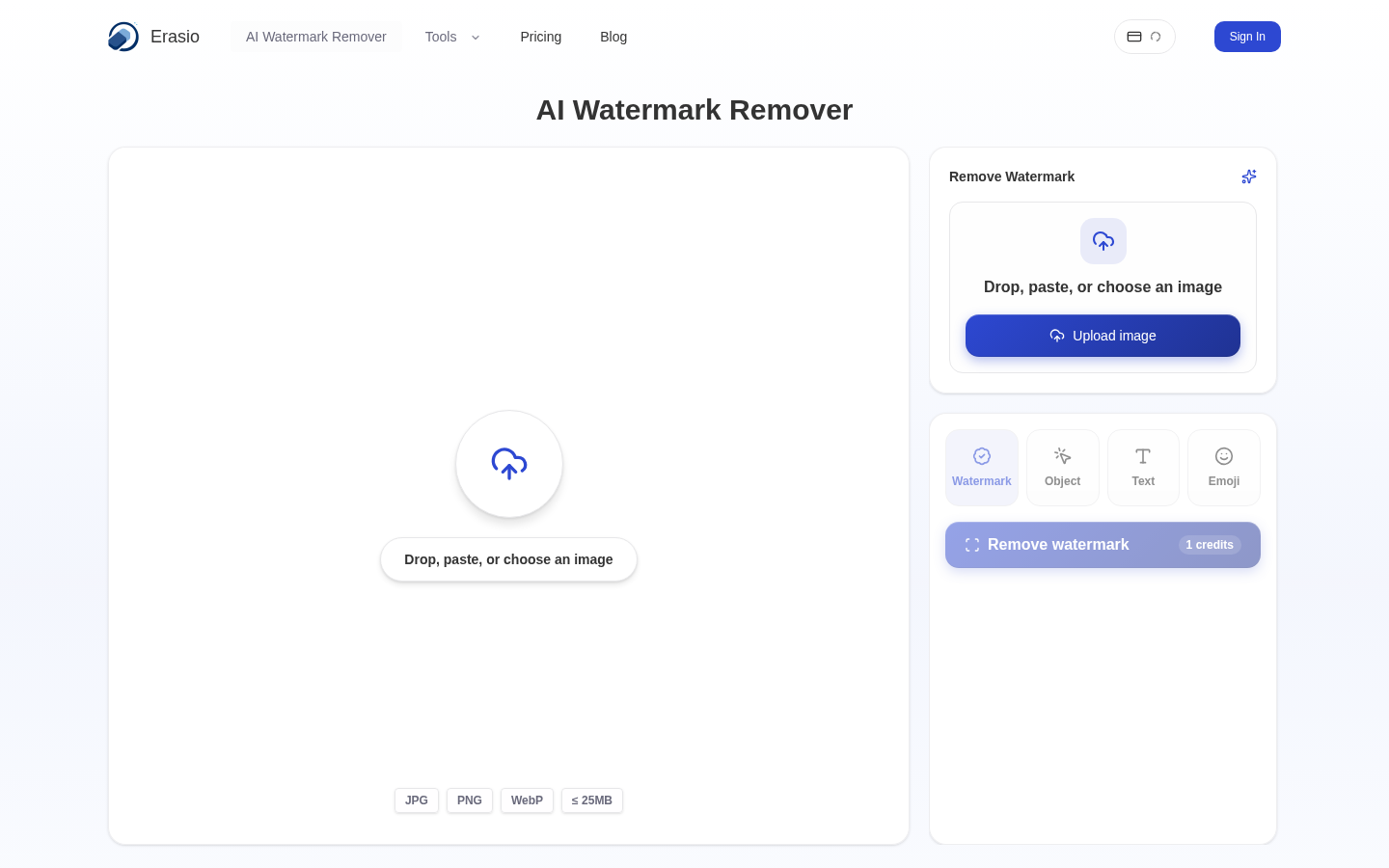
Screenshot archived from the listing page, for preview only.











