
Ez Img Editor
Free online all-in-one AI image editorEdit, transform, and reshape images fast
Highlights
What you can do with it
- Quick cleanup of a photo before sharing it
- The same kind of edit applied across several images
- Fast transformations for social posts
How to use it
- 1 Open ezimgeditor.io in your browser
- 2 Upload a single image or several at once
- 3 Choose the edit or transformation you need
- 4 Review the AI result and download it
Who it is for
Pros
- Free to use
- Handles multiple images in one go
- No design experience needed
Limitations
- The page says it is free, but free rules can change without notice
- AI results vary and may need manual cleanup
- Complex design work may need a fuller editor
What Ez Img Editor is
Ez Img Editor is an online all-in-one AI image editor. Its main promise is speed and simplicity: you can edit, transform, and reshape images quickly without professional design skills. The site says the tool is free to use. It works on single images or multiple images at once, which makes it useful for quick cleanups and simple batch jobs. The positioning covers everyone from casual users to professionals who need a fast browser-based option.
What you can do with it
- Edit and clean up images directly in the browser
- Transform or reshape a photo with AI help
- Apply the same kind of edit across several images
- Get results without installing design software
Who it is for
- Casual users who need a quick photo fix
- People with no design software or training
- Professionals who want a fast option for simple edits
What to watch out for
The page says the tool is free, but free rules can change and no long-term commitment is stated. AI edits are not perfect, so expect to check and sometimes redo results, especially on detailed images. The tool is aimed at quick, simple work; heavy retouching or layered design will still need a fuller editor. For best results, start with a small test file and review the output carefully before working on anything important. Free tiers can change over time, so it is worth checking the current limits on the official page before you rely on the tool daily. If the result is not quite right, try adjusting your input description or settings and run the task again. Keep a backup of your original files in case you need to redo the work later.
FAQ
Is Ez Img Editor free?
The site says it is free to use.
Can I edit several images at once?
Yes, the tool is described as handling single or multiple images.
Do I need design skills?
No. It is built so users can edit images without professional design skills.
Why it is free
What the official page says: 免费使用免费
Free limits, trial length and features are decided by the official site and can change at any time.
Product preview
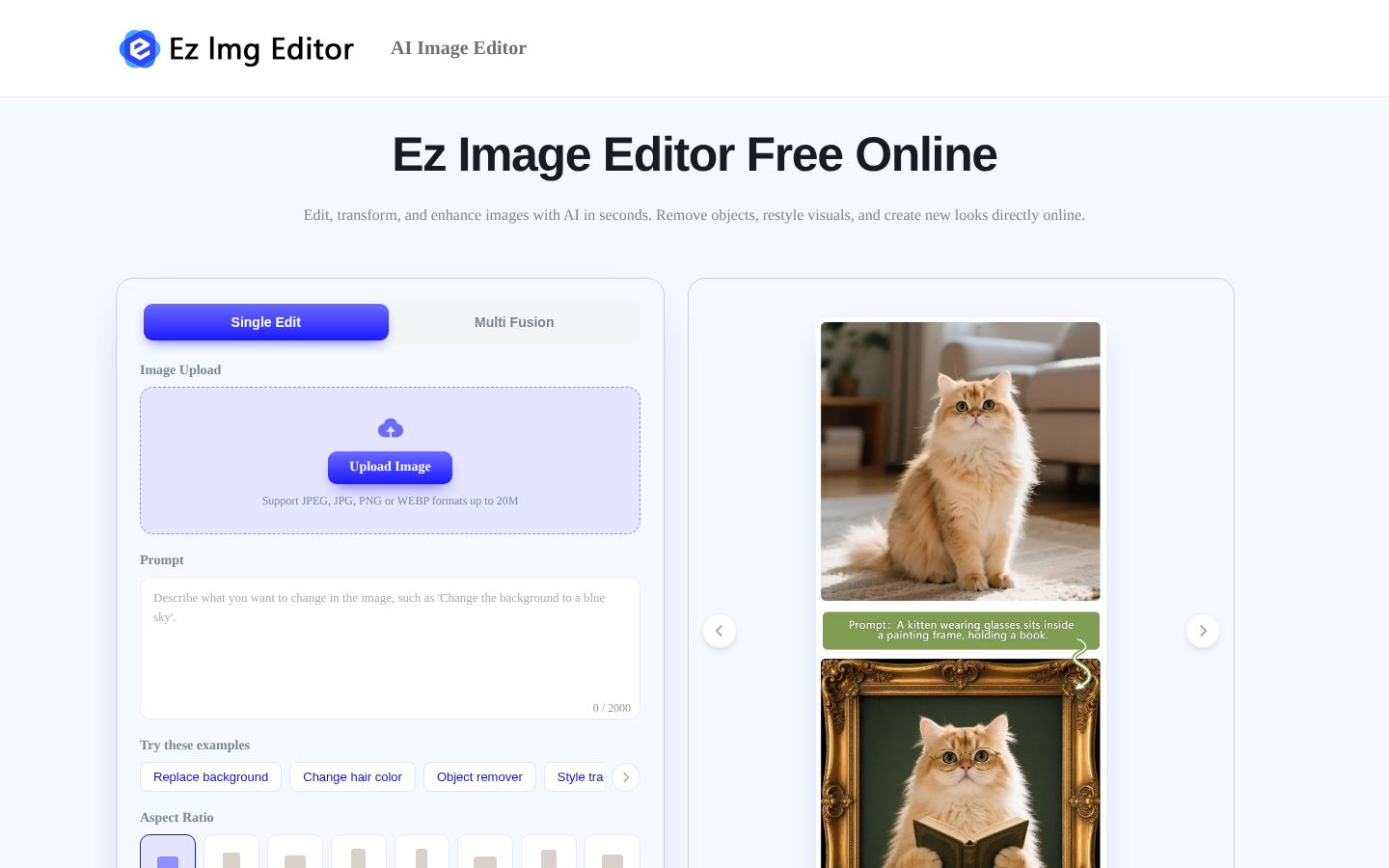
Screenshot archived from the listing page, for preview only.