
FacelessVideos
Free AI generator for faceless short videosCreate faceless videos for YouTube Shorts and TikTok fast
Highlights
What you can do with it
- A creator runs a faceless YouTube channel on technology explainers.
- An educator makes teaching videos without appearing on camera.
- A business creates short promotional clips for a product.
How to use it
- 1 Enter a topic or let the AI suggest ideas from trending subjects.
- 2 Pick a video style and add subtitles, music, and effects.
- 3 Customize fonts, colors, and voice for the narration.
- 4 Export the video or publish it directly to YouTube or TikTok.
Who it is for
Pros
- Free-use option to try faceless video creation
- Many styles, voices, fonts, and music tracks
- Direct publishing to YouTube and TikTok
Limitations
- Free limits and plan pricing can change
- Faceless content must still follow each platform's rules
- Generated videos need review for accuracy and originality
What FacelessVideos is
FacelessVideos, also called VeeVi, is an AI generator for faceless videos aimed at platforms like YouTube Shorts, TikTok, and Reels. You give it a topic and it produces engaging video content without anyone appearing on camera, which suits creators who want to stay anonymous or simply do not want to be on screen. The tool can turn static images into dynamic clips and offers styles such as Default, Pixar Art, Anime, Comic, and Lego. It also provides 20 AI voices, 16 customizable fonts, and 27 background music tracks, and it supports 16 languages. For publishing, it can send faceless videos straight to YouTube and TikTok. There is a free-use option as well as paid packages, with the Starter plan at $19 per month that includes 15 faceless videos and extra AI credits.
What you can do with it
- Turn a topic into a faceless video without showing your face
- Animate static images into dynamic clips
- Add AI voices, custom fonts, and background music
- Publish directly to YouTube and TikTok in 16 languages
Who it is for
- YouTube and TikTok creators running faceless channels
- Educators who want to make videos without appearing on camera
- Businesses creating short promotional content for products
What to watch out for
Faceless videos still have to follow each platform's rules on originality, copyright, and monetization, so do not assume anonymous content is exempt from those policies, and repeated low-effort uploads can hurt a channel. The free-use option has limits and the plan pricing can change, so check the current terms before you build a posting schedule around it. Because the videos are AI-generated, you should review them for accuracy and make the content your own rather than publishing raw output, and music or voice assets should be used within the tool's license. Finally, since it depends on AI models and platform integrations, availability and features can shift.
FAQ
Is there a free option?
Yes. There is a free-use option, plus paid packages like the Starter plan at $19 per month.
Do I need to show my face?
No. It is built for faceless videos, so you can create content without appearing on camera.
Where can I publish?
It supports publishing directly to YouTube and TikTok, and exports for other platforms.
Why it is free
What the official page says: 免费使用免费
Free limits, trial length and features are decided by the official site and can change at any time.
Product preview
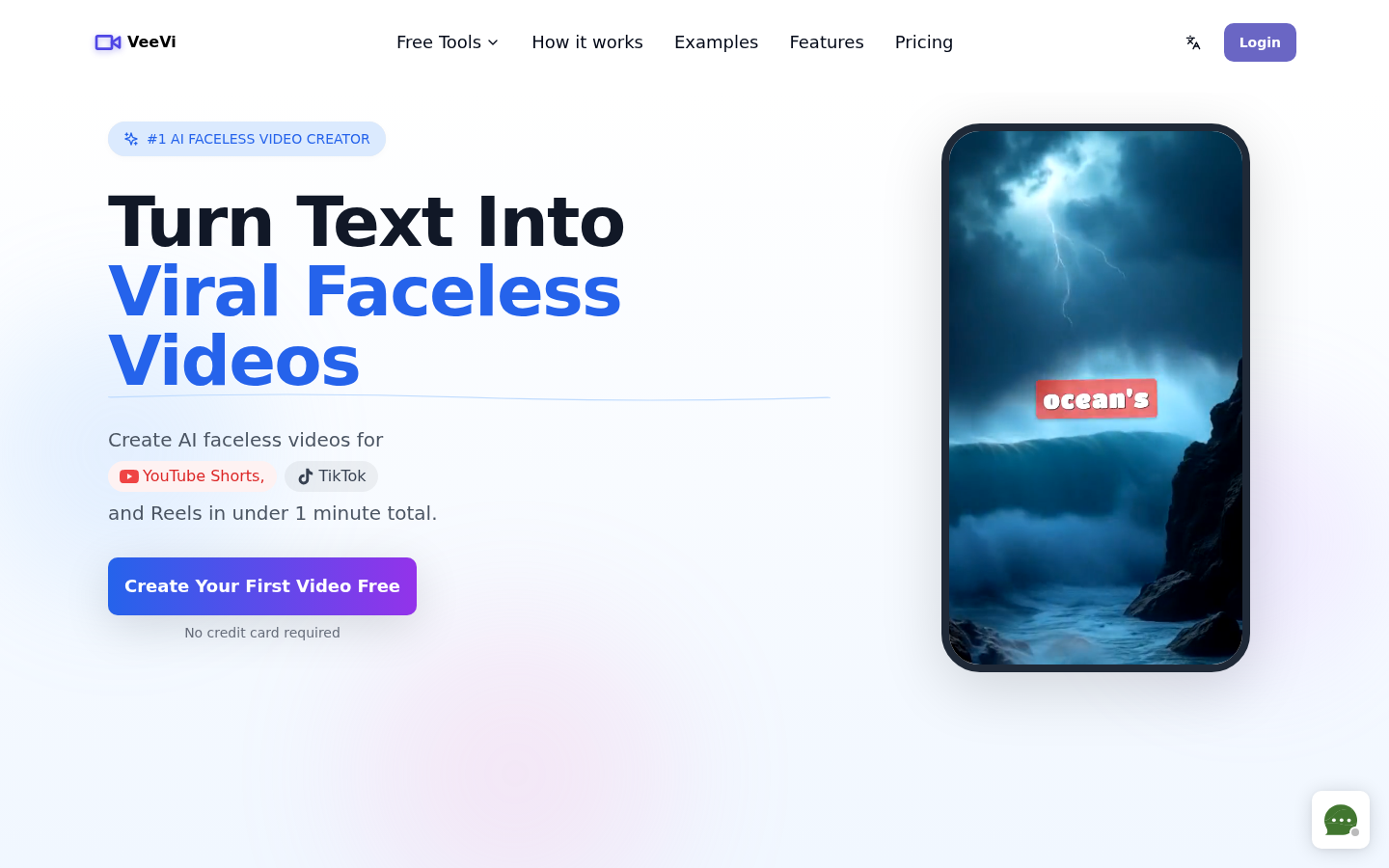
Screenshot archived from the listing page, for preview only.











