
FakeATweet
Fake tweet image makerRealistic X screenshots, free and clean
Highlights
What you can do with it
- Make a joke screenshot of a friend for a laugh.
- Build a meme image from a trending topic.
- Mock up a social post for a creative project or a campaign concept.
How to use it
- 1 Visit the FakeATweet website.
- 2 Click the Create Tweet button to open the creation page.
- 3 Enter the username, profile picture and tweet text.
- 4 Choose a light or dark theme.
- 5 Click generate and wait about ten seconds.
- 6 Download or use the screenshot.
Who it is for
Pros
- Completely free and needs no registration.
- No watermark on the result.
- Fast, about ten seconds per screenshot.
- Current design plus both light and dark themes.
Limitations
- Realistic fake posts can be misused to mislead or impersonate; only use them for obvious jokes and mockups where nobody is deceived, and the consequences rest with you.
- It depends on the site staying online and on keeping pace with X design changes.
- Only one look and feel is offered, based on the current X design.
- Free access is the current state and it can change.
What FakeATweet is
FakeATweet is an online tool that generates realistic Twitter and X post screenshots. You fill in a username, a profile picture and the tweet text, choose a light or dark theme, and the page returns an image in roughly ten seconds. The site says the output has no watermark, needs no registration, and is completely free. It follows the current 2025 Twitter and X design and can preview the result as it would appear on mobile or on desktop, so the same file looks right on both screens. The clean interface keeps the whole job to a single page.
What you can do with it
- Create a fake tweet image with your own username, avatar and text.
- Switch between light and dark themes.
- Preview how the screenshot will look on a phone or on a desktop.
- Download the image and use it in a post, a thread or a slide deck.
Who it is for
- People making jokes for friends and followers.
- Meme creators who need a post image for a trending topic.
- Designers and marketers mocking up a social post for a concept.
What to watch out for
The whole point of the tool is that the result looks real, and that cuts both ways. A screenshot that reads as a genuine post can be used to mislead people or to put words in someone's mouth, which may break platform rules and, in some places, the law. Use it only for obvious jokes, memes and mockups where nobody is fooled, and never to spread false claims about real people or events. Any consequences of how you use the image rest with you. The tool also depends on the site staying online and on keeping pace with X design updates, and free access can change at any time.
FAQ
Is FakeATweet free?
Yes. It is completely free, needs no registration, and adds no watermark.
How long does a screenshot take?
About ten seconds after you click generate.
Can I use these images publicly?
Only for clear jokes, memes and mockups. Publishing a fake post as if it were real can mislead people and may break platform rules, and the consequences are yours.
Does it match the current X design?
It uses the latest Twitter and X design from 2025, with light and dark themes and mobile or desktop previews.
Why it is free
What the official page says: no registrationcompletely free
Free limits, trial length and features are decided by the official site and can change at any time.
Product preview
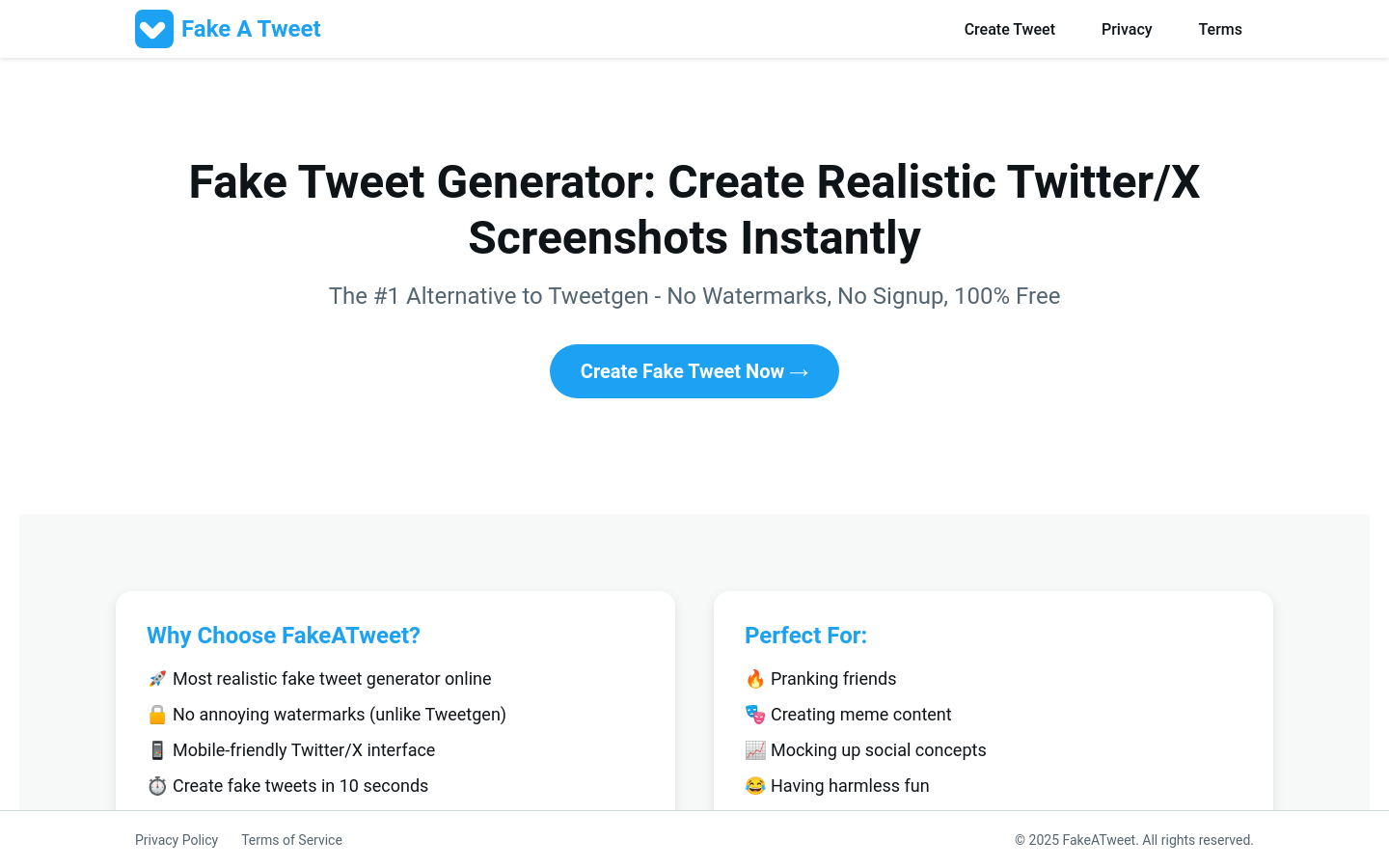
Screenshot archived from the listing page, for preview only.











