
Fancy Text Generator
Online tool for stylish text effectsFancy fonts, emoji, and symbols in seconds
Highlights
What you can do with it
- Style social media captions and profile bios
- Create decorative signatures for messages
- Add visual flair to personal art projects
How to use it
- 1 Open the Fancy Text Generator website
- 2 Choose a text style and type your text
- 3 Adjust options and preview the effect
- 4 Copy or export the result
Who it is for
Pros
- Free and browser based with no install
- Fast generation with many styles to try
- Simple enough for complete beginners
Limitations
- Rendering varies between apps and devices
- Online only, so it needs a working connection
- Free access today is not a long term promise
What Fancy Text Generator is
Fancy Text Generator is an online tool for decorative text. You type plain text and it returns styled versions built from fancy fonts, emoji, and special symbols. The point is to make captions, bios, and signatures stand out without opening a design tool. Everything happens in the browser, there is nothing to install, and you can preview before copying the result into your app of choice.
What you can do with it
- Convert plain text into fancy font styles
- Add emoji decorations to a line of text
- Insert special symbols for visual effect
- Preview and copy results for social posts or bios
Who it is for
- Social media users who want eye-catching captions
- People personalizing bios, handles, and signatures
- Casual creators decorating messages and profiles
- Anyone who wants quick styled text without design software
What to watch out for
Because the output uses Unicode characters and emoji, appearance is not guaranteed to be identical across apps, platforms, and devices, so always preview where it will actually be published. The service is online only, meaning no connection means no generation. Free access is the current model, not a contract, so if you build a workflow around it, keep a backup plan. Style variety is broad but shallow: this is decoration, not typography control. Behavior may vary across browsers and devices, so test before production use and consult the help docs if errors appear. Features and interface details may change between versions, so review the latest notes on the page before you start. Save a backup of the original file before large batch jobs, and keep an exported copy of key results in case the page or service becomes temporarily unavailable.
FAQ
Is it free to use?
Yes, the tool is free to use online without downloads.
Do I need to install anything?
No, it runs in the browser.
Will the text look the same everywhere?
Not always. Special characters and emoji render differently across apps and devices, so preview first.
Why it is free
What the official page says: free to use
Free limits, trial length and features are decided by the official site and can change at any time.
Product preview
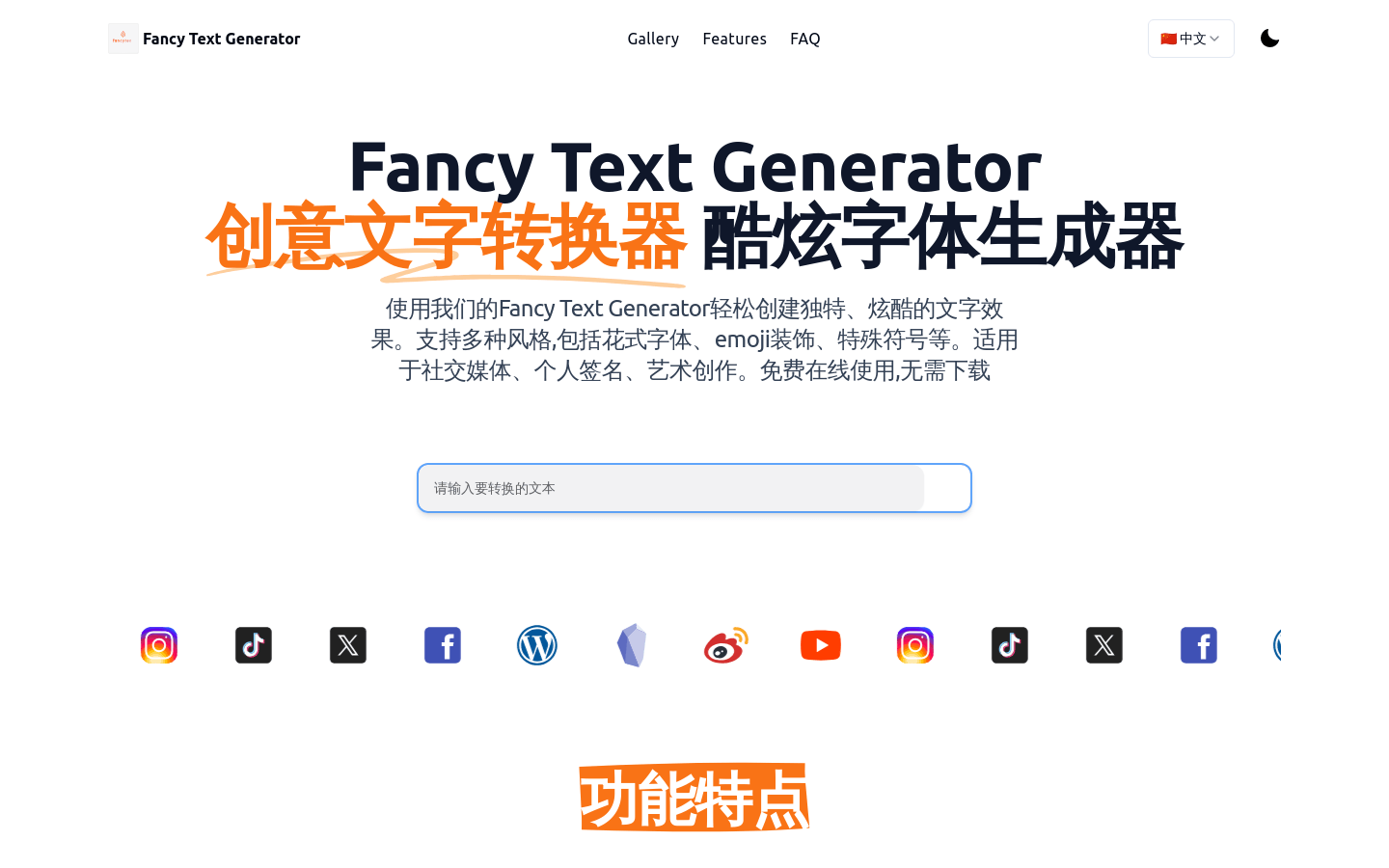
Screenshot archived from the listing page, for preview only.











