
Favicon Helper
Browser tool for favicons and web imagesCrop, clean up, and export favicons and logos
Highlights
What you can do with it
- Generating a favicon set for a personal blog.
- Producing page images for a corporate site.
- Creating product page assets for a startup launch.
How to use it
- 1 Open the Favicon Helper site.
- 2 Upload the image you want to work with.
- 3 Crop or resize it to the sizes you need.
- 4 Remove the background or generate a logo.
- 5 Export the favicon files.
Who it is for
Pros
- Several small jobs in one tool.
- A free version covers basic use.
- No design experience required.
Limitations
- The free version has limits, and paid plan pricing is not stated.
- Browser based tools vary in output quality, so check the exports.
- Favicon requirements differ across browsers and devices, so test them.
- Background removal on complex images often needs manual cleanup.
What Favicon Helper is
Favicon Helper is a tool for creating and editing web content, aimed squarely at the small jobs that come with putting a site together. It offers multiple design styles to start from, image cropping and resizing for the sizes different places expect, background removal to isolate a subject, logo generation for a basic mark, and favicon export so the browser tab actually looks right. All of it sits in one interface, which is the point: you do not need a design application to produce a coherent set of web assets. The listing describes it as suitable for both individual and corporate users who need professional looking results quickly, and pricing is flexible with a free version alongside paid options.
What you can do with it
- Crop and resize images to the sizes you need.
- Remove a background from a photo.
- Generate a simple logo.
- Export favicon files for a site.
Who it is for
- Individuals building a personal site or blog.
- Small businesses that need web assets without hiring a designer.
- Startups producing images for a launch page.
What to watch out for
The free version has limits and paid plan pricing is not stated in the listing, so check the site before you depend on it for client work. Output quality from browser based tools varies, particularly for background removal on complex or furry edges, so inspect the exports rather than assuming they are clean. Favicon requirements also differ across browsers, operating systems, and device sizes, so test the generated set rather than trusting that one file covers everything. Finally, a generated logo is a starting mark, not a brand identity, and if the logo matters to your business it is worth a designer's time.
FAQ
Is Favicon Helper free?
It offers flexible pricing with both free and paid versions, so basic use is available without paying.
What can I make with it?
Favicons, logos, and edited web images, with cropping, resizing, and background removal along the way.
Do I need design skills?
No. The tool is described as easy to use and suitable for individual and corporate users without a design background.
Why it is free
What the official page says: 免费
Free limits, trial length and features are decided by the official site and can change at any time.
Product preview
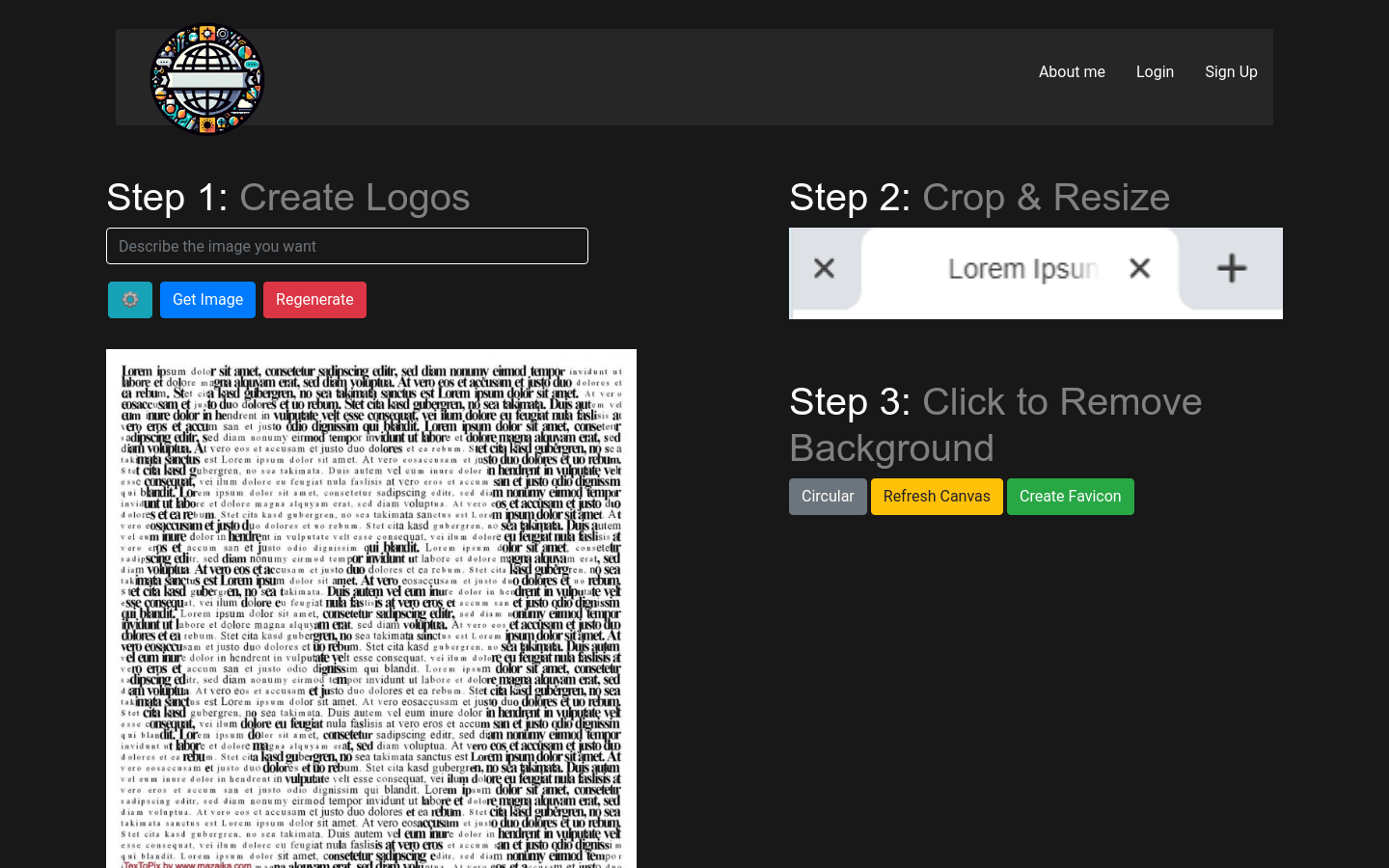
Screenshot archived from the listing page, for preview only.











