FigGPT
A Figma plugin that writes and edits copyChatGPT-powered copy editing inside Figma
Highlights
What you can do with it
- Write advertising copy inside a Figma design file
- Edit product descriptions without exporting the text
- Batch update labels across a whole set of screens
How to use it
- 1 Install FigGPT from the Figma plugin list.
- 2 Select the text layer you want to work on.
- 3 Run a quick action or type your own prompt.
- 4 Review the new copy and keep editing if needed.
- 5 Use batch editing when several layers need the same change.
Who it is for
Pros
- Text work stays inside the design file
- Custom actions save time on repeated phrasing jobs
- Batch editing covers many layers in one pass
Limitations
- It only works inside Figma, so it is not a standalone writing tool
- Free version limits are not detailed in the listing, and paid pricing sits on the official site
- Output still needs a human pass for tone and accuracy
What FigGPT is
FigGPT is a small plugin that connects ChatGPT to Figma. Instead of copying text out to a separate editor, you select a text layer and rewrite it in place. Quick actions handle style, length, and format in one click, and you can create your own actions and prompts for jobs you repeat often. Output can be set to more than 40 languages, a global prompt suffix can be attached to every action, and sample data can be filled automatically. Batch editing applies changes to several text layers at once. There is a free version and a paid version, with pricing listed on the official site.
What you can do with it
- Rewrite the style, length, or format of a text layer in one click.
- Build custom actions and prompts for your own recurring copy tasks.
- Generate copy in more than 40 languages.
- Fill design sample data and batch edit multiple layers together.
Who it is for
- Designers who write the copy in their own Figma files.
- Copywriters who review and edit text inside design work.
- Teams that need to update wording across many screens quickly.
What to watch out for
FigGPT is limited to Figma, so it will not help with text that lives outside a design file. The free version exists, but the listing does not say where its limits fall, and the paid pricing sits on the official site where it can change. Generated copy is also a draft: brand voice, claims, and factual wording still need a human review before anything ships. If a file uses placeholder names or figures, check that the generated text does not carry them into the final design.
FAQ
Where does FigGPT run?
It is a Figma plugin, so it works inside Figma on your text layers.
Can I create my own prompts?
Yes, the plugin lets you build custom quick actions and prompts, and set a global prompt suffix.
How many languages can it output?
The listing says output can be configured in more than 40 languages.
Why it is free
What the official page says: 免费版免费
Free limits, trial length and features are decided by the official site and can change at any time.
Product preview
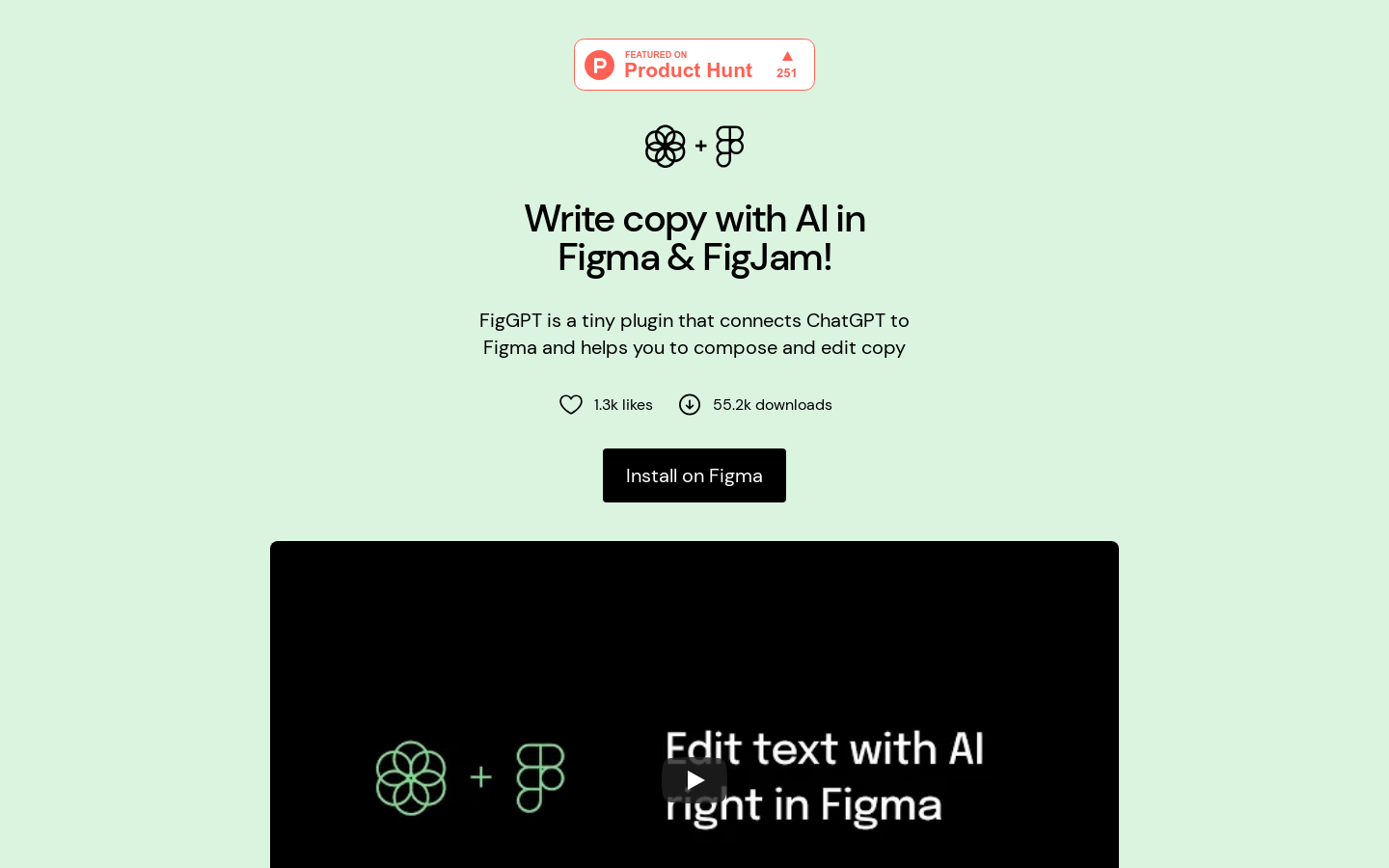
Screenshot archived from the listing page, for preview only.