Figma Motion
Figma animation tool for production-ready motion, exported as code.Build and export real animations right inside Figma.
Highlights
What you can do with it
- Design app transitions and button animations.
- Build brand motion for logos and promos.
- Create and export website loading animations.
How to use it
- 1 Open Figma and create or open a project.
- 2 Enter the Figma Motion area.
- 3 Add elements you want to animate.
- 4 Set keyframes or use pre-made styles.
- 5 Adjust timing and easing, then export the code.
Who it is for
Pros
- Motion lives inside the Figma workflow.
- Exports real code for developers.
- Pre-made styles speed up early work.
Limitations
- Free at the start, with paid tiers likely later.
- Advanced features take time to learn.
- Best results need both design and dev knowledge.
What Figma Motion is
Figma Motion is an animation design tool from Figma. It lets designers and developers create production-ready animations directly on the Figma canvas, without opening a separate animation app. You can start with pre-made styles, then take full control of keyframes and the timeline, add spring and Bezier easing, and build smooth screen-to-screen transitions. Animations can be exported as real code such as CSS, JSON, or React, so the handoff to development is direct rather than a description in a spec. The site says it can be used for free at the start.
What you can do with it
- Animate elements directly on the Figma canvas.
- Use pre-made styles or set your own keyframes.
- Add spring and Bezier easing for smooth motion.
- Export animations as CSS, JSON, or React code.
Who it is for
- Designers who want motion inside Figma.
- Developers who need exportable animation code.
- Teams handing design work to development.
What to watch out for
The free access is described as available at the beginning, so a paid tier is likely for heavier or long-term use, and pricing can change. Advanced animation still takes practice, and the timeline and easing controls have a learning curve for newcomers. Getting the most from the exported code assumes some developer knowledge, so solo designers may need help turning motion into a working build. Confirm current export formats before you plan a handoff. When quality matters, export a small draft first to confirm the result before producing the final file. Generated suggestions are for reference only, so verify anything that affects professional judgment or important data. Save a backup of the original file before large batch jobs, and keep an exported copy of key results in case the page or service becomes temporarily unavailable.
FAQ
Is Figma Motion free?
The site says it can be used for free at the beginning, with paid tiers for more.
Can developers use the output?
Yes, animations can export as CSS, JSON, or React code.
Do I need a separate animation tool?
No, it is built to create animations directly inside Figma.
Why it is free
What the official page says: for free
Free limits, trial length and features are decided by the official site and can change at any time.
Product preview
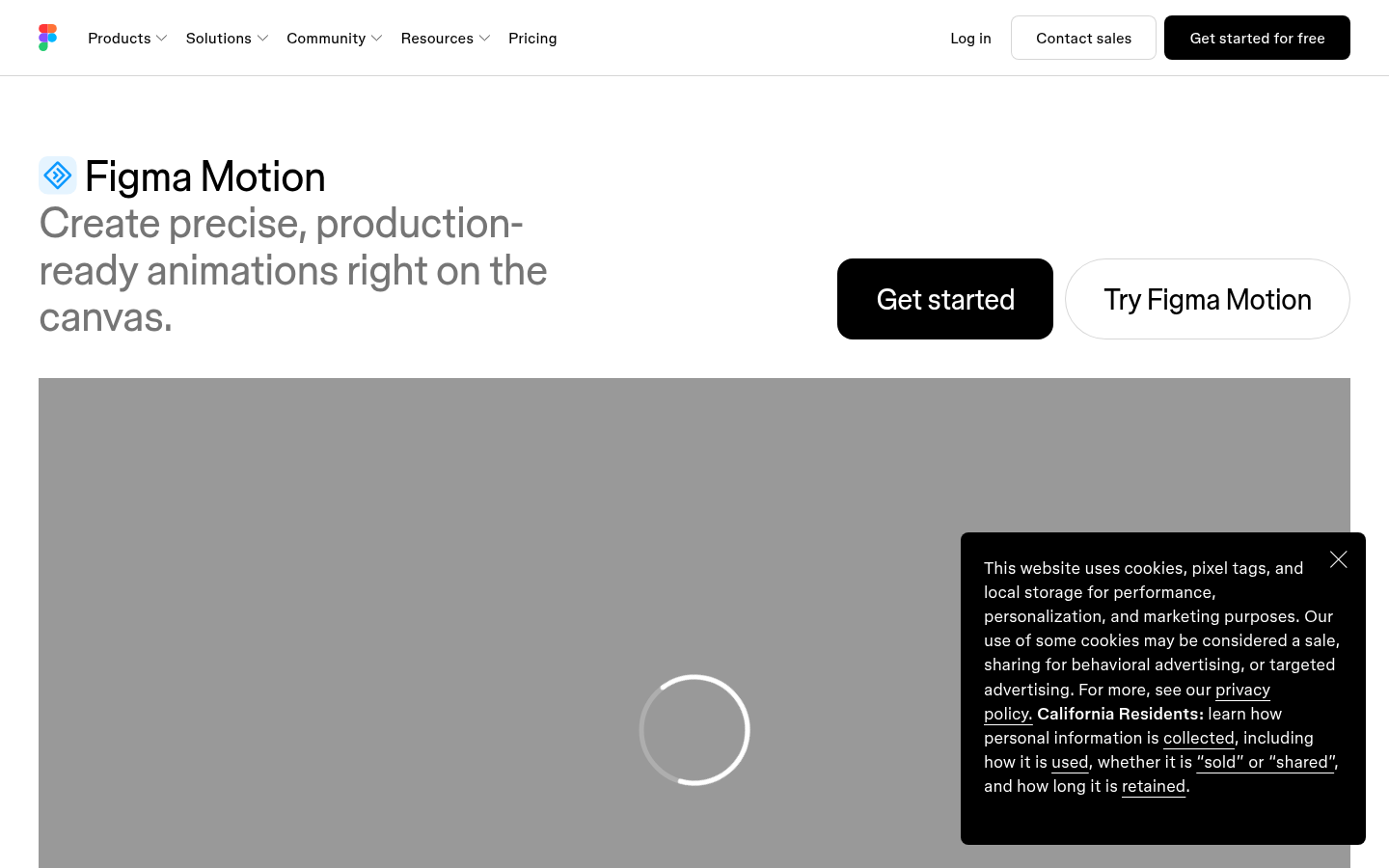
Screenshot archived from the listing page, for preview only.











