
Figviz
AI chart generator for STEM lessonsSTEM charts from a sentence in seconds
Highlights
What you can do with it
- A biology teacher asks for an annotated plant cell diagram for a junior high lesson.
- A physics student generates a convex lens ray diagram to check an optics concept.
- A researcher draws a simple schematic of the Earth's internal structure for a report.
How to use it
- 1 Open the Figviz site and describe the chart you need in the input box.
- 2 Choose annotation status, colour mode, and any other options.
- 3 Click generate and wait about 20 to 40 seconds.
- 4 Download the high resolution chart and drop it into a slide, worksheet, or document.
Who it is for
Pros
- No drawing skills and no software install are needed.
- Output is high resolution and print ready.
- Annotation and colour options cover both teaching and printing needs.
Limitations
- The free trial is only three credits, so regular use needs a paid pack.
- Generated charts should be checked against a textbook before they reach a class.
- Complex or unusual requests may need a rewritten prompt or a second attempt.
What Figviz is
Figviz is an AI chart generator for STEM teaching and learning. You describe the chart you need in plain language and it returns a clean scientific or mathematical figure in roughly 20 to 40 seconds, with no drawing skills and no software to install. Output is a high resolution PNG that drops straight into slides, worksheets, or a report, and you can choose annotated or un annotated versions plus colour or black and white for printing. It suits primary through high school levels and stretches into university and research use. New accounts get a small free trial allocation of credits, with paid packs such as a five dollar Starter Pack for ten credits.
What you can do with it
- Generate labelled diagrams for biology, physics, chemistry, and earth science topics.
- Ask for an annotated version for teaching or a clean version for a quiz.
- Switch between colour and black and white output for print or screen.
- Build print ready worksheets without drawing anything by hand.
Who it is for
- Teachers who need a clear figure for tomorrow's lesson.
- Students who want to check their understanding of a diagram.
- Researchers who need a simple schematic for a report or a talk.
What to watch out for
The free trial is only three credits, so real use needs a paid pack, and prices can change. Generated charts should be checked against a textbook before they go in front of a class, because a diagram that looks right can still carry a wrong label. Complex or unusual requests may need a rewritten prompt or a second attempt, and generation time grows with detail. Coverage is strongest on common school level topics, so niche research figures may still need manual work in a drawing tool.
FAQ
What does Figviz make?
Scientific and mathematical charts from a text description, covering subjects such as biology, physics, chemistry, and earth science.
How long does generation take?
About 20 to 40 seconds per chart.
Is it free?
There is a free trial with three credits, and paid packs such as a five dollar Starter Pack with ten credits.
Why it is free
What the official page says: free creditsfree trial
Free limits, trial length and features are decided by the official site and can change at any time.
Product preview
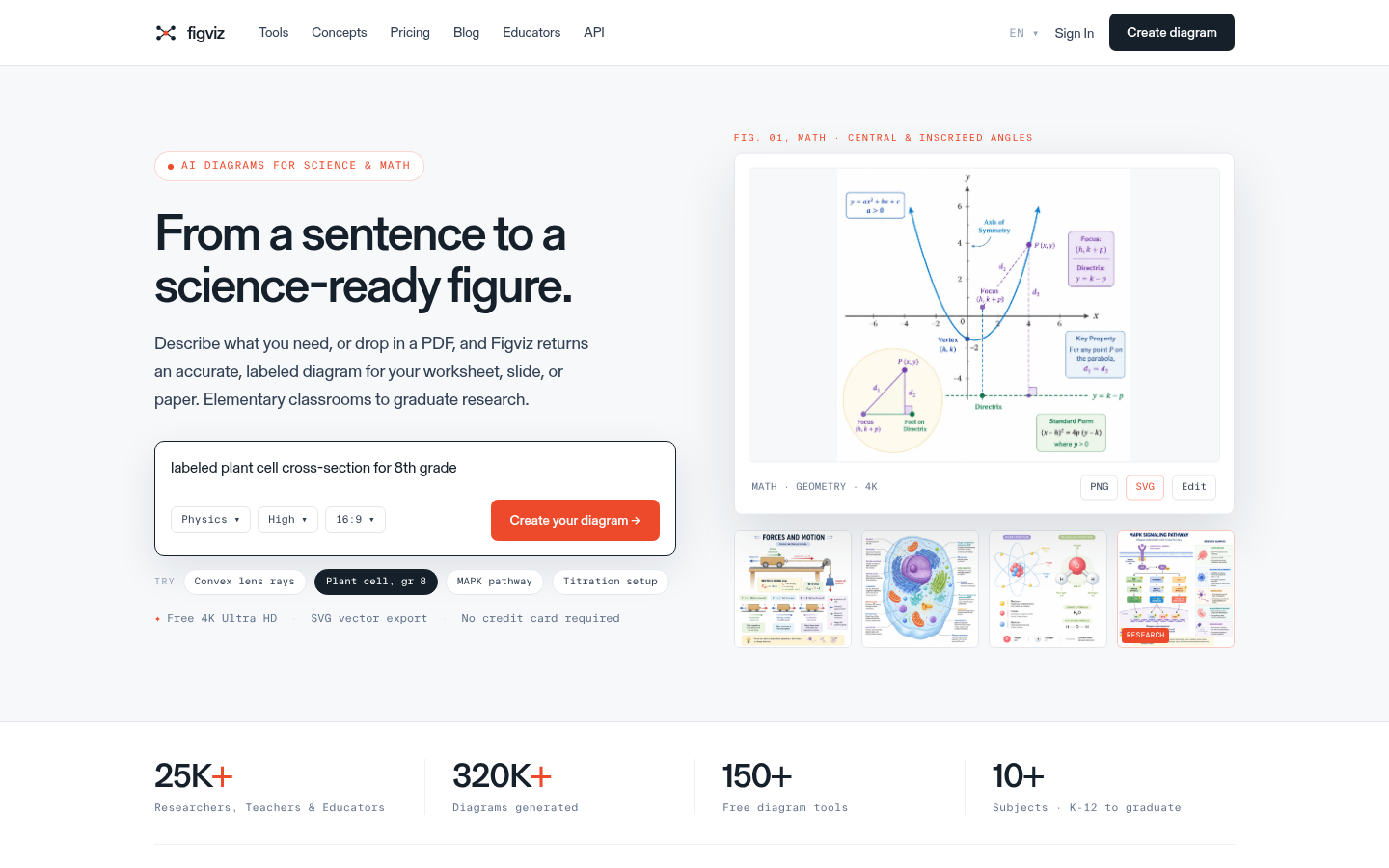
Screenshot archived from the listing page, for preview only.











