
Fima
All-in-one team workspaceChat, docs, projects, and calls in one place
Highlights
What you can do with it
- Day-to-day team chat and document work
- Remote meetings and face-to-face collaboration
- Tracking tasks, schedules, and project progress
How to use it
- 1 Create an account and set up a workspace.
- 2 Invite your team members.
- 3 Pick a template or start from a blank project.
- 4 Use chat, docs, tasks, calls, and the whiteboard as needed.
- 5 Upgrade to a paid plan if you need more than the free tier offers.
Who it is for
Pros
- Several common tools combined into one workspace
- A free plan is available for smaller teams
- Templates reduce setup time
Limitations
- Moving off existing tools takes effort and retraining
- Free plan limits are not spelled out on the page
- Depth may not match dedicated single-purpose applications
What Fima AI is
Fima AI is a collaboration platform that brings chat, document editing, project management, video conferencing, and a whiteboard together in one workspace. The pitch is consolidation: instead of paying for and switching between several separate apps, a team works inside a single environment where messages, files, tasks, meetings, and sketches all live side by side. Templates are provided for different project types, and the product offers both free and paid subscription plans so smaller teams can begin without a large commitment or a long procurement process.
What you can do with it
- Hold team conversations and edit documents together in the same place
- Manage projects with task lists, schedules, and progress tracking
- Run video meetings without leaving the workspace
- Use a shared whiteboard for planning, workshops, and quick sketches
- Start from a template instead of setting every project up by hand
Who it is for
- Remote and hybrid teams that need one place for daily work
- Project teams tired of juggling separate chat, docs, and task tools
- Small organizations that want to standardize on a single workspace
- Teams that run regular workshops and want the whiteboard next to the notes
What to watch out for
Consolidation is a trade-off. A combined workspace is convenient, but each individual piece may be less deep than a dedicated application, so teams with heavy needs in one area should test that area carefully before moving everything over. Migrating from existing tools also takes real effort, including moving files and retraining people who already have habits. The page does not detail free plan limits, and subscription pricing and features can change, so confirm current terms on the official site before rolling it out to a whole team. As with any shared workspace, data ownership and export options are worth checking early rather than after the team has settled in.
FAQ
What does Fima AI include?
Chat, document editing, project management, video conferencing, and a whiteboard in one workspace.
Is there a free plan?
Yes, both free and paid subscription plans are offered.
Who is it aimed at?
Teams that want collaboration tools consolidated into a single workspace.
Why it is free
What the official page says: 免费
Free limits, trial length and features are decided by the official site and can change at any time.
Product preview
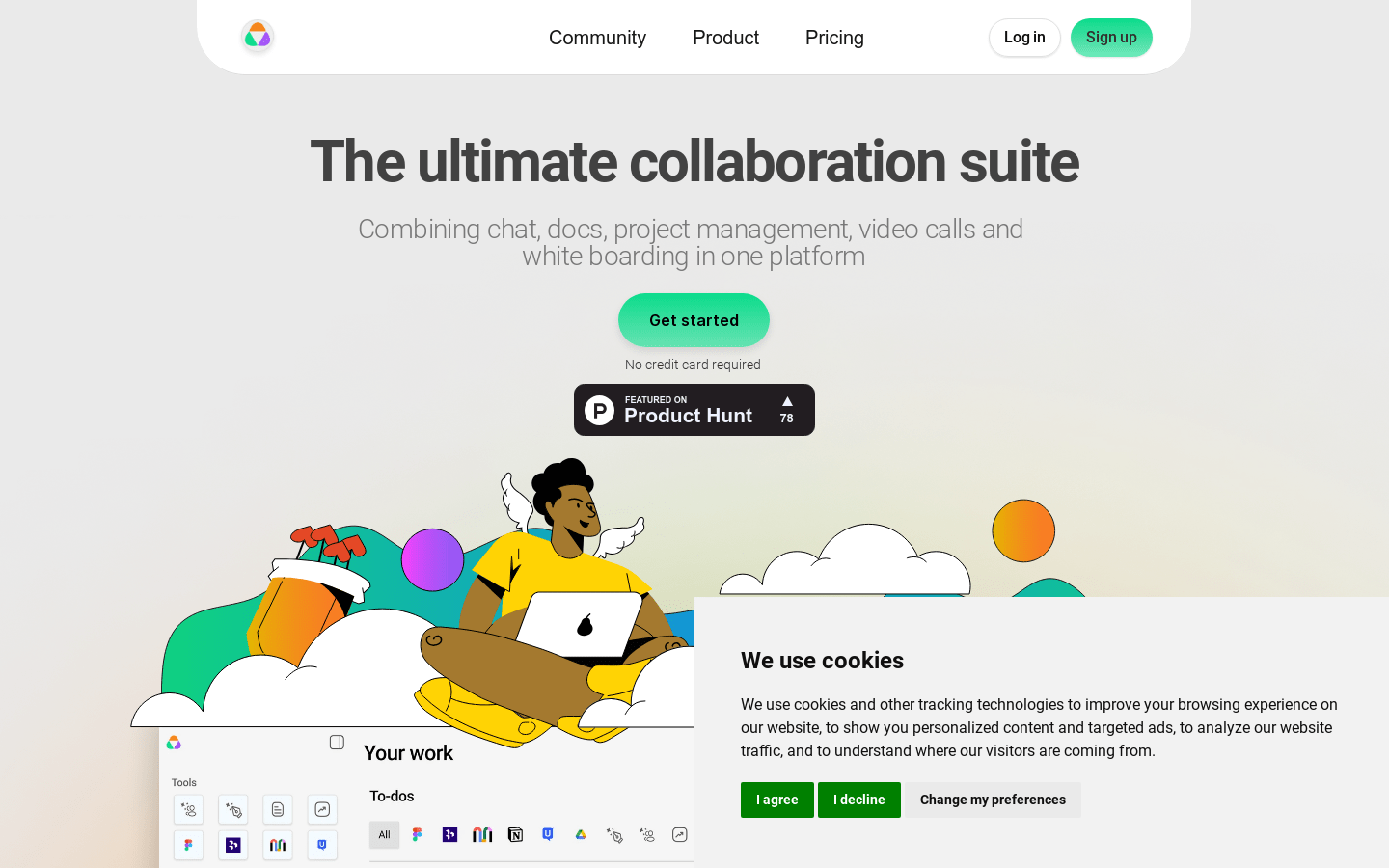
Screenshot archived from the listing page, for preview only.











