FindWise
Free AI search extensionSearch inside the page you are on
Highlights
What you can do with it
- Ask about a long article you are reading
- Find a specific detail inside a documentation page
- Search within a site without leaving the tab
How to use it
- 1 Install FindWise from the Chrome web store.
- 2 Open the page you want to search.
- 3 Ask your question in the extension.
- 4 Read the answer drawn from the page content.
- 5 Use it again on any other page or Chromium based browser.
Who it is for
Pros
- Free with no credit card required
- Works on the page you are already viewing
- Runs on any Chromium based browser
Limitations
- A browser extension, so it needs a Chromium based browser
- Answers are limited to the current page or site
- Free status can change without notice
What FindWise is
FindWise is an AI powered search extension. Rather than sending your question to a general search engine, it analyses the content of the page you already have open and returns the most relevant answer from that material. It also performs personalised search within the current website, which means you can find a specific detail without leaving the tab or scrolling through the whole page. The site states plainly that FindWise is 100% free and requires no credit card, and that it works on Chrome and other Chromium based browsers. For anyone who spends the day reading documentation or long articles, that removes a lot of tab switching.
What you can do with it
- Ask a question and get an answer drawn from the current page.
- Search within the site you are on without opening a new tab.
- Find specific details in long articles and documentation.
- Use it on any Chromium based browser, not just Chrome.
- Do all of this without a payment step or a credit card.
Who it is for
- Readers working through long pages who need a specific fact.
- Developers reading documentation and reference material.
- Researchers comparing information across pages of one site.
- Anyone who regularly searches inside a website and finds site search unhelpful.
What to watch out for
As a browser extension it needs a Chromium based browser, so it will not work in Safari or Firefox. Its answers are limited to the page or site you are viewing, so it is not a replacement for a general search engine when you need information from elsewhere. The extension reads page content to answer questions, which is worth knowing if you work with confidential material in the browser. Finally, the free status is stated clearly today but is not a contractual promise, so it can change without notice.
FAQ
Is it free?
Yes, the site states it is 100% free and requires no credit card.
Which browsers work with it?
Chrome and other Chromium based browsers.
What does it search?
The content of the page and website you are currently viewing.
Why it is free
What the official page says: no credit card
Free limits, trial length and features are decided by the official site and can change at any time.
Product preview
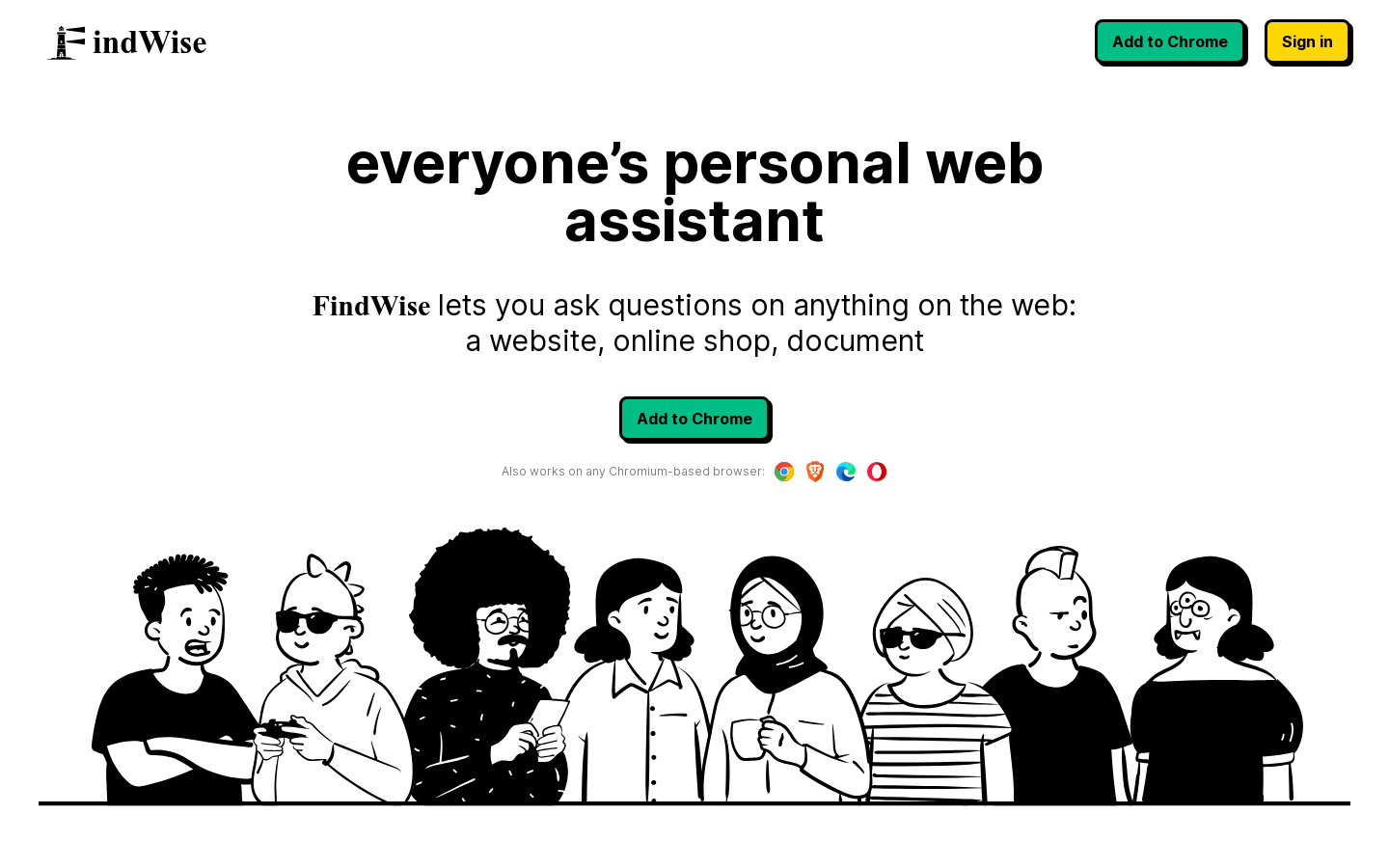
Screenshot archived from the listing page, for preview only.