
FireRed Image
Free AI image editorEdit images free, no sign-up
Highlights
What you can do with it
- Designers edit text in posters while keeping font style
- Photographers restore old or damaged photos
- E-commerce sellers change product image backgrounds
How to use it
- 1 Open a browser and go to the FireRed Image website.
- 2 Upload a photo in JPEG, PNG, or WebP format.
- 3 Type an editing instruction such as changing text or style.
- 4 Wait about 5 to 15 seconds for processing.
- 5 Preview the result and download it as a PNG.
Who it is for
Pros
- Free to use with no registration or login
- Open-source model that allows commercial use
- Fast processing of about 5 to 15 seconds
Limitations
- Free access and features may change over time
- Processing time grows with image resolution and complexity
- Editing quality depends on how clear the instruction is
What FireRed Image is
FireRed Image is a free online AI image editor built on an open-source model. No registration or login is required. The tool is based on a Diffusion architecture that has been fine-tuned for image editing tasks. It can render text cleanly inside a picture, restore old photos by repairing scratches and details, transfer artistic style while keeping the subject's features, and follow complex natural-language instructions. It supports common formats such as JPEG, PNG, and WebP, and it can run on mobile devices. Processing usually takes about 5 to 15 seconds depending on resolution and complexity. The model is open-source under the Apache 2.0 license and can be used for commercial purposes.
What you can do with it
- Modify text inside a poster or UI while keeping font style and lighting
- Restore old photos by repairing scratches and boosting detail
- Change the artistic style of an image without losing the subject's features
- Follow complex instructions for lighting and object edits
Who it is for
- Designers who need clean text rendering inside images
- Photographers who want to restore old or damaged photos
- E-commerce sellers who need to change product backgrounds
What to watch out for
The tool is free now, but free access and features may change over time. Processing time grows with image resolution and task complexity, so a large file can take longer than 15 seconds. Edit quality depends on how clear your instruction is; a vague prompt can give a weak result. The model is open-source, yet the hosted website is a separate service, so check the site's terms before you rely on it for client work. Test with a small file first to see how it handles your needs.
FAQ
Is FireRed Image free?
Yes, it is completely free and needs no registration.
What formats does it support?
It supports JPEG, PNG, and WebP.
Can I use the results commercially?
The model is open-source under Apache 2.0, so commercial use is allowed.
Why it is free
What the official page says: no registrationcompletely free
Free limits, trial length and features are decided by the official site and can change at any time.
Product preview
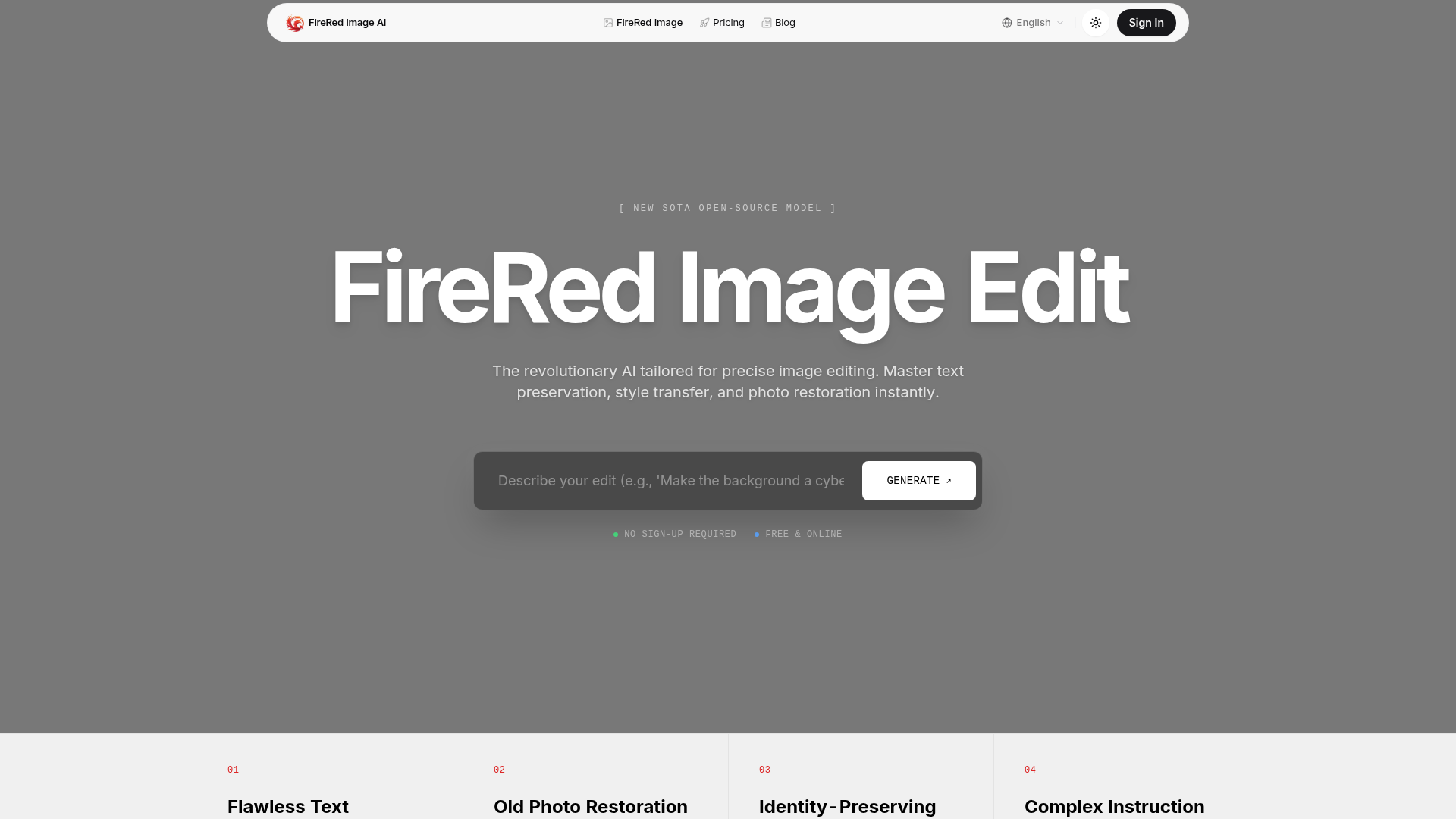
Screenshot archived from the listing page, for preview only.