
Flixly
All in one AI content studioPrompts to video, image, and audio
Highlights
What you can do with it
- Marketers generating product promo videos from prompts
- Creators animating static artwork into short clips
- Teams cloning a spokesperson voice for promo audio
How to use it
- 1 Register and collect the free credits
- 2 Choose the function you need
- 3 Enter the prompt or upload your material
- 4 Generate, preview, then download
Who it is for
Pros
- Many models behind one interface
- Free credits on registration
- Covers video, image, and audio in one place
Limitations
- Credits are consumed per run and video is expensive
- Voice cloning can breach platform or school rules and the consequences fall on you
- Free credit allowance is small
What Flixly is
Flixly is an all in one AI studio from SOFTFORGE DIGITAL LTD, launched in 2024 and available on web, Android, and iOS. It brings roughly 50 models into a single interface, including Sora 2, Veo 3.1, GPT Image 2.0, Nano Banana Pro, and FLUX 2. A short prompt can produce a video, an image, or an audio track, and existing material can be reworked through image to video, voice cloning, photo effects, style conversion, background removal, and enlargement. There is no subscription; the platform runs on credits, and new accounts receive free credits at registration, listed as ten credits. Image generation usually finishes in seconds and video in a few minutes.
What you can do with it
- Generate video, images, and audio from one prompt
- Turn a still image into a short animated clip
- Clone a voice for narration or promotional audio
- Remove backgrounds, enlarge images, and change video style
Who it is for
- Content creators working across video, image, and audio
- Marketers who need promotional assets quickly
- Enterprises producing internal and external material
- Students assembling reports and presentations
What to watch out for
Credits are consumed per run and video is the expensive part, so the free allowance disappears fast. Voice cloning deserves particular care: cloning someone's voice without permission can breach platform rules and, in education settings, school policy, and any consequences fall on the person who published the clip. Use only voices you own or have written permission to clone, and label synthetic audio where the platform requires it. Generated media should also be reviewed before publication, since model output is not guaranteed to follow your brief.
FAQ
How many models are integrated?
Around 50, including Sora 2, Veo 3.1, and GPT Image 2.0.
Is there a subscription?
No, it uses credits; new users get free credits.
Can I clone a voice?
Yes, but only with permission, since misuse can breach rules.
Why it is free
What the official page says: free credits
Free limits, trial length and features are decided by the official site and can change at any time.
Product preview
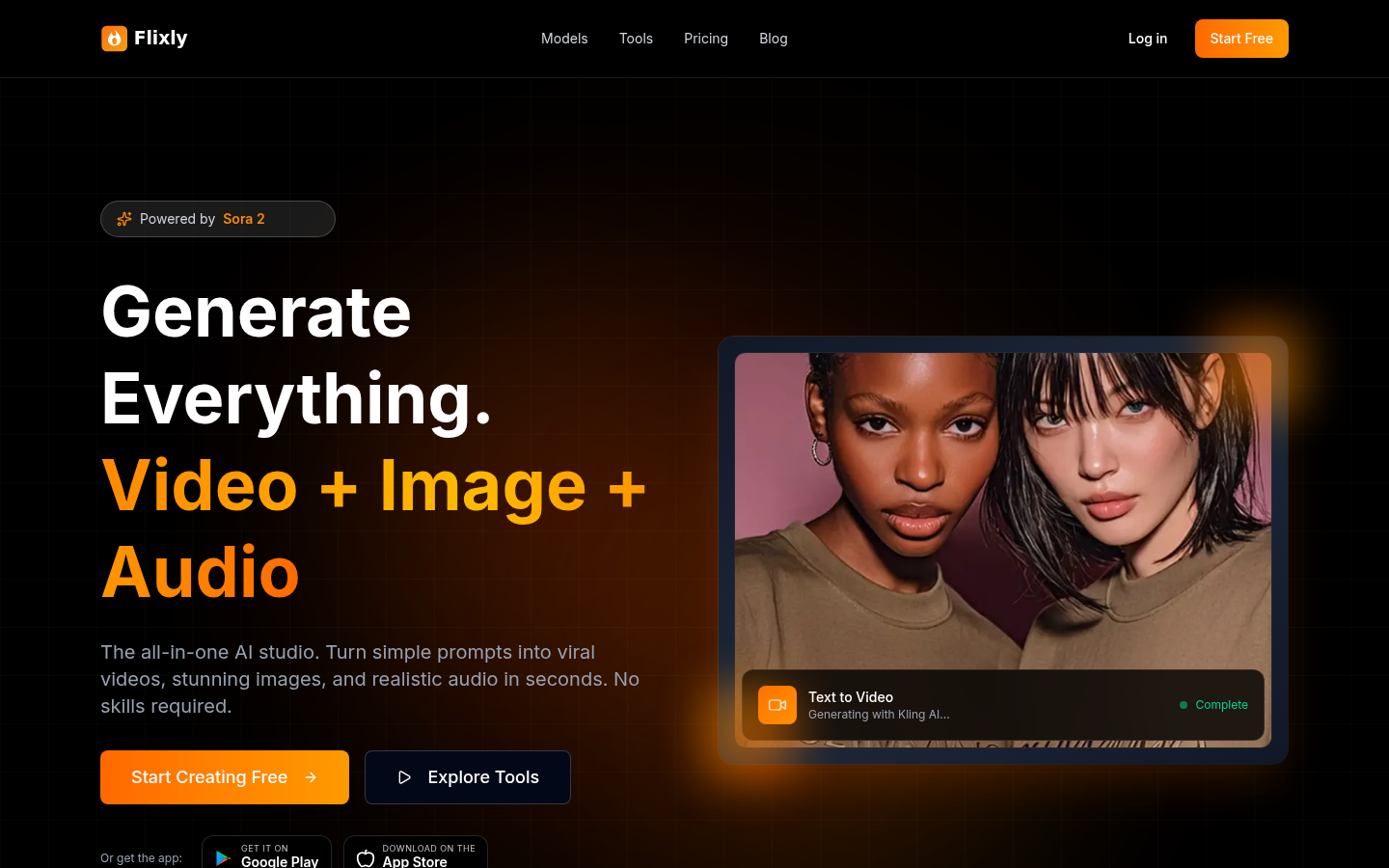
Screenshot archived from the listing page, for preview only.











