
Floor Design AI
AI floor and interior designDesign a room from one photo
Highlights
What you can do with it
- First-time homeowners visualizing an interior before renovation.
- Interior designers prototyping ideas for client presentations.
- Real estate developers comparing design options for a project.
How to use it
- 1 Open the site and enter your concept or upload a room photo.
- 2 Select the room type and design style.
- 3 Wait for the AI to generate multiple proposals.
- 4 Browse the results and pick the one you like.
- 5 Download it and use the images to brief contractors or clients.
Who it is for
Pros
- Free to use with no registration required.
- Wide style library with smart layout and color help.
- Realistic renders you can share with clients or contractors.
Limitations
- It focuses on visual concepts, not engineered construction drawings.
- Results depend on your photo or prompt quality.
- Free access and the style library can change over time.
What Floor Design AI is
Floor Design AI is a free online tool that creates professional floor and interior designs. You enter a design concept or upload a photo of a room, and the AI generates multiple design proposals for you to compare. It needs no registration and is completely free. The tool applies ray tracing and smart style features to produce realistic lighting and materials, and it offers over 25 professional styles such as modern, Scandinavian, and industrial. It also suggests furniture layout, color schemes, and space optimization, and it can pull real-time price and availability details from a furniture and materials library, which helps with home renovation planning.
What you can do with it
- Turn a concept or room photo into several design proposals.
- Apply over 25 styles, from modern to industrial.
- Get smart furniture layout, color, and space suggestions.
- Render realistic lighting and materials to preview a space.
Who it is for
- Homeowners planning a renovation or a fresh look.
- Interior designers who need fast prototypes for clients.
- Real estate teams visualizing options for a project.
What to watch out for
The tool produces visual concepts, not engineered construction drawings, so use the output for planning and discussion rather than as a build blueprint. Results depend on the quality of your photo or written concept, and a vague prompt gives a vaguer design. Since it is free, the style library, furniture data, and features can change over time, and pricing or availability from the materials library may not match your local market. For best results, start with a small test file and review the output carefully before working on anything important.
FAQ
Is Floor Design AI free?
Yes. It is completely free and requires no registration.
What do I need to start?
Either a design concept in text or a photo of the room you want to redesign.
How many styles are available?
It offers over 25 professional styles, including modern, Scandinavian, and industrial.
Why it is free
What the official page says: no registrationcompletely free
Free limits, trial length and features are decided by the official site and can change at any time.
Product preview
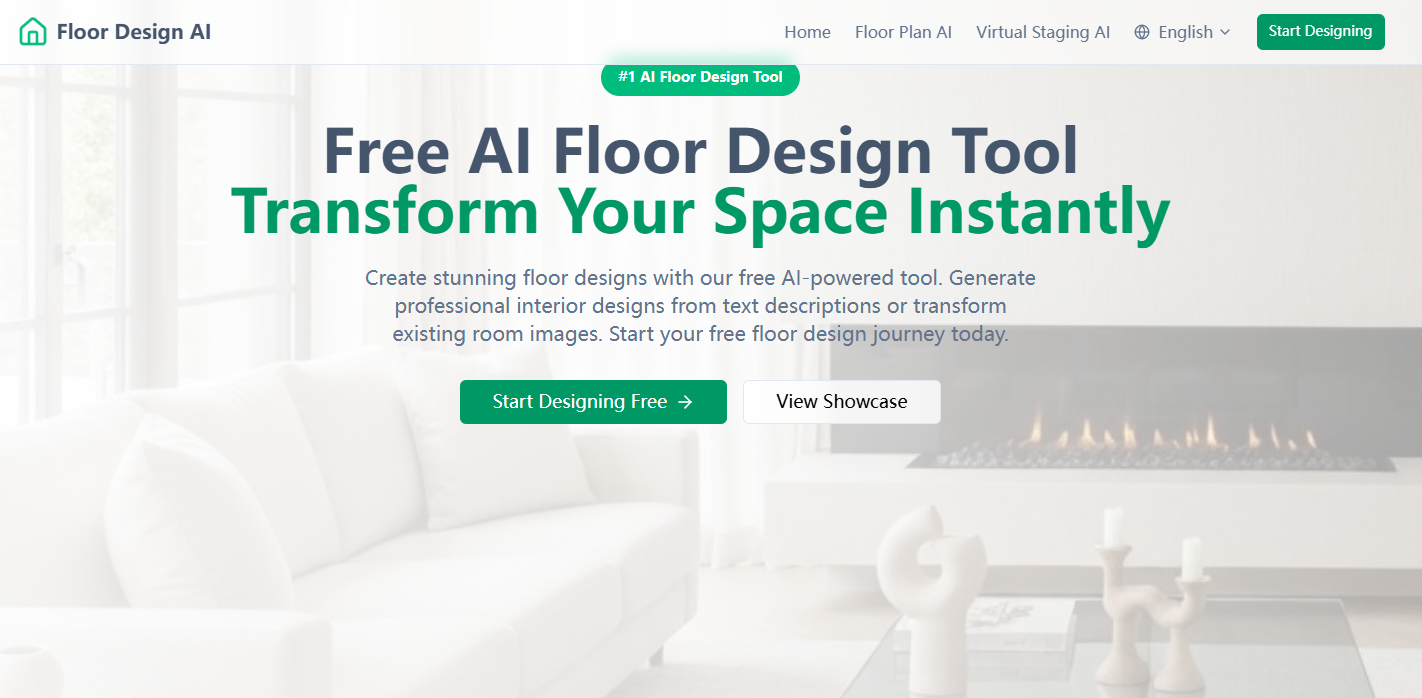
Screenshot archived from the listing page, for preview only.











