
Floor Plan Generator
Free 2D and 3D floor plan generatorFree 2D/3D floor plans in your browser
Highlights
What you can do with it
- Testing room arrangements and circulation before a renovation
- Comparing office layouts with meeting rooms, lounges, and phone booths
- Creating quick plan references for property listings and rentals
How to use it
- 1 Open the site and pick a space type: house, apartment, office, garage, or custom
- 2 Fill in area, dimensions, room counts, and kitchen or office preferences
- 3 Optionally add a text description of layout preferences
- 4 Choose 2D or 3D output, then click the generate button
- 5 Review, adjust inputs, and iterate until the plan fits
- 6 Export PNG for sharing or DXF for further editing
Who it is for
Pros
- Free and installation-free, running in any browser
- Fast path from idea to a discussable layout
- Both PNG and DXF export available
Limitations
- Concept-level output, not construction-grade drawings
- Template selection only fills the form; it does not auto-generate
- Free access and export limits can change, and plans still need professional review
What Floor Plan Generator is
Floor Plan Generator is a free online tool for creating 2D and 3D floor plans in your browser, with no professional software to install. It covers houses, apartments, offices, garages, kitchens, and custom spaces. You describe requirements in natural language or fill in a form with area, dimensions, and room counts, and the system turns that into a structured layout you can view as a clean 2D technical drawing or a 3D space view. Templates for common space types fill the form for you. The finished plan exports as PNG for sharing or DXF for compatible design workflows. It is positioned as a concept planning tool rather than construction-grade drafting software.
What you can do with it
- Describe rooms and layout preferences in plain language
- Switch between 2D technical layouts and 3D space views
- Set constraints such as bedrooms, bathrooms, kitchen type, and area units
- Use templates for apartments, family homes, offices, and garages
- Export PNG for presentations or DXF for further editing
Who it is for
- Homeowners and renters testing arrangements before renovating
- Interior designers and renovation teams building early concepts
- Architects and space planners checking room quantities and dimensions
- Office managers comparing open, hybrid, and private layouts
- Students and teachers using plans for teaching and learning
What to watch out for
Output is meant for early-stage discussion, so treat it as a concept sketch rather than a construction document; anything handed to a contractor still needs professional review. Templates only fill in settings and do not generate the plan automatically. The site is free to use, but free access and export limits can change, so confirm current terms before relying on it for client work.
FAQ
Is it really free?
The site describes basic generation and export as free to use.
What can I export?
PNG for sharing and presentations, and DXF for compatible design or editing workflows.
Do templates generate the plan for me?
No. A template only fills the workspace form; you still click generate.
Why it is free
What the official page says: free to use
Free limits, trial length and features are decided by the official site and can change at any time.
Product preview
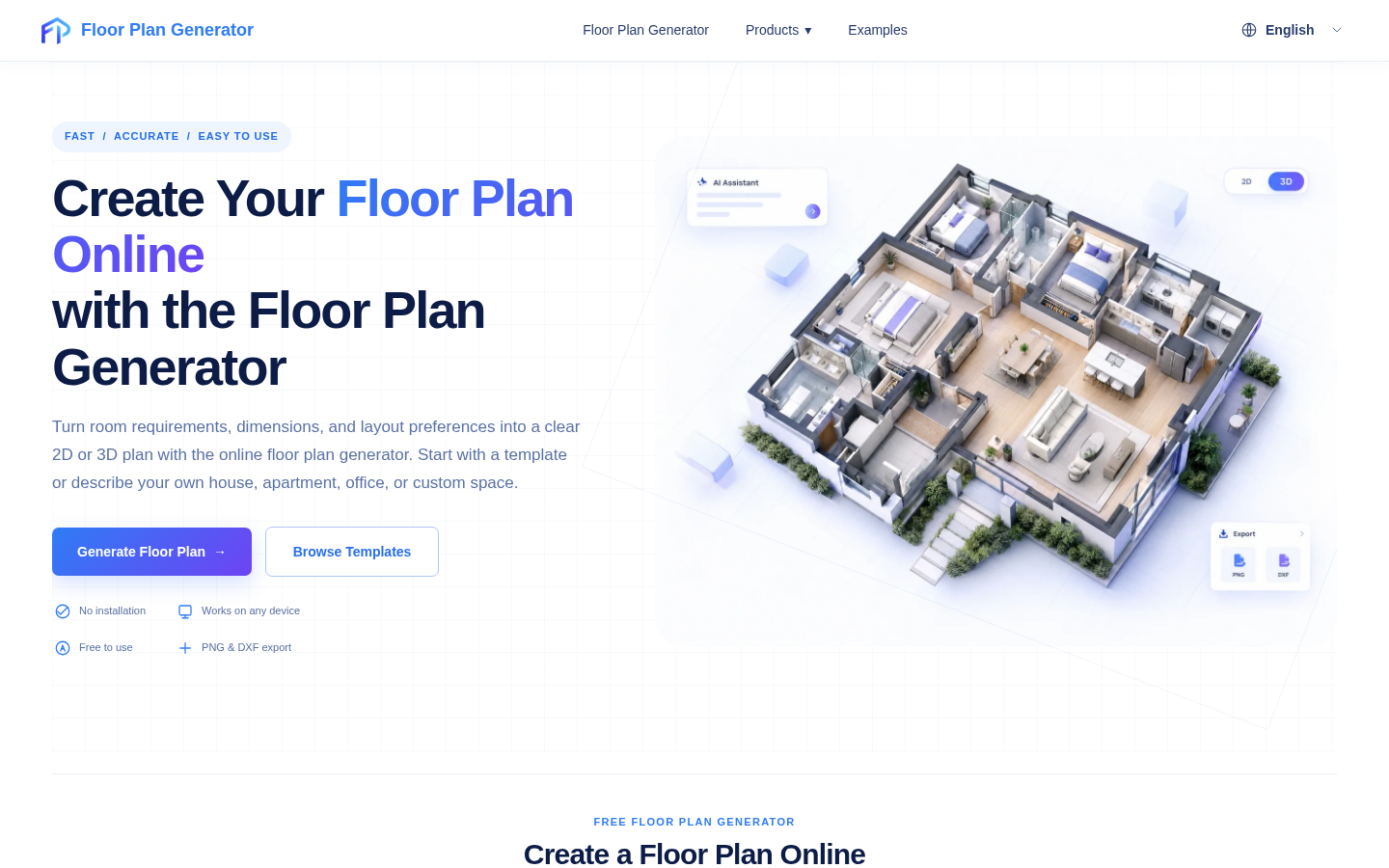
Screenshot archived from the listing page, for preview only.











