
Flowise
Open-source visual builder for LLM workflowsDrag together a language model app without boilerplate
Highlights
What you can do with it
- Building a basic LLM chain on the canvas
- Assembling a question-answer retrieval chain over documents
- Wiring a language translation chain
How to use it
- 1 Install and run Flowise in your own environment.
- 2 Open the visual canvas in your browser.
- 3 Drag in the components for your chain, such as a model and a prompt.
- 4 Connect the nodes and test the flow.
- 5 Deploy the workflow and call it from your application.
Who it is for
Pros
- Free and open source, usable commercially
- Visual assembly removes boilerplate wiring
- Component set is expandable
- Good for prototyping before committing to code
Limitations
- You host and maintain it yourself
- Complex chains become hard to read on a canvas
- Depends on the underlying model providers and their keys
- Debugging happens partly outside the visual layer
What Flowise is
Flowise is an open-source visual tool for building language model workflows. Written in LangchainJS, it lets you assemble a chain on a canvas: pick a model, add a prompt, connect a retriever, wire the output, and test the whole thing in the browser. The examples in the listing cover a basic LLM chain, a question-answer retrieval chain, and a language translation chain. Because it is open source, the component set is expandable, and the project is described as free for both commercial and personal use.
What you can do with it
- Assemble an LLM chain visually instead of writing wiring code
- Build a retrieval chain over your own documents
- Wire a translation chain between languages
- Extend the tool with custom components
- Prototype a flow before committing to production code
Who it is for
- Developers prototyping language model applications quickly
- Teams that want a shared visual picture of how a chain fits together
- Anyone evaluating LLM patterns before writing real code
What to watch out for
You run and maintain it yourself. That means hosting, updates, and security are your responsibility, not a vendor's. A canvas is excellent for a small chain and poor for a large one: once a flow has dozens of nodes it becomes harder to read than code. The tool also depends on external model providers, so you need your own keys and you inherit their outages and price changes. Debugging sits partly outside the visual layer, so expect to read logs when something fails. Behavior may vary across browsers and devices, so test before production use and consult the help docs if errors appear.
FAQ
Is Flowise free?
Yes. The listing describes it as a free open-source project suitable for commercial and personal use.
What can I build with it?
LLM chains, question-answer retrieval chains, and language translation chains are listed as examples.
Do I need to code?
Not to assemble a basic flow. The canvas handles the wiring, though custom components may need code.
Why it is free
What the official page says: 免费
Free limits, trial length and features are decided by the official site and can change at any time.
Product preview
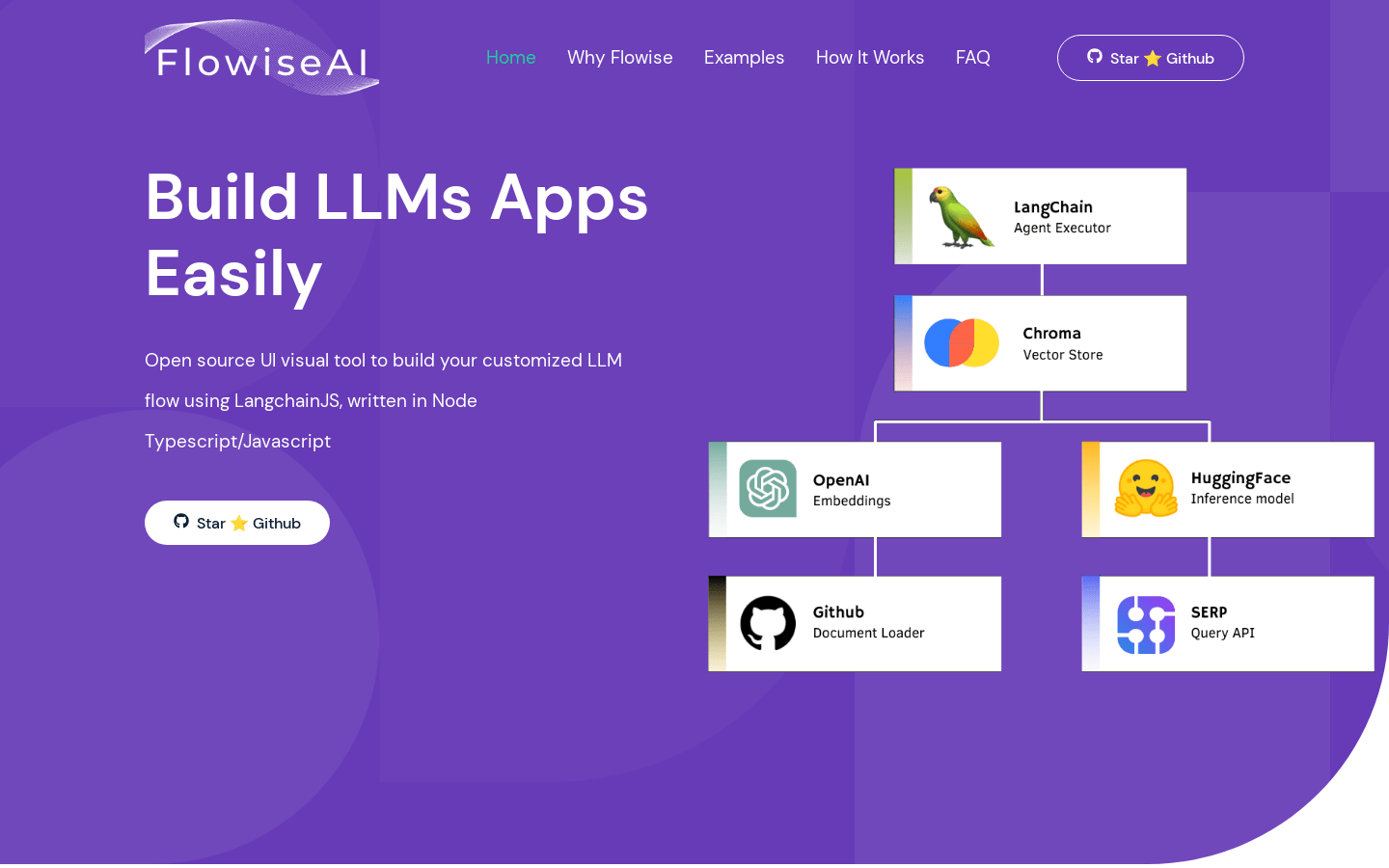
Screenshot archived from the listing page, for preview only.











