
Flux.2 Flex
AI image generator and editorGenerate and edit images from text
Highlights
What you can do with it
- A photographer generates reference images for a shoot plan.
- A digital artist turns a sketch into a styled finished piece.
- A content creator makes social media images with style and object edits.
How to use it
- 1 For text to image, enter a description of what you want.
- 2 Let the model generate the image from your prompt.
- 3 For image to image, upload the photo you want to change.
- 4 Describe the change you want and let the model apply it.
- 5 Download the finished image.
Who it is for
Pros
- One platform covers generation and editing.
- Several style options from a single input.
- A free quota to test before paying.
Limitations
- Continued use requires payment once the free quota runs out.
- Editing complex scenes can still need manual touch up.
- Output quality depends on the prompt and the source photo.
What Flux.2 Flex is
Flux.2 Flex is an image generation and editing platform driven by the Flux AI model. It offers two ways in. The first is text to image: you type a short description and the model returns a picture. The second is image to image: you upload a photo and describe the change you want. On top of that it provides style conversion, covering anime, cartoon, oil painting, and watercolor looks, plus object operations that let you add, remove, or modify elements and change backgrounds. There is also a curated library of special effects. A free quota is available to test the service, and further use is paid. Photographers, digital artists, and content creators are the audience it names.
What you can do with it
- Generate an image from a written prompt.
- Edit an uploaded photo by describing the change.
- Restyle an image into anime, cartoon, or painting looks.
- Add, remove, or change objects and backgrounds.
- Apply effects from the built in library.
Who it is for
- Photographers who need reference images before a shoot.
- Digital artists turning sketches into finished styled work.
- Content creators who need social images fast.
What to watch out for
The free quota is a trial, not a permanent allowance, and pricing for continued use is on the paid side. Complex edits, especially anything involving hands, text, or fine detail, can still come out imperfect, so plan on manual clean up for professional work. Results depend heavily on how you write the prompt and on the quality of the source photo. Since the service is hosted and model driven, availability, speed, and the shape of the free quota can change without notice.
FAQ
What model is behind Flux.2 Flex?
The platform is driven by the Flux AI model and focuses on image generation and editing.
Can I edit an existing photo?
Yes. Upload the photo, describe the change you want, and the image to image mode applies it.
Is there a free option?
There is a free quota for trying the tool, with paid use after that.
Why it is free
What the official page says: 免费额度免费
Free limits, trial length and features are decided by the official site and can change at any time.
Product preview
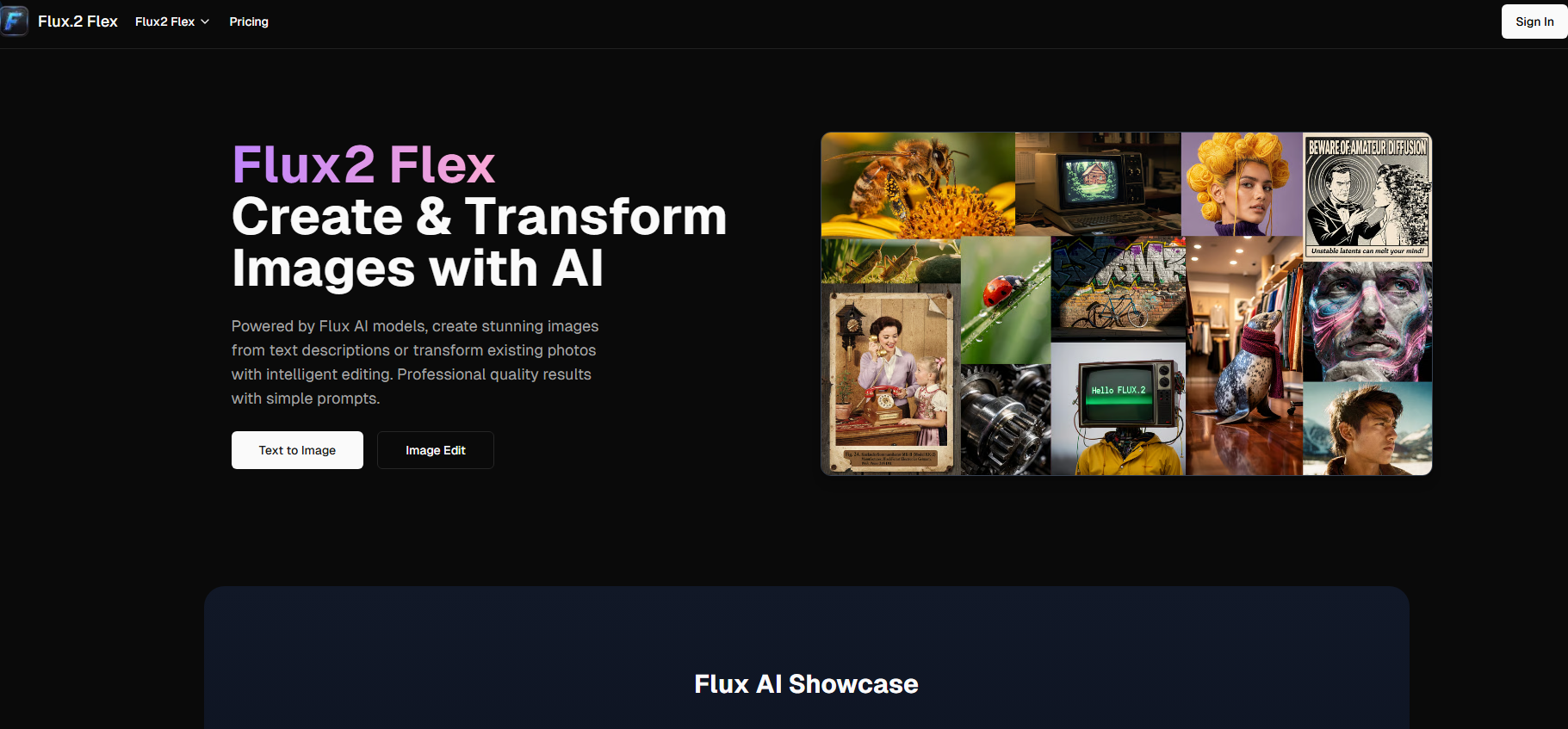
Screenshot archived from the listing page, for preview only.











