
Foneo
AI photo editor for portraits, products, and real estateEdit portraits, products, and property photos in a few steps
Highlights
What you can do with it
- Photographers add lighting and portrait effects to finish client work faster
- E-commerce sellers clean up product photos and boost detail before listing
- Families restore and colorize old photos for keepsakes
How to use it
- 1 Open the Foneo AI website and register or log in
- 2 Upload a portrait, product, real estate, or other photo
- 3 Choose a function such as weather effects, lighting effects, or restoration
- 4 Let the AI process the image, then review and adjust if needed
- 5 Export the finished photo to your device
Who it is for
Pros
- Many effects in one tool, from lighting to restoration
- Batch processing suits studios with volume work
- No charge based on number of exports
Limitations
- The free plan has limits compared with paid tiers
- Complex edits still need prompt skill and several tries
- Heavy AI effects can look unnatural if pushed too far
What Foneo AI is
Foneo AI is an AI image editing tool that puts everyday photo work into a few clicks. You upload a portrait, product photo, real estate shot, or old picture, pick an effect, and the AI does the retouching. There is no complex settings panel and no need for professional editing knowledge. A free plan is available, and paid tiers cost $12 per month, $48 for half a year, or $76 per year.
What you can do with it
- Add weather, lighting, and surface transformation effects using built-in templates or custom prompts
- Edit any photo with plain text prompts for personalized results
- Produce ID photos with selectable sizes, clothing colors, and prompts
- Restore, enhance, and colorize old or blurred photos
Who it is for
- Professional photographers and studios that need batch throughput
- E-commerce sellers optimizing product images for listings
- Casual users who want a finished look without learning an editor
What to watch out for
The free plan covers less than paid tiers, so check what your workflow needs before committing. AI effects are powerful but can look artificial when overused, and batch jobs still deserve a human pass before delivery. Pricing and plan limits can change, so confirm current terms on the official site. Processing speed depends on file size and network conditions, so retry later if a task stalls during peak hours. Run one full task end to end first, then expand once you are comfortable with the workflow and the result quality. Save a backup of the original file before large batch jobs, and keep an exported copy of key results in case the page or service becomes temporarily unavailable.
FAQ
Does Foneo AI have a free plan?
Yes. There is a free plan, and paid tiers start at $12 per month with half-year and yearly options.
Can I process many photos at once?
Yes, batch processing is supported and exports are not charged per file.
What photo types work best?
Portraits, product shots, real estate and architecture photos, and old photos needing restoration.
Why it is free
What the official page says: free plan
Free limits, trial length and features are decided by the official site and can change at any time.
Product preview
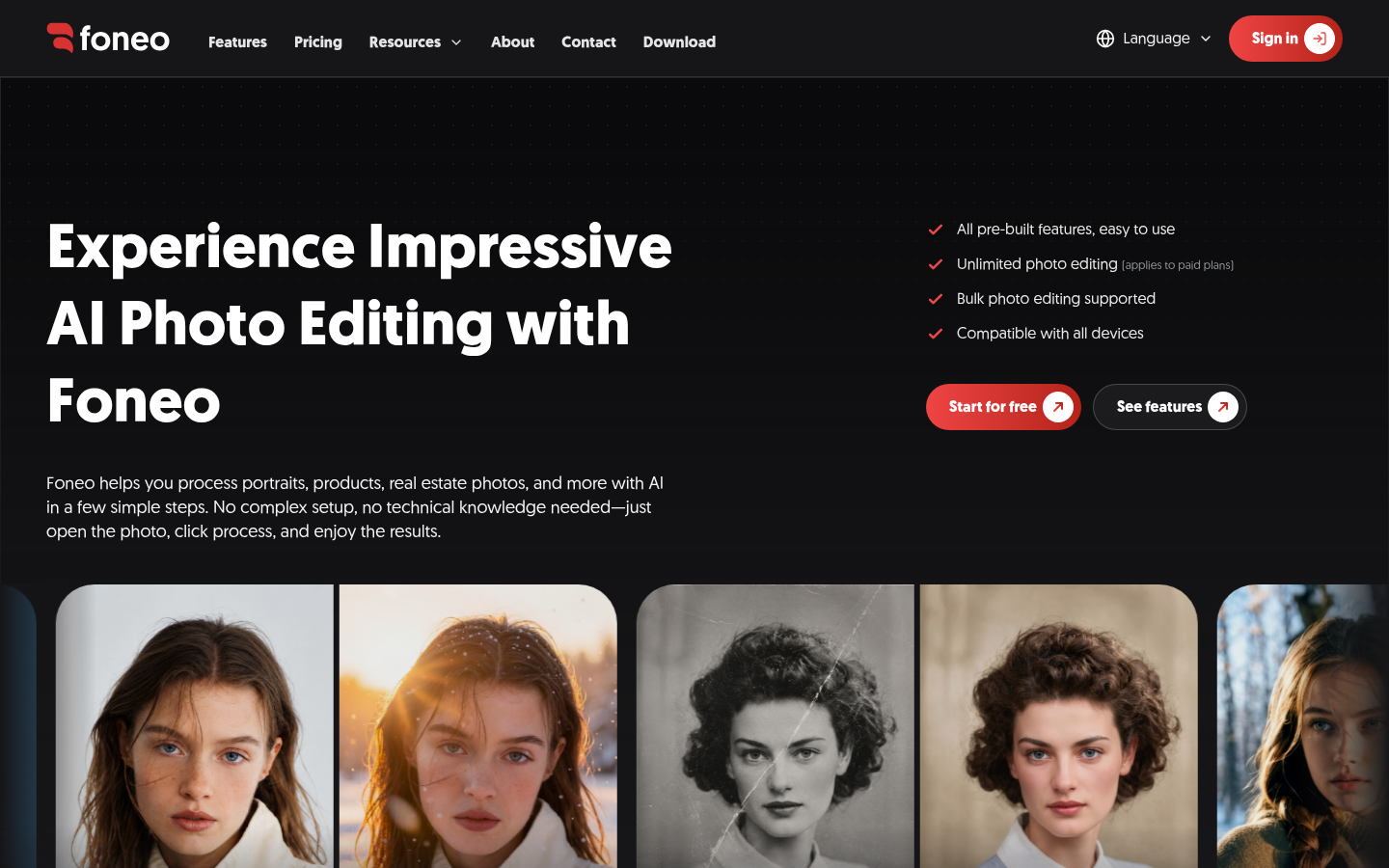
Screenshot archived from the listing page, for preview only.











