
ForgeGUI
AI design platform covering the full game asset pipeline3D models, GUIs, icons, textures, characters, animation, music
Highlights
What you can do with it
- Indie developers build a small game's assets in one month
- Teams produce UI, characters, and music for larger RPG projects
- Educators teach the full game asset pipeline in one tool
How to use it
- 1 Visit forgegui.com and click Start Free Now to register
- 2 Pick the tool you need, such as 3D Creator or GUI Creator
- 3 Enter parameters and requirements for the asset
- 4 Generate, preview, and adjust the result
- 5 Download the asset into your game project
Who it is for
Pros
- Covers the whole asset pipeline, not just one asset type
- A free trial lowers the barrier before payment
- Tools are described as easier than traditional methods
- Credit packs and team plans offer flexibility
Limitations
- Full use is paid; the free trial limits how much you can create
- Credit consumption on big projects can add up quickly
- AI-generated assets often need manual polish for a cohesive style
- Pricing and plan details may change, so check before subscribing
What ForgeGUI is
ForgeGUI is an AI design platform focused on game development. Instead of stitching together separate tools for each asset type, it puts the whole pipeline in one place: 3D Creator for models, Thumbnail Creator for platform-ready key art, GUI Creator for game interfaces, Icon Studio, Texture Studio, Character Studio, Animation Studio, and Music Studio. The site describes it as built by a professional team around the needs of game developers, and it claims a community of more than 215,000 creators. The tools are positioned as easier to operate than traditional modeling and design methods, letting developers without deep art backgrounds produce usable assets. A free trial lets you experience the creator tools before choosing a paid plan, with flexible credit packs for individuals and unlimited options for teams and enterprises.
What you can do with it
- Create 3D assets without deep modeling experience
- Design game GUIs, icons, and thumbnails for different platforms
- Add textures, build characters, and animate them
- Generate music and sound effects to complete the audio layer
Who it is for
- Independent developers who cannot afford a full art team
- Game studios that need consistent assets across a large project
- Educators teaching students the end-to-end game asset workflow
What to watch out for
The free trial is a taste, not a full workspace: continued creation runs on paid plans, and pricing and credit rules may change, so read current terms before subscribing. Credit consumption scales with output, so a large project can burn through packs faster than expected, and the unlimited team plans carry their own costs. AI-generated assets are fast but rarely stylistically uniform; expect to retouch textures, tweak lighting, or rework characters so the final game looks cohesive. The community size quoted by the site is a marketing figure, not a guarantee of support quality. Test the tools on a small slice of your project before committing budget.
FAQ
What does ForgeGUI include?
Tools for 3D models, thumbnails, game GUIs, icons, textures, characters, animation, and music, aimed at game development.
Can I try it before paying?
Yes. The site offers a free trial where you can experience the creator tools before choosing a paid plan.
Who is it for?
Individual developers, game teams, and educators; the site cites more than 215,000 creators using the platform.
Why it is free
What the official page says: for freefree trial
Free limits, trial length and features are decided by the official site and can change at any time.
Product preview
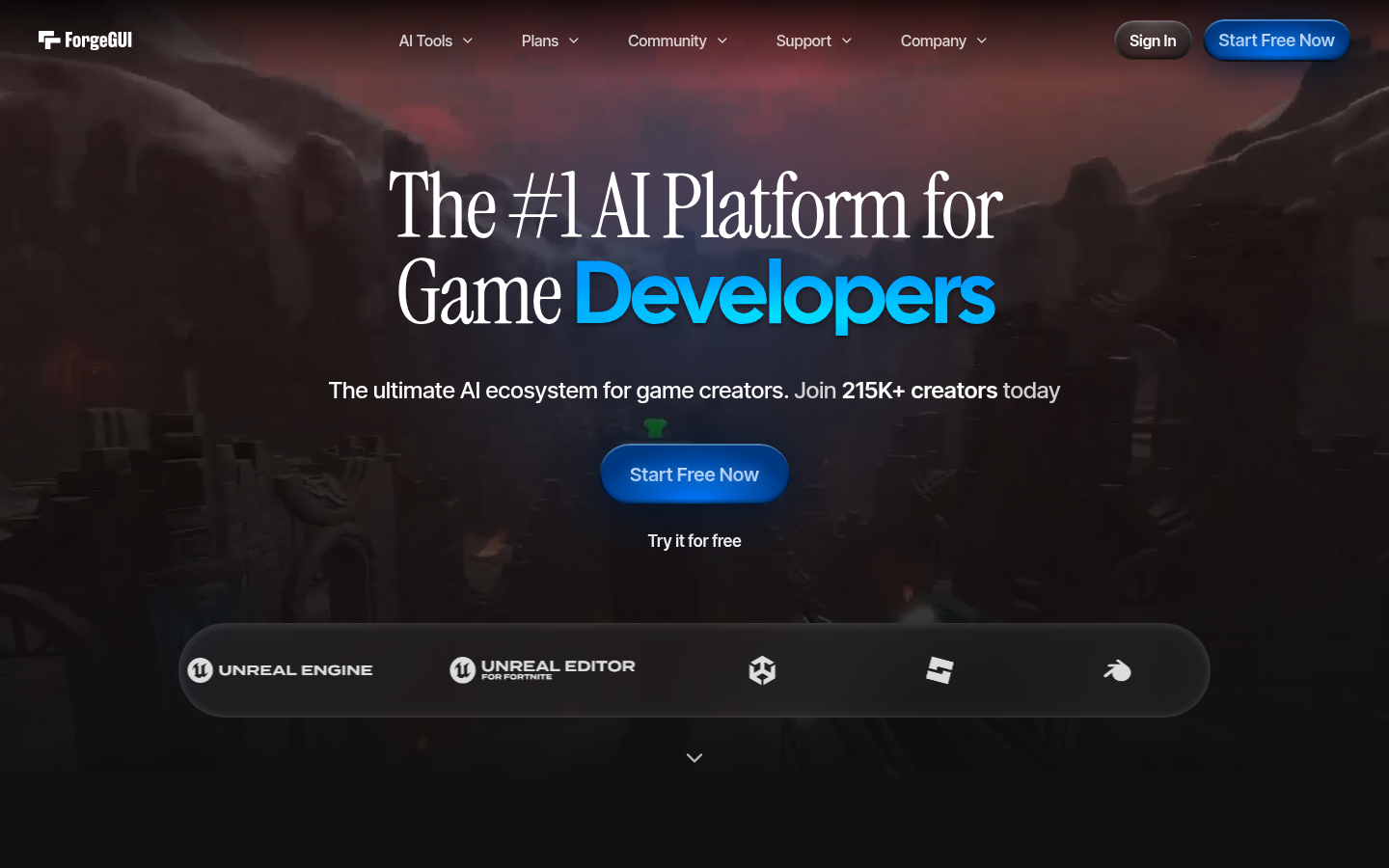
Screenshot archived from the listing page, for preview only.











