
Formpost
Free contact form to email APIHTML form submissions straight to your inbox
Highlights
What you can do with it
- A marketing site contact form that emails the team directly
- A job application form with resume uploads for recruiters
- A feedback form with instant auto-reply confirmation
How to use it
- 1 Log in to Formpost and create a new form to get a unique endpoint
- 2 Configure the receiving email, subject, spam filtering, and auto-reply
- 3 Paste the code snippet into your page so the form posts to the endpoint
Who it is for
Pros
- Removes backend work for static and JAMstack sites
- Layered spam defense including AI filtering
- Fits common frameworks and supports attachments
Limitations
- The free plan retains data for only 30 days
- There are no widgets or iframes, so you write your own markup and CSS
- Spam filtering is helpful but not perfect
- Longer retention and advanced features need paid plans
What Formpost is
Formpost is a contact form backend that works as an API. You create a form, get a unique endpoint URL, and point your HTML form's action at it; submissions then arrive directly in your email. No server or backend code is required, which makes it a fit for static sites and JAMstack applications. Spam defense combines AI filtering that reads user intent with honeypots, Turnstile, hCaptcha, reCAPTCHA, keyword rules, and domain locking. Frameworks such as HTML, React, Next.js, and Vue are supported, attachments can upload to Amazon S3, auto-replies confirm receipt, and webhooks forward each submission as JSON to endpoints or chat apps like Slack, Discord, and Telegram.
What you can do with it
- Create a form and point an existing HTML form at its endpoint.
- Receive submissions by email and keep them searchable and exportable on the dashboard.
- Filter spam with AI plus captcha and rule layers.
- Accept file uploads that land in Amazon S3.
- Send auto-replies and forward submissions to Slack, Discord, Telegram, or your own endpoint.
Who it is for
- Developers who want form handling without standing up a backend.
- Website owners who need a contact form on a static site.
- Marketers capturing inquiries from landing pages and campaigns.
What to watch out for
The free plan retains submission data for 30 days, so anything you need long-term should be exported or moved to a paid plan. Unlike hosted form builders, Formpost provides no widgets, iframes, or injected styles, which means you write your own markup and CSS and keep control of the design. AI spam filtering reduces junk but will not eliminate it, so keep the captcha and rule layers switched on for public forms. Confirm the data storage region and privacy terms before collecting sensitive personal information through a form.
FAQ
Is there a free plan?
Yes, the free plan keeps submission data for 30 days; Pro and Business plans offer longer retention.
How does spam filtering work?
It uses large language models to judge intent, combined with honeypots, Turnstile, hCaptcha, reCAPTCHA, keyword rules, and domain locking.
Which frameworks are supported?
It works with HTML, React, Next.js, Vue, and similar stacks.
Can forms include file uploads?
Yes, attachments can be uploaded directly to Amazon S3 and served from there.
Why it is free
What the official page says: free plan
Free limits, trial length and features are decided by the official site and can change at any time.
Product preview
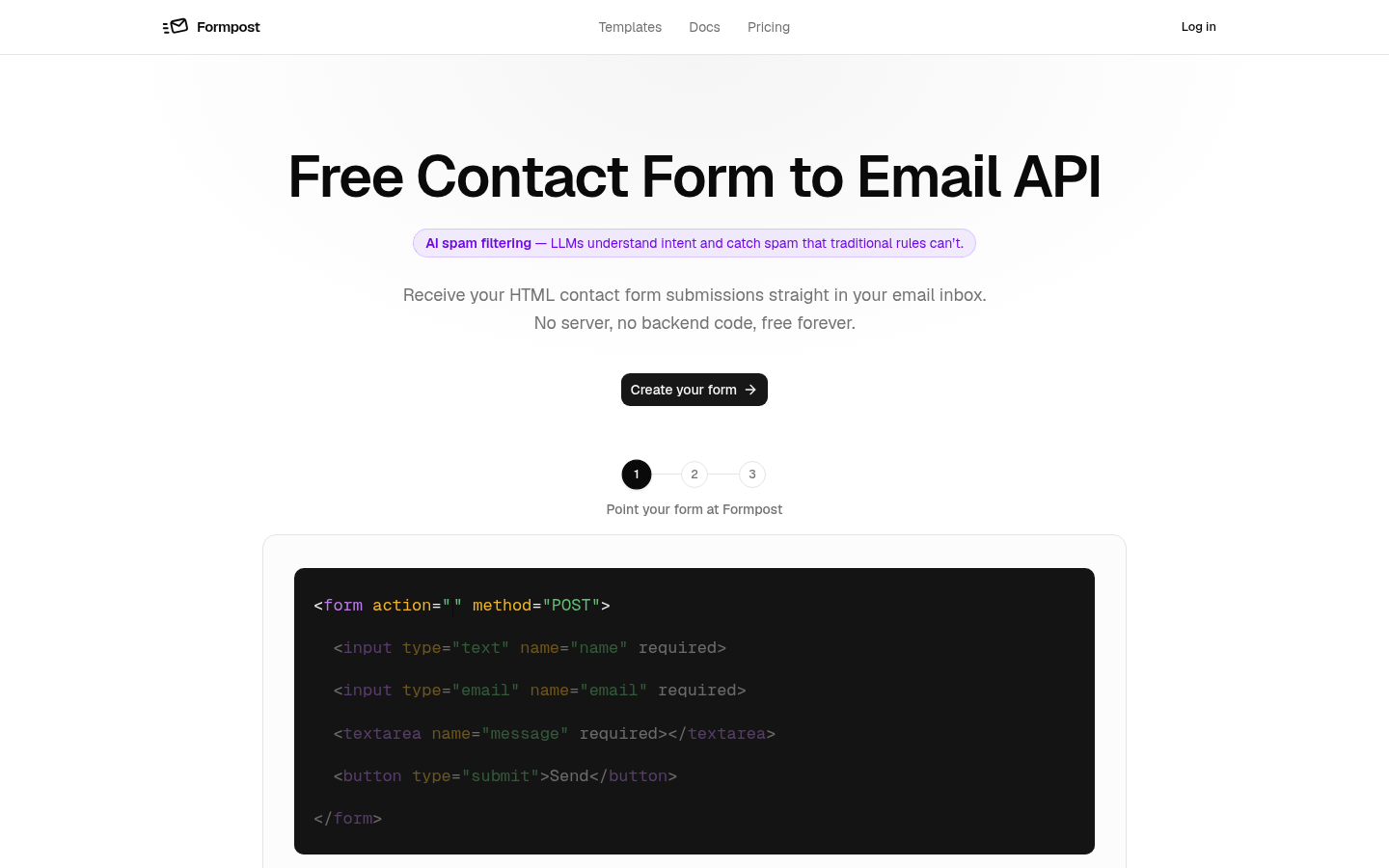
Screenshot archived from the listing page, for preview only.











