
Formula Bot
AI Excel formula and data analysis toolFormulas, data prep, and analysis in one
Highlights
What you can do with it
- Generate a revenue formula from a plain request
- Upload sales data and get monthly totals and charts
- Ask how to use a lookup function inside Excel
How to use it
- 1 Open Formula Bot and sign in
- 2 Describe the formula or upload your data
- 3 Review the generated formula or analysis
- 4 Copy it into your spreadsheet or ask follow-ups
Who it is for
Pros
- Free version available
- Natural language formulas and data Q&A
- Combines formula, prep, and analysis tools
Limitations
- The paid plan is a monthly subscription, and pricing can change
- Generated formulas should be tested before you trust them
- The site returned an error status when last checked, so access may be down
What Formula Bot is
Formula Bot is an AI-driven tool for generating Excel formulas, preparing data, and analyzing data. It brings these jobs together in one place. You can generate Excel formulas from natural language, upload data and ask questions to gain insights, and use it like a chat assistant inside your spreadsheet to finish data tasks. It is aimed at business users who need to handle complex formulas and larger data analysis but do not want to write every formula by hand. Pricing is a monthly subscription, and a free version is also available so you can try it first.
What you can do with it
- Turn a plain request into an Excel formula
- Upload data and ask questions for insights
- Get charts and totals from your data
- Chat inside the spreadsheet to finish tasks
Who it is for
- Business users with complex Excel needs
- Analysts preparing and exploring data
- Anyone who struggles with formula syntax
What to watch out for
The paid plan is a monthly subscription, and pricing and limits can change, so the free version is a way to test rather than a permanent free tool. Generated formulas are a starting point, so test them on sample data before you rely on them, since a small error can quietly change results. The site returned an error status when it was last checked, so access may be down and you should confirm it is live. Keep a backup of your data before uploading it anywhere. Processing speed depends on file size and network conditions, so retry later if a task stalls during peak hours. Run one full task end to end first, then expand once you are comfortable with the workflow and the result quality.
FAQ
Is there a free version?
Yes. A free version is available alongside a paid monthly plan.
What does it do?
It generates Excel formulas from natural language, prepares data, and analyzes uploaded data through questions.
Can it make charts?
You can upload sales data and ask for totals or comparisons, and it can generate the corresponding charts.
Why it is free
What the official page says: free version
Free limits, trial length and features are decided by the official site and can change at any time.
Product preview
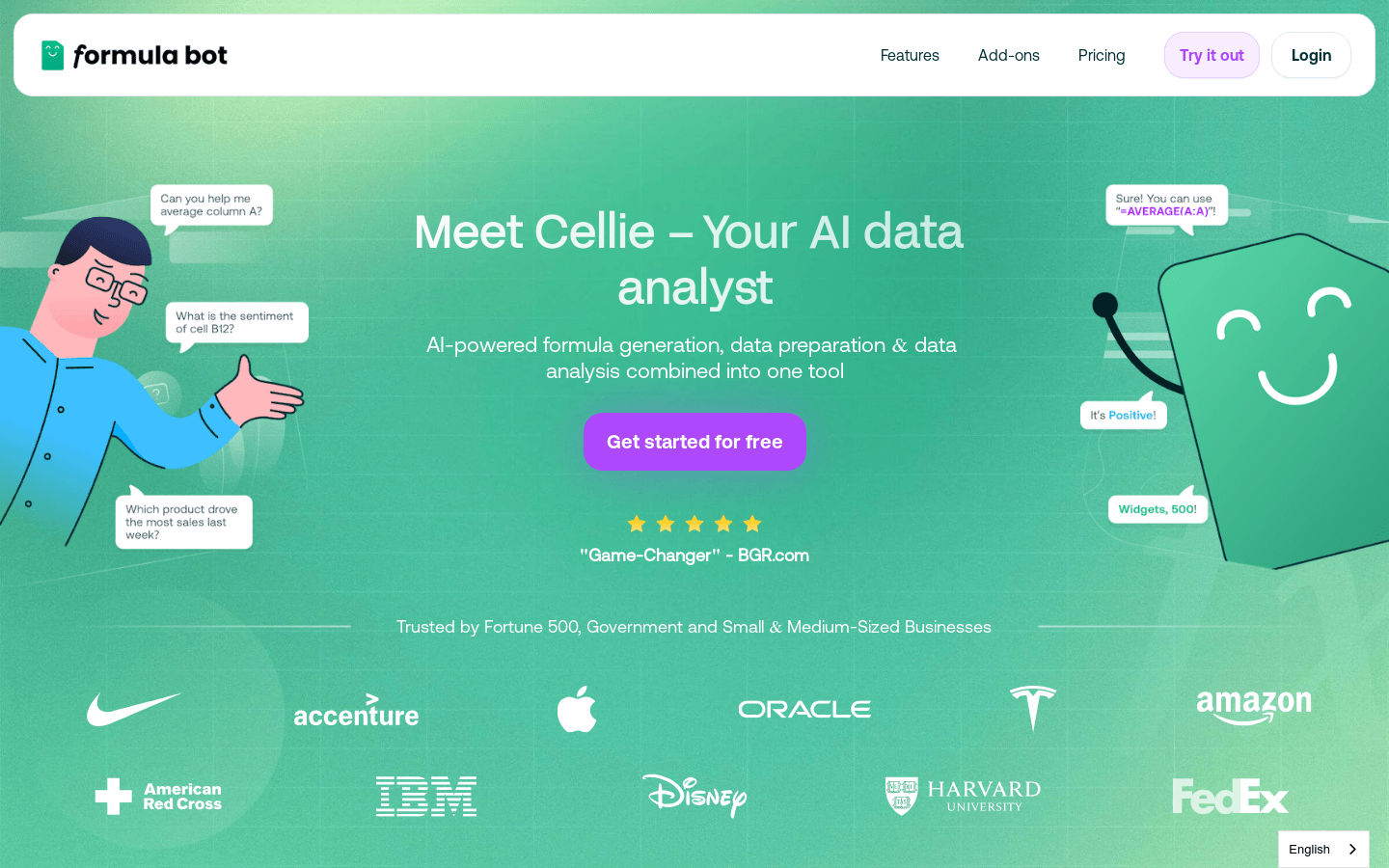
Screenshot archived from the listing page, for preview only.











