
Free AI Breast Enlarger
Free AI tool that adjusts breast size in photos with preset or custom optionsChange breast size in a photo and keep clothing proportions natural
Highlights
What you can do with it
- Try different breast sizes on your own photo before deciding on a look
- Adjust model photos for underwear advertisement concepts
- Fine-tune selected people in group photos for a more balanced result
How to use it
- 1 Upload a front-facing photo where the area is fully visible and unobstructed.
- 2 Choose a preset size (small, medium, large, huge) or enter a custom prompt.
- 3 Click Generate and wait a few seconds to see the change.
Who it is for
Pros
- Preset sizes plus custom prompts give flexible control
- Adjusts clothing proportions alongside the change for a more natural look
- Free to use, with no hidden fees stated
Limitations
- The current free model could change over time
- Results depend heavily on the input photo; front-facing, unobstructed images work best
- Editing photos of real people raises consent and misuse concerns; only use images you have the right to edit and never use output to mislead
- This is an image edit, not a real body change, so expectations should stay realistic
What Free AI Breast Enlarger is
Free AI Breast Enlarger is an online image editing tool that uses artificial intelligence to increase breast size in photos. It is presented as a simple, safe, and free way for people to change how breast appearance looks in an image without resorting to surgery. The tool offers four preset sizes (small, medium, large, and huge) and also lets you enter a custom prompt to set the size you want. As it changes the size, it is designed to adjust clothing proportions at the same time so the result looks coordinated and natural. The provider says it is completely free to use with no hidden fees, and it is aimed at ordinary users who want to adjust breast appearance in images.
What you can do with it
- Adjust breast size on a portrait using preset sizes or a custom prompt
- Keep clothing proportions coordinated with the change for a natural look
- Selectively adjust certain people in a group photo
- Preview a different look on your own photo without any surgery
Who it is for
- People who want to explore a different appearance in photos
- Creators working on underwear advertisement concepts
- Photography enthusiasts fine-tuning group photos
What to watch out for
This tool edits images only; it does not change a real body, so results should be treated as a photo effect and expectations kept realistic. The quality of the output depends on the input photo, and the tool recommends a front-facing image where the area is fully visible and unobstructed. Because it is an online service that is currently free, the no-charge model could change over time. The provider states that uploaded photos are used only for temporary processing and are not saved after the job is done, but you should still only edit photos you have the right to use, avoid editing images of other people without consent, and never use the output to mislead or deceive.
FAQ
Is it free?
The tool is described as completely free to use with no hidden fees.
What sizes can I choose?
Four presets (small, medium, large, huge) or a custom size via prompt.
Are my photos stored?
The provider states photos are used only for temporary processing and not saved after the job is done.
What kind of photo works best?
A front-facing photo where the area is fully visible and unobstructed.
Why it is free
What the official page says: completely freefree to use
Free limits, trial length and features are decided by the official site and can change at any time.
Product preview
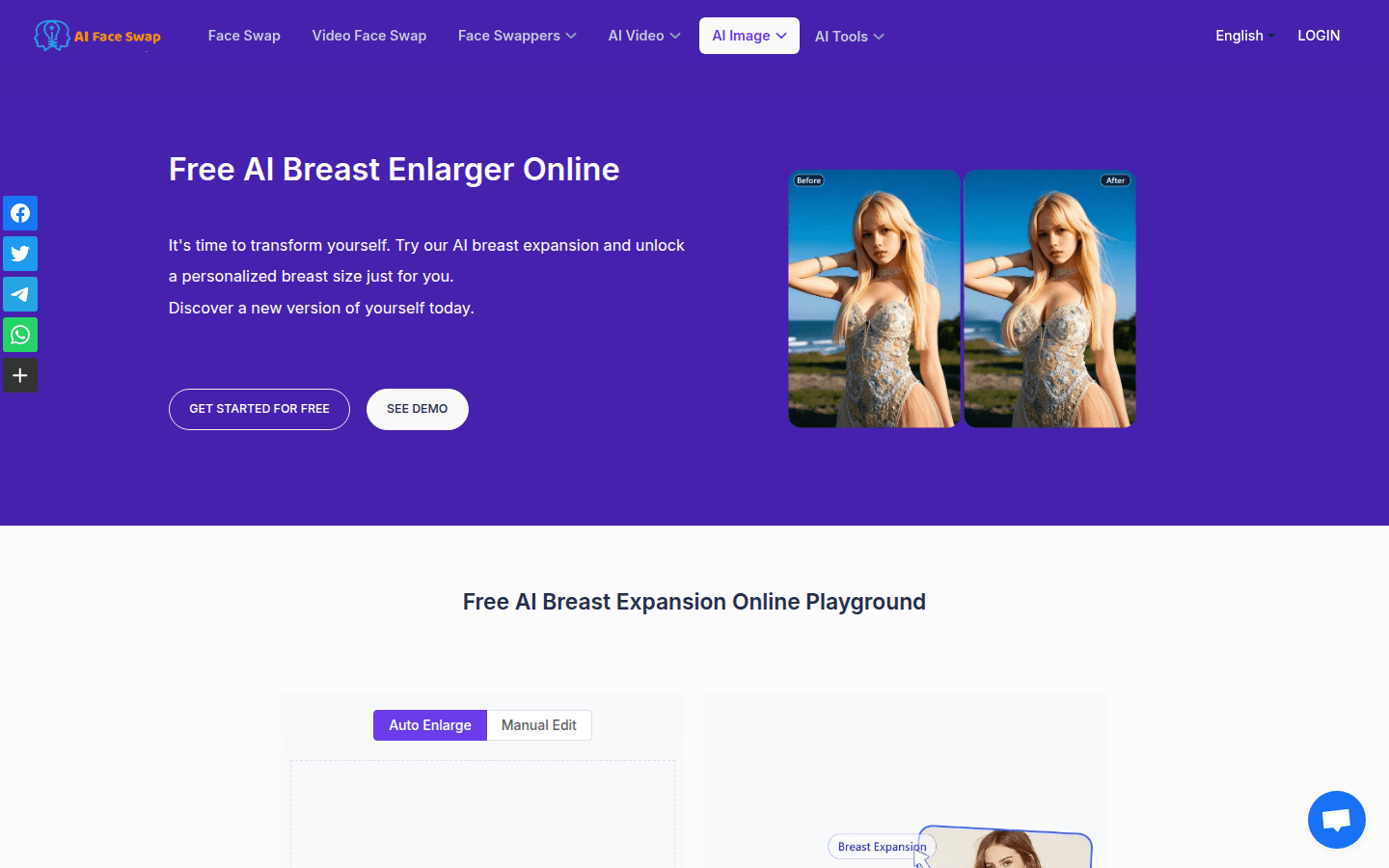
Screenshot archived from the listing page, for preview only.











