Free AI Image Generator
Free AI image generatorTurn text into images for free
Highlights
What you can do with it
- Artists turning a text idea into visual artwork.
- Users making a personal avatar from a style description.
- Designers gathering poster and graphic material fast.
How to use it
- 1 Open the site at imagefree.org.
- 2 Type a description of the image you want.
- 3 Click generate and wait for the AI to produce it.
- 4 Download it, or edit the prompt and regenerate if needed.
- 5 Use background removal, enlargement, or editing tools to refine it.
Who it is for
Pros
- Completely free image generation with no account required.
- Bundled editing tools save a separate step.
- Simple text-in, image-out workflow for beginners.
Limitations
- Output quality and limits depend on the model and current free access.
- Editing and enlargement tools are basic, not a full editor.
- Free rules and login-gated features can change over time.
What Free AI Image Generator is
Free AI Image Generator, at imagefree.org, is a free AI image tool that turns text into pictures. You describe what you want, and the AI creates an image that fits your description, with no registration required. Beyond generation, it bundles background removal, image enlargement, and editing tools for cropping, color, and filters, so you can refine a result without switching apps. There is a prompt playground for testing ideas, support for several languages, optional Google sign-in, and light or dark themes, which together make it approachable for beginners and regular users alike.
What you can do with it
- Turn a text description into an image in a few steps.
- Remove backgrounds, enlarge images, and adjust color or filters.
- Test prompts in the playground to explore styles and ideas.
- Switch interface languages or sign in with Google for more features.
Who it is for
- Artists and hobbyists who create visuals from text prompts.
- Designers who need quick reference material or mockups.
- Everyday users making avatars, wallpapers, or fun images.
What to watch out for
Output quality and how many images you can make depend on the current free access, which is not guaranteed to stay the same over time. The editing and enlargement tools are basic and will not replace a full image editor for detailed retouching. Because the service is free and some features are tied to optional sign-in, the toolset, generation limits, and login-gated options can change, so do not rely on it as your only image pipeline. For best results, start with a small test file and review the output carefully before working on anything important.
FAQ
Is ImageFree really free?
Yes. Image generation is completely free and you do not need to register to start.
Do I need an account?
No registration is required. Google sign-in is optional and only adds more personalized features.
Can I edit the images it makes?
Yes. The site includes background removal, image enlargement, and tools for cropping, color, and filters.
Why it is free
What the official page says: no registrationcompletely free
Free limits, trial length and features are decided by the official site and can change at any time.
Product preview
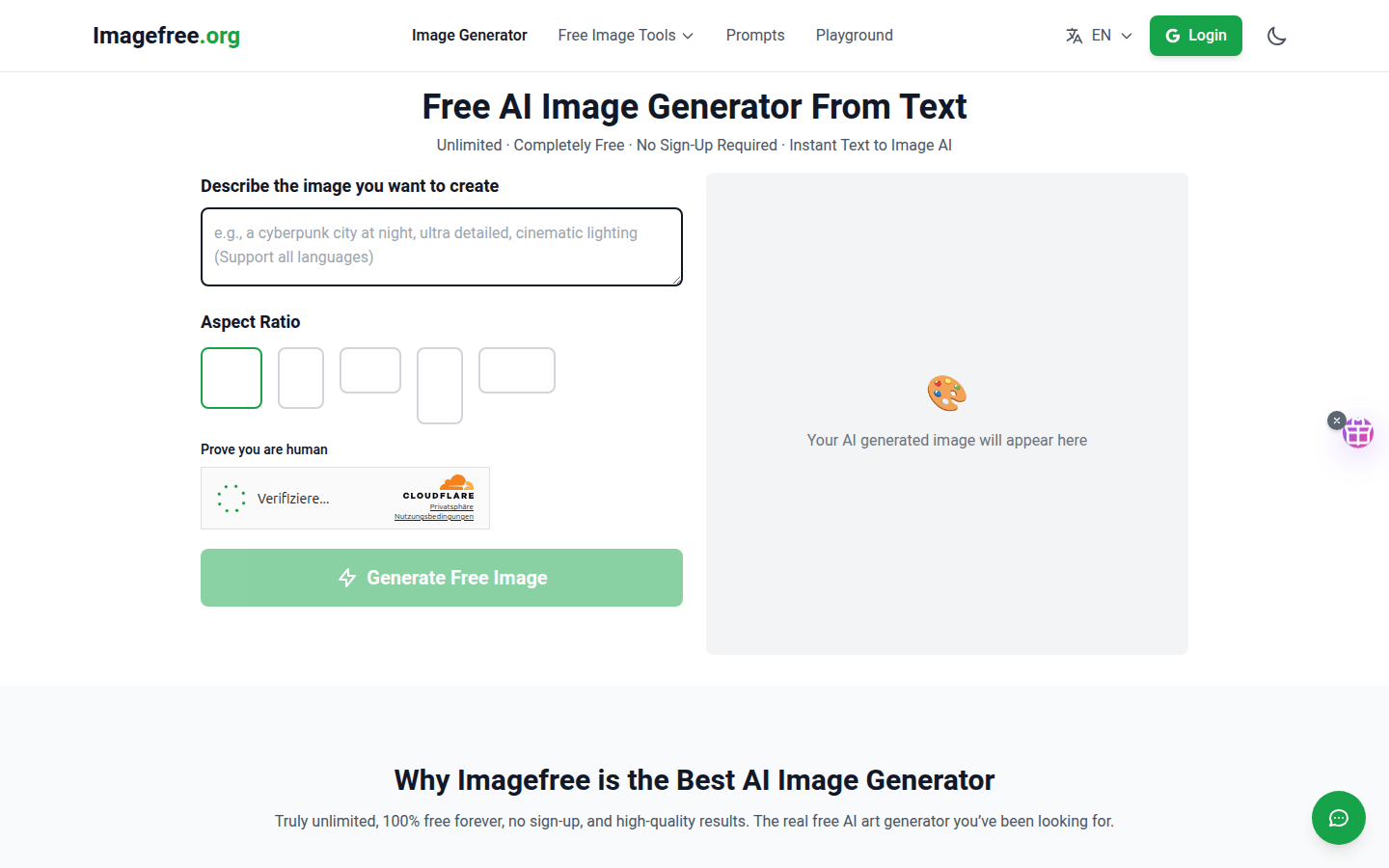
Screenshot archived from the listing page, for preview only.











