
Free AI Image Upscaler
Free local image upscalerEnlarge images privately and free
Highlights
What you can do with it
- Enlarge a photo for print or social media
- Improve the clarity of an older image
- Upscale without uploading to a server
How to use it
- 1 Open the tool in your browser
- 2 Choose a JPG, PNG, or WebP image
- 3 Run the local upscaling
- 4 Download the larger, clearer image
Who it is for
Pros
- Free and private
- No watermark or subscription
- Multiple formats
- Fast local processing
Limitations
- Free rules can change
- Results depend on the source image
- Local processing relies on your device and browser
- Enlarging cannot invent detail that is not there
What Free AI Image Upscaler is
Free AI Image Upscaler is a free online tool that enlarges JPG, PNG, and WebP images and improves their clarity. It runs locally in your browser, so your images are not uploaded to a server, which the service presents as a privacy benefit. The tool says it is completely free, needs no registration, and applies no points, watermarks, or subscriptions. It is designed to avoid the detail blurring that comes with simple resizing, making it useful for everyday enhancement when you want better image quality without installing professional software.
Because processing happens on your own device, the trade-off is that speed and the maximum size depend on your hardware and browser rather than a remote server.
What you can do with it
- Enlarge JPG, PNG, and WebP images.
- Improve clarity without simple resizing blur.
- Keep images private by processing them locally.
- Enhance pictures without paying or installing software.
Who it is for
Users who want a quick image enhancement without learning professional tools are the clearest fit. Privacy-conscious people who do not want to upload personal photos to a server will appreciate the local processing. Anyone who needs a larger, cleaner version of an image for a post, a print, or a presentation can use it.
What to watch out for
The tool is completely free today, but free rules can change, and there is no guarantee the current access will last. Local processing relies on your device and browser, so very large images or weaker hardware may be slow. Enlarging cannot invent detail that is not in the original, so a low-quality source will still look low-quality, just bigger. Check the result at full size before you use it.
FAQ
Is it free?
Yes, it is completely free with no points, watermarks, or subscriptions.
Are my images uploaded?
No, processing is done locally in your browser, so images are not sent to a server.
What formats?
JPG, PNG, and WebP.
Will it blur the image?
The tool is designed to avoid the detail blurring of simple resizing, though results still depend on the source image.
Why it is free
What the official page says: 免费使用完全免费免费无需注册
Free limits, trial length and features are decided by the official site and can change at any time.
Product preview
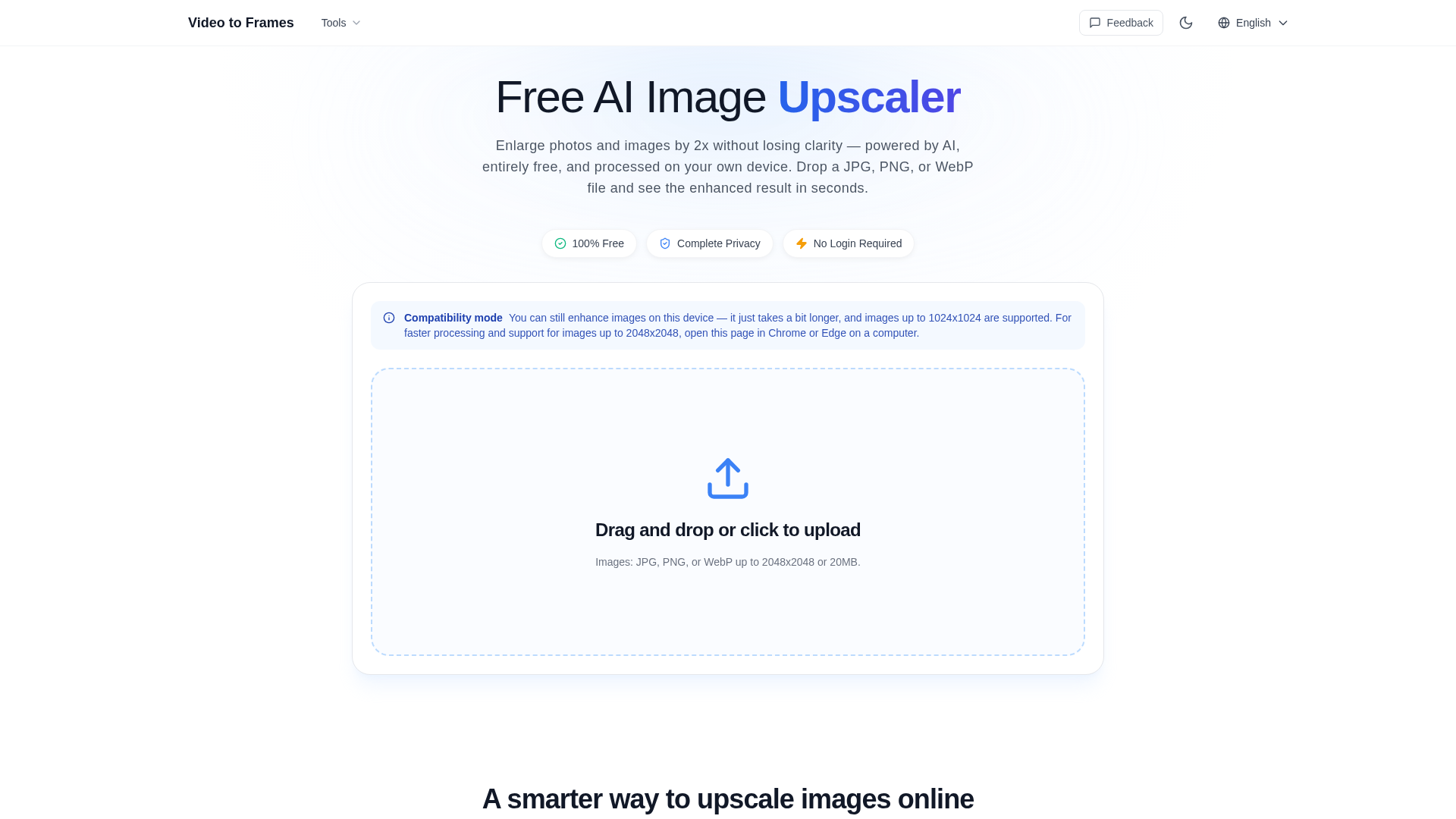
Screenshot archived from the listing page, for preview only.