
Free AI Photo Upscaler
AI photo upscalerUpscale photos without losing detail
Highlights
What you can do with it
- Raising photo resolution for print or client delivery.
- Sharpening images for content and marketing use.
- Improving design assets that need to look crisp.
How to use it
- 1 Click Upscale Image and upload a JPG, PNG, WEBP, or HEIC file.
- 2 Let the AI process the photo and optimize edges.
- 3 Download the enhanced high-resolution image.
Who it is for
Pros
- Free use with 100 free trial opportunities.
- You can tune parameters for different image types.
- Original format and resolution are preserved.
Limitations
- The 100 free opportunities are limited, so heavy use needs a plan.
- Upscaling cannot invent detail that was never captured.
- Free allowances and features can change over time.
What Free AI Photo Upscaler is
Free AI Photo Upscaler, from PhotoUpscaler, is a tool that raises the resolution and quality of photos using AI. Instead of manual editing, you upload an image and the tool scans it, adds data, and optimizes edges so the result looks sharper without losing detail. You can adjust parameters for different image types such as portraits, landscapes, or design work, and it offers smart suggestions to improve detail and texture. It keeps the original format and resolution during processing and can send an email when the enhanced photo is ready. It supports JPG, PNG, WEBP, and HEIC files. The product offers free use with 100 free trial opportunities and is aimed at photographers, content creators, and designers who need higher-quality images fast.
What you can do with it
- Upscale photos to a higher resolution while keeping detail.
- Tune parameters for portraits, landscapes, or design work.
- Follow smart suggestions to improve detail and texture.
- Get an email when the enhanced image is finished.
Who it is for
- Photographers who need higher-resolution output.
- Content creators who want sharper images.
- Designers working with detailed visual assets.
What to watch out for
The 100 free opportunities are a limited allowance, so heavy or ongoing use will likely need a paid plan. Upscaling sharpens what is already there but cannot invent detail that was never captured, so very low-quality sources will only improve so much. Free allowances and features can change over time, so confirm the current terms before you build a workflow around them. As with any upload tool, be mindful of the images you send and avoid processing sensitive material.
FAQ
What files can I upload?
You can upload JPG, PNG, WEBP, or HEIC files, or drag an image into the browser window.
Is it really free?
It offers free use with 100 free trial opportunities, so you can try it before any paid option.
Will it change my file format?
No. It maintains the original format and resolution during the enhancement process.
Why it is free
What the official page says: free trial
Free limits, trial length and features are decided by the official site and can change at any time.
Product preview
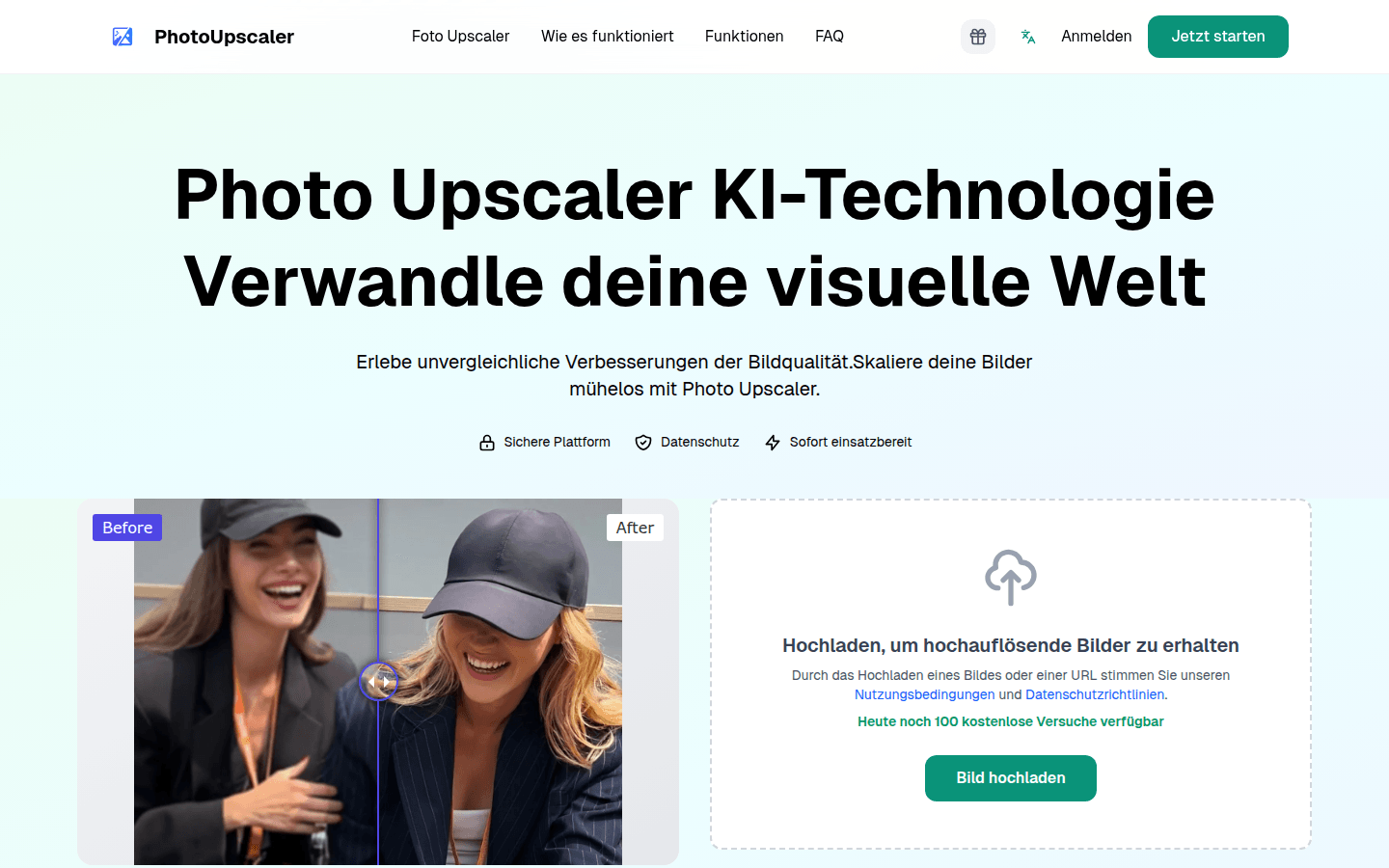
Screenshot archived from the listing page, for preview only.











