
Free AI Tattoo Generator
Free AI tattoo design generatorTurn a photo or a phrase into a tattoo design
Highlights
What you can do with it
- Turn a family photo into a meaningful tattoo design
- Convert a philosophical quote into a text tattoo
- Generate a watercolor style artistic design
How to use it
- 1 Visit the Inker.AI website
- 2 Register an account or log in directly
- 3 Choose to upload a photo or enter text
- 4 Generate the tattoo design and preview the effect
- 5 Download the design or use the virtual try-on feature
Who it is for
Pros
- Free to use with free downloads of designs
- Both photo and text inputs are supported
- Try-on preview helps with placement decisions
- Multiple style options cover different tastes
Limitations
- AI designs still need a professional tattoo artist to translate them well
- Free usage limits and site availability can change at any time
- Style and quality of output depends on the input you give
- Uploading personal photos means trusting the site's privacy handling
What Free AI Tattoo Generator is
Free AI Tattoo Generator, at Inker.AI, is an online AI tattoo design tool. You either upload a photo or type in text, and the generator produces a personalized tattoo design from it. No design skills are required, which is the main point of the product: people who have an idea but cannot draw can still see it rendered. It offers a virtual try-on preview, several style choices, and free downloads of the designs you create. The site states that it protects user privacy and data security.
What you can do with it
- Convert an uploaded photo into a tattoo design
- Turn text such as a quote into a personalized text tattoo
- Preview the design on the body with virtual try-on
- Switch between styles such as traditional American, minimalist, and watercolor
- Download the finished design for free and use it on PC or mobile
Who it is for
- Tattoo lovers exploring ideas before they book an appointment
- People who want a personalized design but cannot draw
- Anyone who wants to compare style and placement options quickly
What to watch out for
An AI design is a starting point, not a finished tattoo. Line weight, shading, and how ink sits on skin differ from a screen, so a professional artist still needs to adapt the artwork. Uploading personal photos means trusting the site's privacy handling, so avoid sending anything sensitive. Free usage terms and site availability can change at any time, and output quality depends on how clear your input is. Behavior may vary across browsers and devices, so test before production use and consult the help docs if errors appear.
FAQ
Is Inker.AI free?
The site is described as free to use, and generated tattoo designs can be downloaded for free.
What can I start from?
You can upload a photo or enter text, and the tool converts either into a tattoo design.
Can I preview how it will look?
Yes, there is a virtual try-on feature so you can preview the effect before deciding.
Which styles are available?
Traditional American, minimalist, and watercolor are among the listed styles.
Why it is free
What the official page says: free to use
Free limits, trial length and features are decided by the official site and can change at any time.
Product preview
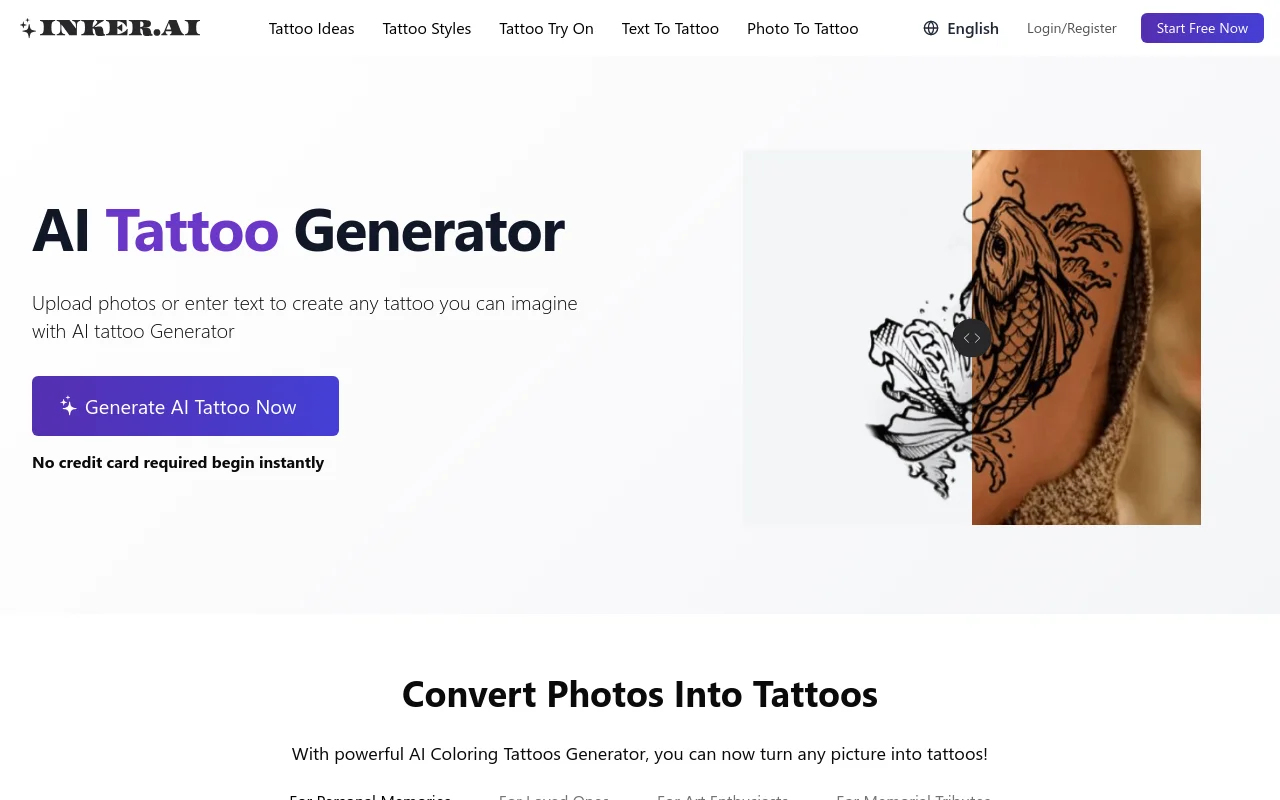
Screenshot archived from the listing page, for preview only.











