
Free Batch Remove Background No Signup!
Free batch background removerRemove backgrounds from up to 30 images
Highlights
What you can do with it
- Clean up a set of personal photos in one batch
- Prepare product images for an online shop listing
- Process a large set of design assets before a deadline
How to use it
- 1 Open the BatchRemoveBackground website
- 2 Upload the images you want to process
- 3 Let the tool remove the backgrounds automatically
- 4 Download the results, with or without a colored background
Who it is for
Pros
- Handles up to 30 images in one batch
- No signup or registration step
- Described as completely free
Limitations
- Free status and batch limits can change at any time
- Automatic cutouts may need touch-ups on complex edges like hair
- You upload images to a third-party site, so review how your files are handled
- Web only, with no desktop app mentioned
What BatchRemoveBackground is
BatchRemoveBackground is a free online tool built for one task: taking the background off a stack of images. You upload your files, the tool processes them automatically, and you download the results either with a transparent background or with a colored background behind the subject. No registration is required, and the developer describes the service as completely free. The batch limit is up to 30 images at a time, which is the main thing that separates it from single-image removers.
What you can do with it
- Upload multiple images and remove backgrounds in one batch
- Download results with a transparent or colored background
- Process up to 30 images per run
- Clean up personal photos or product shots without editing software
Who it is for
- Individuals who want to tidy up personal photos quickly
- Designers working through volume image jobs
- Brands and sellers preparing product images for listings
What to watch out for
The service is free according to the developer, but free status and batch limits can change, so keep local copies of anything important. Automatic cutouts are not perfect, and busy edges such as hair, fur, or thin objects often need manual touch-ups afterward. Because you are uploading images to a third-party website, review how the site handles your files before sending anything private. It is also a web-only tool, so there is no desktop version to fall back on. For best results, start with a small test file and review the output carefully before working on anything important. Free tiers can change over time, so it is worth checking the current limits on the official page before you rely on the tool daily.
FAQ
How many images can I process at once?
Up to 30 images in a single batch, according to the developer.
Do I need an account?
No registration is required.
Is it free?
Yes, the developer describes it as completely free with no payment needed.
Why it is free
What the official page says: no signupno registrationfree to use
Free limits, trial length and features are decided by the official site and can change at any time.
Product preview
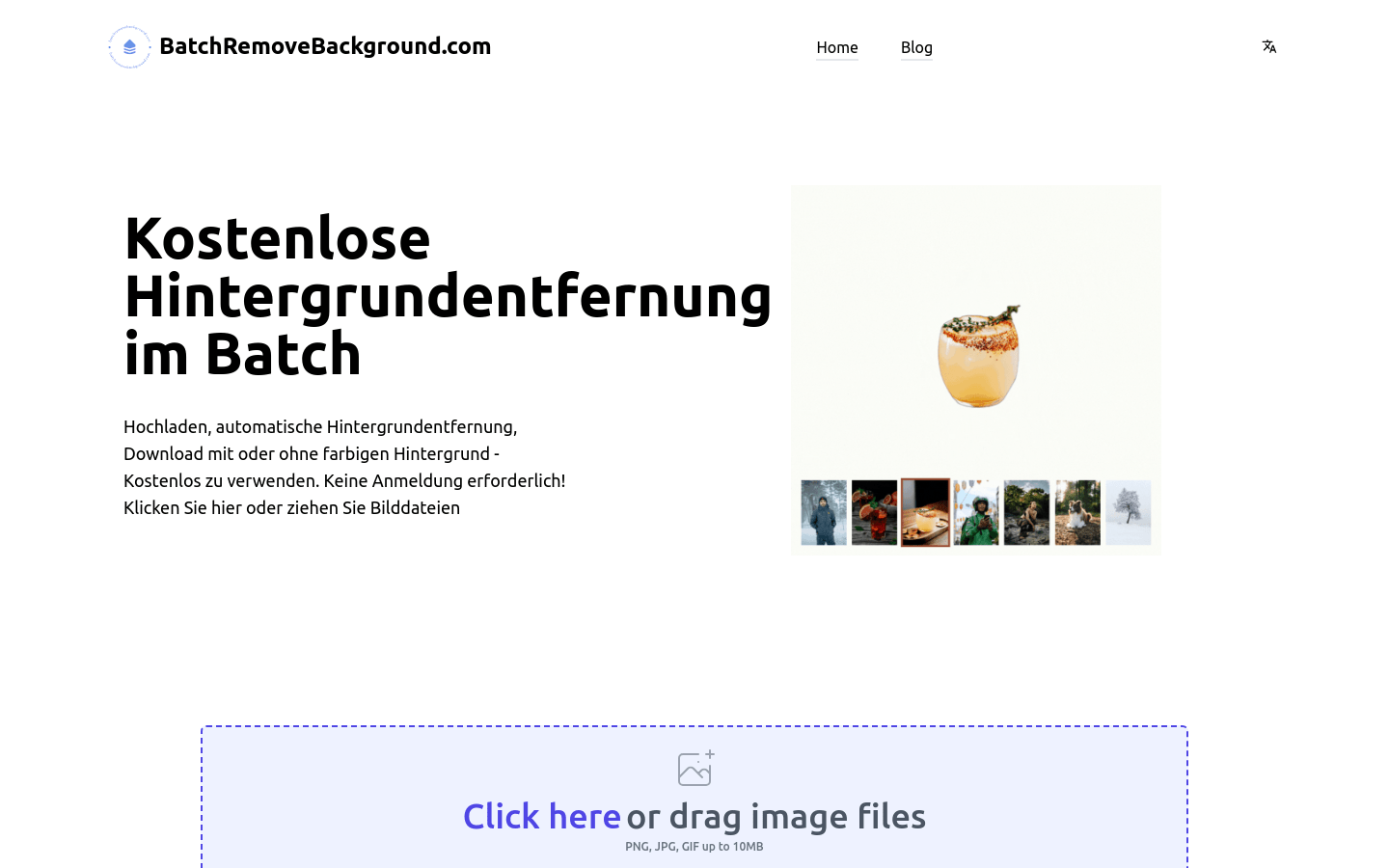
Screenshot archived from the listing page, for preview only.











