
Free Seedance 2.0 AI Video Generator
AI video generator with audioVideo with dialogue, effects, and music
Highlights
What you can do with it
- Content creators turn a novel plot into video clips for social promotion.
- Marketers create product promotion videos from a short description.
- Educators generate teaching videos from a syllabus.
How to use it
- 1 Visit the Seedance 2.0 website and log in or sign up.
- 2 Choose text-to-video or image-to-video.
- 3 Enter a detailed scene description or upload no more than 12 reference materials.
- 4 Wait for the video to be generated, usually within 30 to 60 seconds.
- 5 Preview the result and download it in MP4 or WebM format.
Who it is for
Pros
- Audio is generated in the same step, so there is no separate sync work.
- Most videos render in 30 to 60 seconds.
- Multi-shot storytelling keeps characters consistent across scenes.
Limitations
- The free version outputs standard quality; higher resolution, longer videos, and priority generation require payment.
- Image-to-video accepts no more than 12 reference materials.
- You need to register and log in before generating.
What Seedance 2.0 is
Seedance 2.0 is an AI video generator that accepts text or images and returns a finished clip with sound. The difference from many tools is the built-in native audio: while the video is generated, the same step produces synchronized dialogue, sound effects, and music, so you do not have to line up a separate soundtrack afterwards. It supports multi-shot storytelling, keeping characters consistent across scenes and frames, and you can upload up to 12 images, clips, or audio files as references. The site says most videos render in 30 to 60 seconds and export as MP4 or WebM, which are compatible with mainstream platforms and editing software.
What you can do with it
- Turn a written scene description into a video with audio.
- Upload images, clips, and audio as references to guide the result.
- Tell a multi-shot story with consistent characters.
- Export in MP4 or WebM for editing or direct posting.
Who it is for
- Content creators who turn ideas or story plots into short clips.
- Marketers who need product promotion videos quickly.
- Educators who want teaching videos without filming.
What to watch out for
The free version outputs standard quality. If you need higher resolution, longer videos, or priority generation, the site describes paid upgrades, so plan accordingly before you commit to a project. You also need to register and log in before generating, and image-to-video accepts no more than 12 reference materials, which limits complex inputs. Generated scenes should be reviewed before publication, since AI output can differ from what you pictured even when the prompt is clear. For best results, start with a small test file and review the output carefully before working on anything important.
FAQ
Is Seedance 2.0 free?
The site says it is free to use without a credit card. The free version outputs standard quality, and paid upgrades unlock higher resolution, longer videos, and priority generation.
Does it add audio?
Yes, it generates synchronized dialogue, sound effects, and music in one step.
How long does generation take?
The site says most videos are generated within 30 to 60 seconds.
Why it is free
What the official page says: free versionfree to use
Free limits, trial length and features are decided by the official site and can change at any time.
Product preview
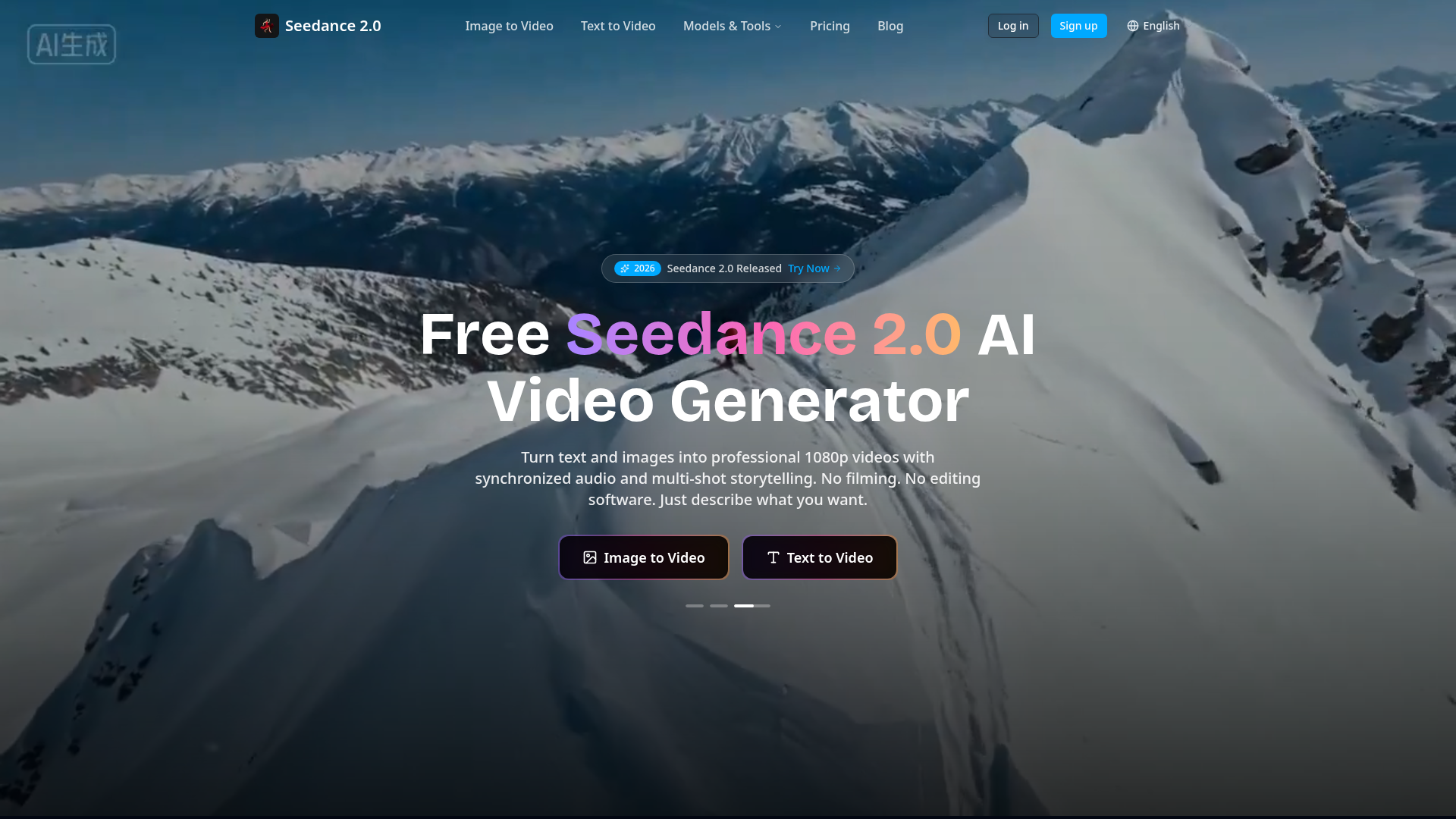
Screenshot archived from the listing page, for preview only.











