
FreedomGPT
Run uncensored AI models locallyNo-registration AI models, offline and private
Highlights
What you can do with it
- Ask questions and get unfiltered answers
- Run models locally for development and testing
- Use AI offline to keep data on your device
How to use it
- 1 Visit the FreedomGPT website
- 2 Download the version for your operating system
- 3 Install and launch the application
- 4 Select the AI model you want to use
- 5 Enter questions or commands, and switch models if needed
Who it is for
Pros
- No registration and no special skills needed
- Local and offline use protects privacy
- Multiple models switchable in one interface
Limitations
- Uncensored models can produce unfiltered output, so use is your responsibility
- Local models need download space and a capable computer
- Model quality and availability can change over time
What FreedomGPT is
FreedomGPT is a platform that offers a range of AI models, including uncensored options, and lets you switch between open-source and proprietary models in one familiar interface. You can run the models in the browser or on your own computer with no registration and no special technical skills. It supports offline use to protect privacy, and local versions keep your data on your device. Downloadable versions are available for Windows and Mac, and an open-source community supports the project and welcomes contributions.
What you can do with it
- Ask questions and receive uncensored, unfiltered answers
- Switch between open-source and proprietary models in one place
- Run models locally for software development and testing
- Use AI offline so your data stays on your own device
Who it is for
- Users who want uncensored model responses without filters
- Developers who need to run and test models locally
- Privacy-minded people who prefer offline AI on their own machine
What to watch out for
Uncensored models can produce unfiltered output, and you are responsible for how you use it and what you share. Running models locally needs download space, memory, and a reasonably capable computer. Model quality and availability can change as the project updates, so a model you rely on today may differ later. Because the site lists no registration, treat anything sensitive with care and avoid sending private data to any online service without checking its terms first. Name and archive exported files consistently so you can find and reuse them, and keep a backup copy of key data. When quality matters, export a small draft first to confirm the result before producing the final file.
FAQ
Do I need to register?
No registration is required to use the service directly.
Can I use it offline?
Yes. It supports offline use, and local versions keep data on your device.
What platforms are supported?
Downloadable versions are provided for Windows and Mac.
Why it is free
What the official page says: 无需注册
Free limits, trial length and features are decided by the official site and can change at any time.
Product preview
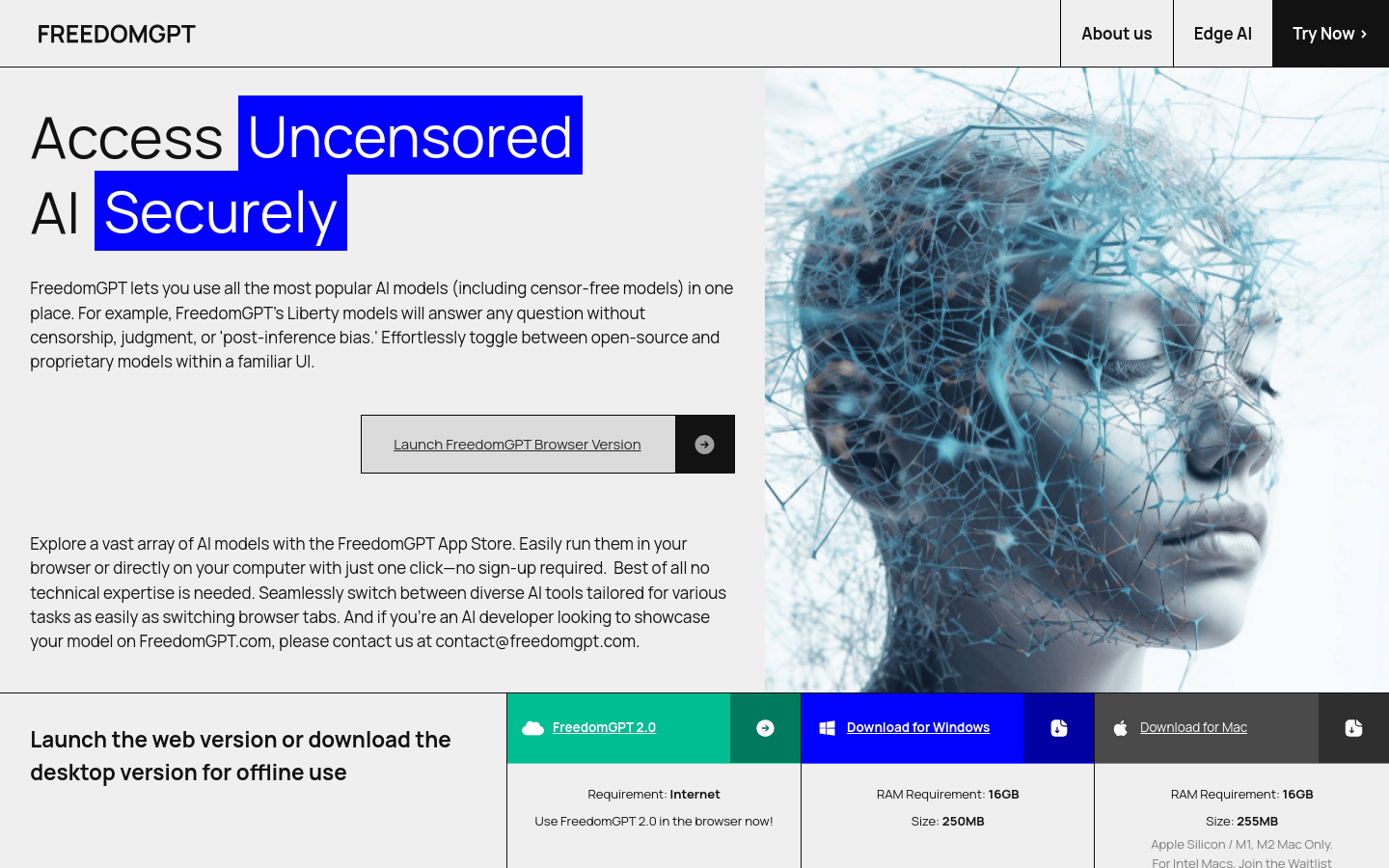
Screenshot archived from the listing page, for preview only.











