
FreeMusic AI
Free AI music generator with lyrics, stems, and masteringRoyalty-free tracks in seconds
Highlights
What you can do with it
- Create background music for videos, podcasts, and streams
- Split a track into stems for remixes and mixing practice
- Remove vocals from a song for karaoke or a cappella extracts
How to use it
- 1 Select a mode: Text-to-Music for quick creation or Lyrics-to-Music for full control
- 2 Add your input: a short prompt, uploaded lyrics, or AI-generated lyrics, and fine-tune options
- 3 Click Generate and wait a few seconds for the track
- 4 Download the high-quality audio file for your project
Who it is for
Pros
- Most functions are free, with commercial licenses available
- Lyrics, splitting, and mastering sit in the same platform
- Generation takes seconds, which suits tight deadlines
- Stem splitting gives real creative control for remixes
Limitations
- AI tracks can sound generic and still need human polish
- Free use has limits, and licensing terms for commercial work need review
- Vocal removal quality varies with the source recording
- Free features and pricing can change, so check current terms
What FreeMusic AI is
FreeMusic AI is an AI music creation platform built around speed. You describe the mood, genre, or style you want, and it generates a complete royalty-free track online within seconds, meeting what the product calls professional loudness standards. Beyond generation, it bundles an AI lyric generator that turns a theme or phrase into original lyrics, a one-click vocal remover for a cappella extracts and karaoke, a track splitter that separates vocals, drums, bass, and instruments, and AI mastering that balances loudness, clarity, and depth. Most functions are free to use, and commercial licenses are available for paid use cases. It is aimed at creators, developers, podcasters, and brands that need original audio quickly.
What you can do with it
- Generate a full track from a short text description in Text-to-Music mode.
- Write lyrics with the AI generator, or upload your own in Lyrics-to-Music mode.
- Remove vocals for a cappella or karaoke versions with one click.
- Split tracks into stems and master songs against a reference track.
Who it is for
- Content creators who need unique background music for videos and streams.
- Game and app developers building immersive audio.
- Podcasters and brands that want custom sound without booking a studio.
- Hobbyists who want to experiment with remixes and stem separation.
What to watch out for
AI-generated music can sound generic, so expect to audition several outputs and edit before you are happy with a track. If you plan commercial use, read the license terms carefully, because free generation and licensed commercial use are not always the same thing, and the wrong choice can create legal exposure. Vocal removal quality depends on the source recording and will not be perfect on every track, especially with heavy effects or layered vocals. Free features and pricing can change, so confirm the current terms on the site before you build a project around them.
FAQ
Is FreeMusic AI free?
Most functions are free to use, and commercial licenses are also available.
How fast is generation?
The platform says a complete song can be generated online within seconds.
Can it split a song into parts?
Yes. The track splitter separates vocals, drums, bass, and instruments, and the vocal remover isolates vocals in one click.
Can I write lyrics with it?
Yes. The AI lyric generator creates original lyrics from a theme or phrase you enter.
Why it is free
What the official page says: for free
Free limits, trial length and features are decided by the official site and can change at any time.
Product preview
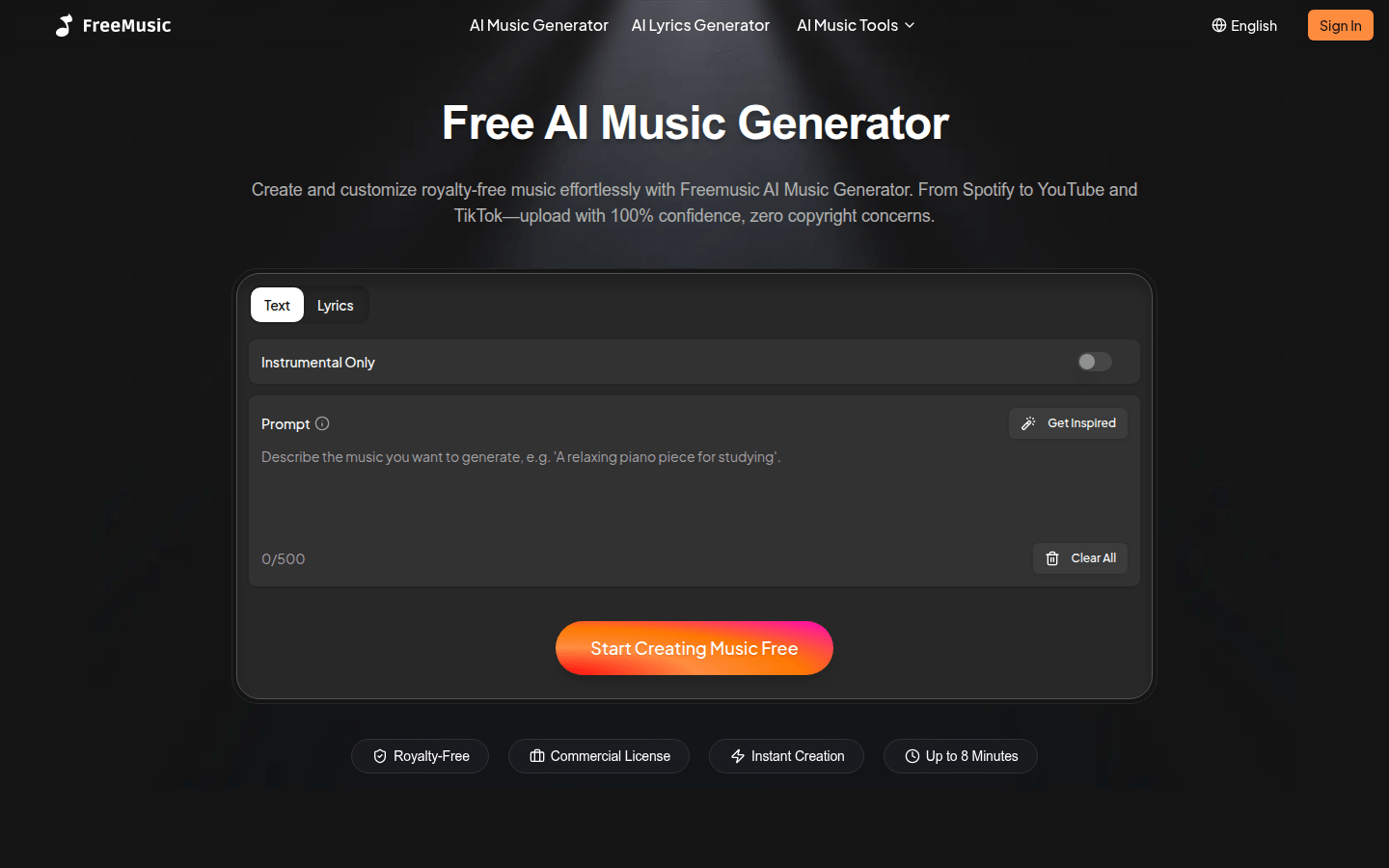
Screenshot archived from the listing page, for preview only.










